Quick Publish Products to TikTok Shop from One Page

You can now prepare and publish selected products to TikTok Shop from one page with the new Quick Publish workflow.
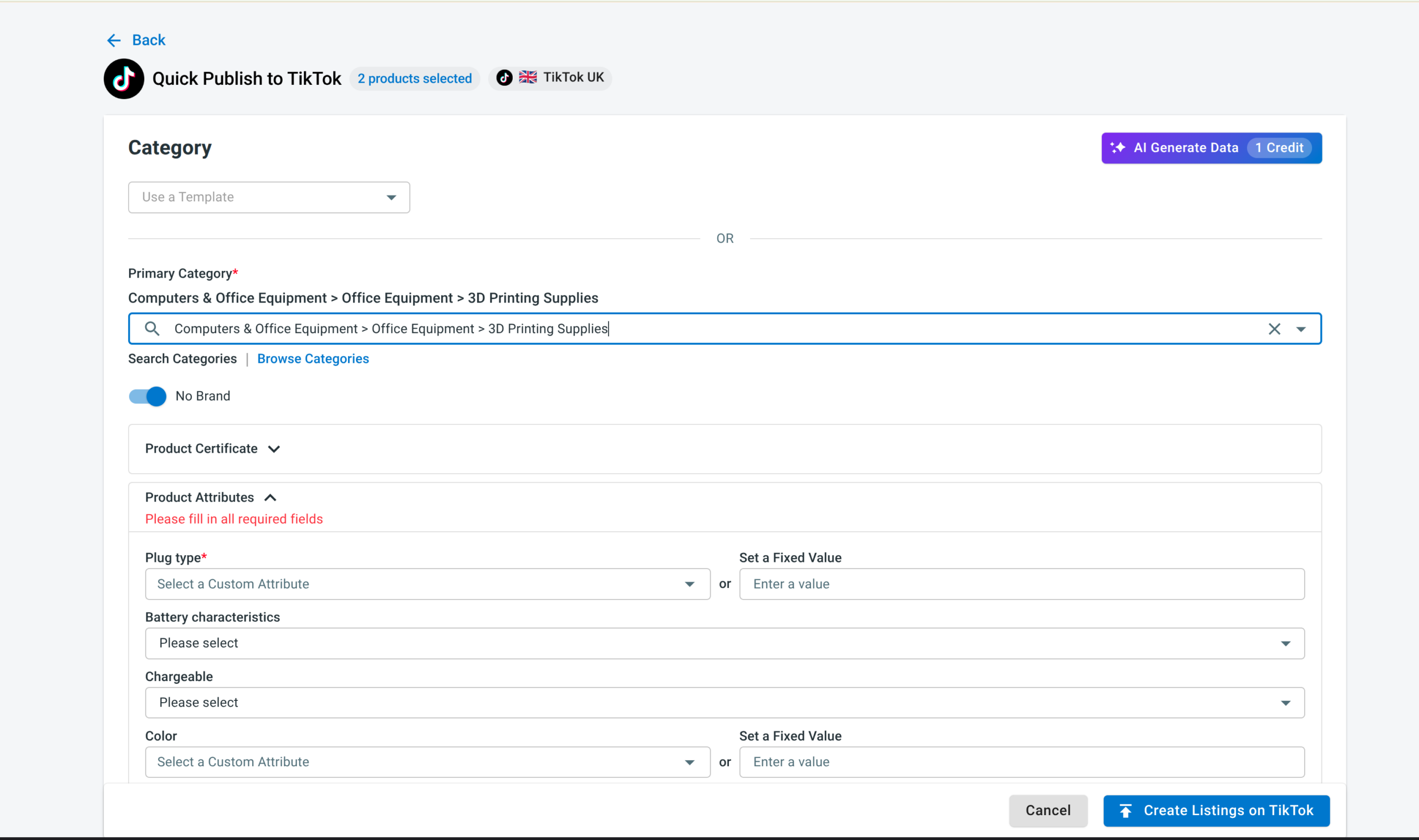
Start from All Products or Draft in your TikTok Shop Channel Listing. Select the products you want to publish, choose Quick Publish from Bulk Actions, then complete the required TikTok Shop information without going through the full listing workflow for each product.
Use AI to help complete listing information
Quick Publish also includes AI Generate, which can help generate information for fields such as Product Attributes and Shipping.
Each AI generation uses 1 credit.
A simpler Quick/Auto List workflow
We’ve also simplified Step 2 of Quick/Auto List.
The updated interface reduces the amount of information shown at once, making it easier to understand what needs to be completed before your products are published to TikTok Shop.
Whether you’re publishing a small batch or preparing multiple products at once, you can now get through the required TikTok Shop setup with fewer steps.