Fast Scale Across 10+ Marketplaces with Advanced BigCommerce Integration
Popular BigCommerce Integrations to Start With
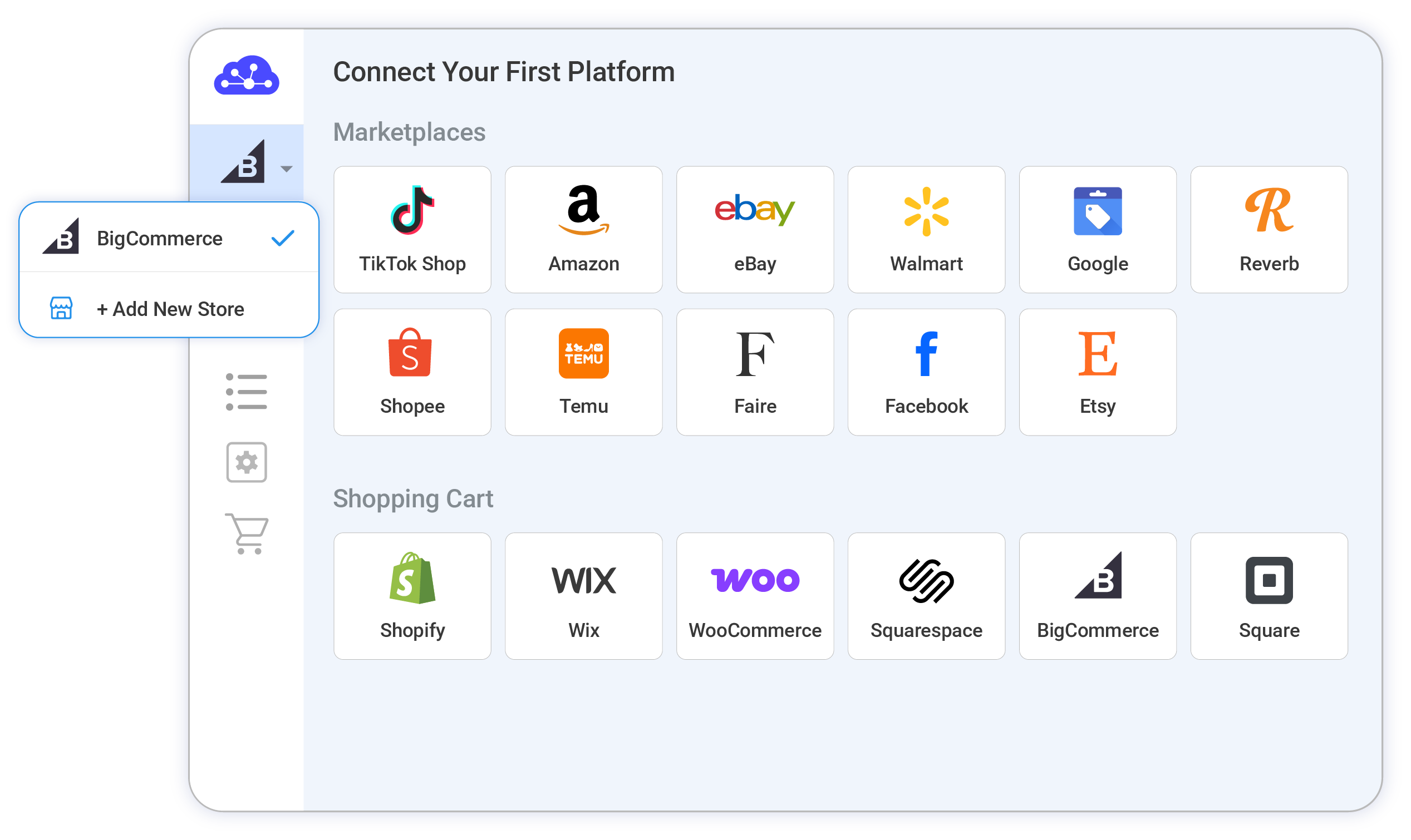
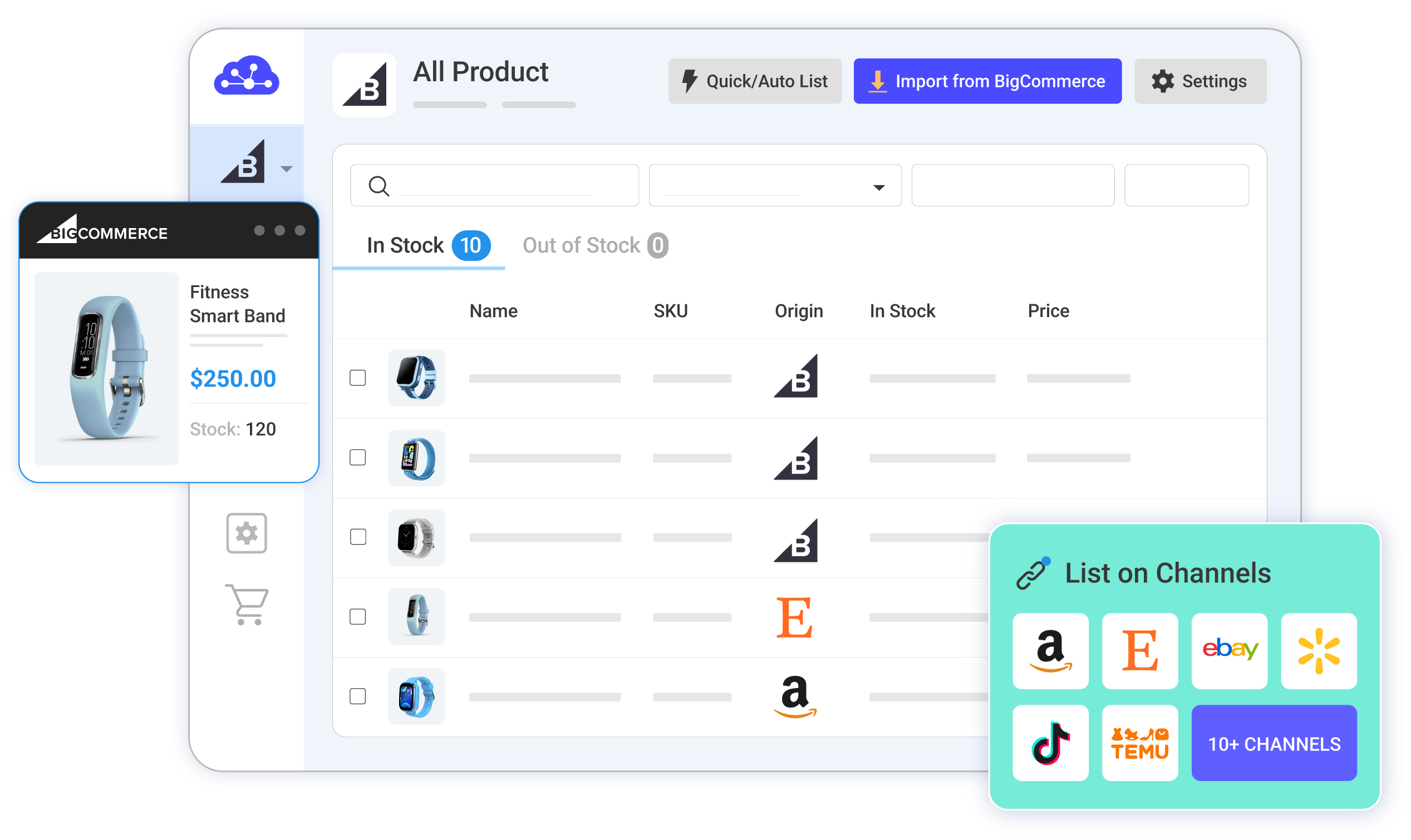
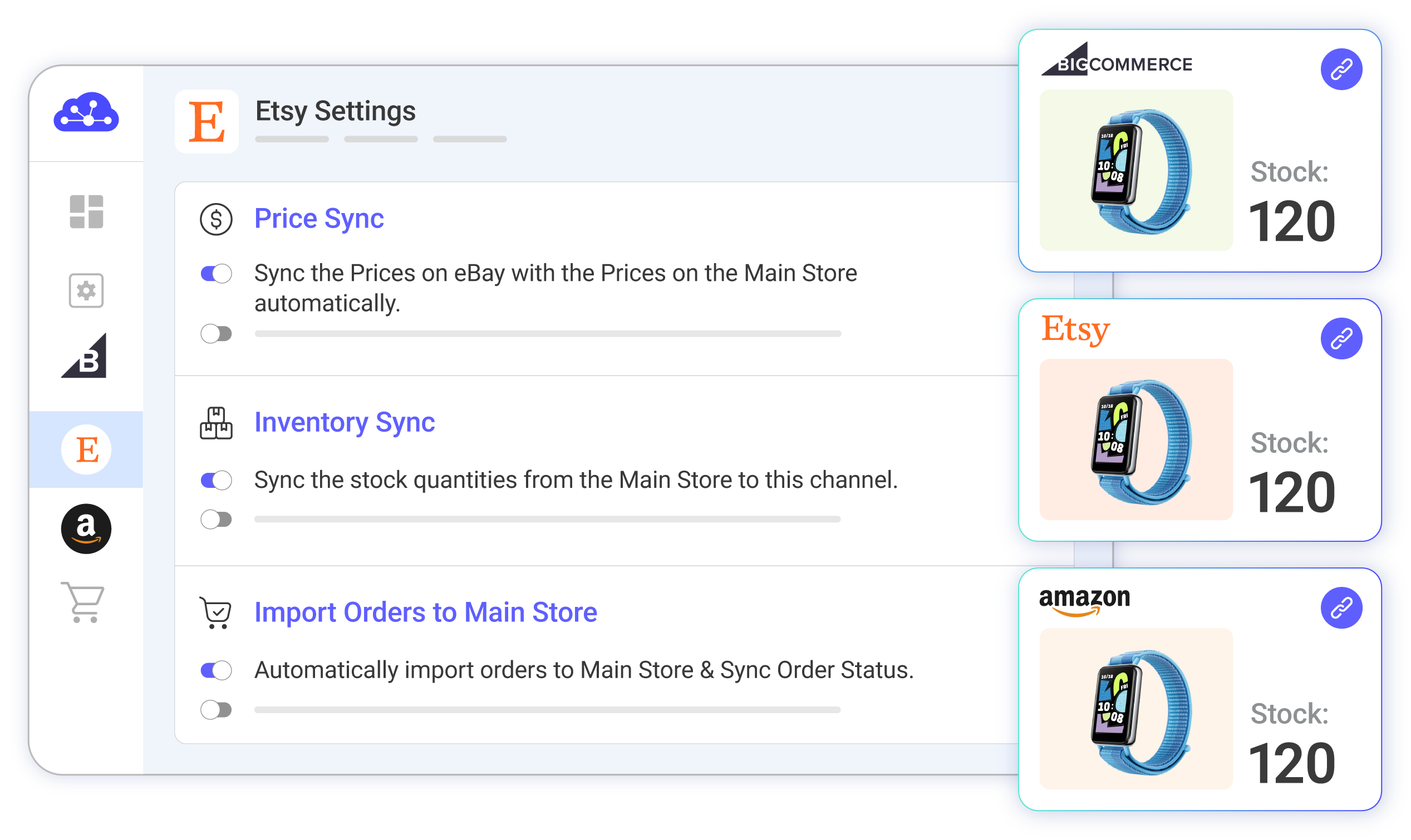
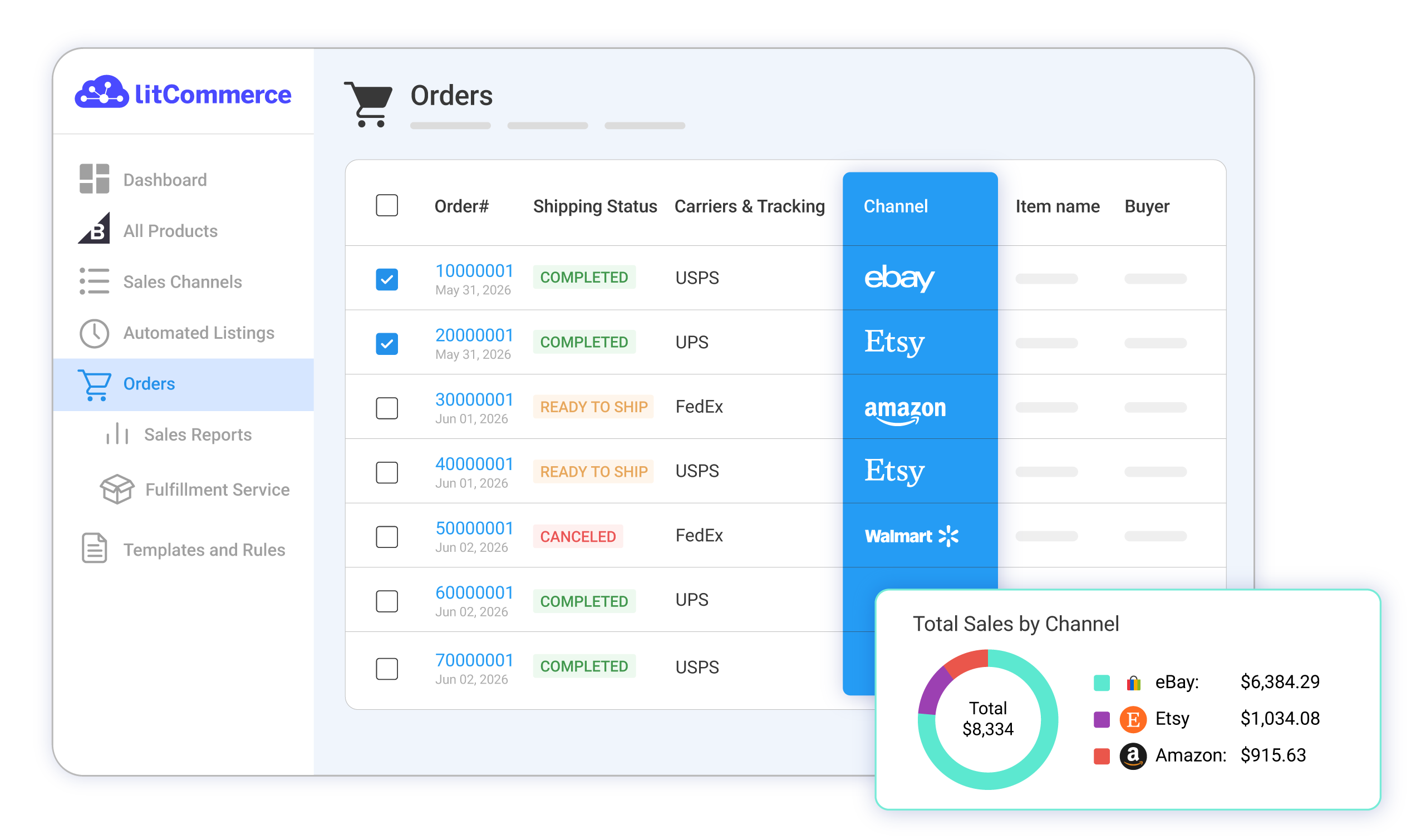
Reach millions of new buyers without site bloat. Seamlessly bridge BigCommerce to top marketplaces and social channels in just a few clicks.
 BigCommerce Amazon Integration
 BigCommerce eBay Integration
 BigCommerce Etsy Integration
 BigCommerce Facebook Integration
 BigCommerce Reverb Integration
 BigCommerce Shopee Integration
 BigCommerce TikTok Integration
 BigCommerce GMC Integration
 BigCommerce Walmart Integration
 Real Stories, Real Growth
How Our Customers Achieve Success

“We chose LitCommerce because it offered a seamless integration solution that promised to simplify our multichannel management. The user-friendly interface and comprehensive features stood out compared to other options. Since implementing LitCommerce, our inventory management has become much more efficient. We’ve seen a significant reduction in errors, which has improved customer satisfaction.”

“One thing I can certainly attest to is that LitCommerce’s support has been fantastic. There’s a big time zone difference between them and me, but they answer my questions quickly. They’re always courteous and friendly, and they do a great job of addressing problems and getting them fixed as quickly as possible once I bring them to their attention. I really can’t speak highly enough about their support.”

“I used several other platforms, but LitCommerce had one thing we needed at our facility: Square integration, which works really well. You upload all your products into Square, they go into LitCommerce, and then they’re distributed across all your sales channels. It works really well.”