

Maximize Your ROI with AdRoll Product Feed Management
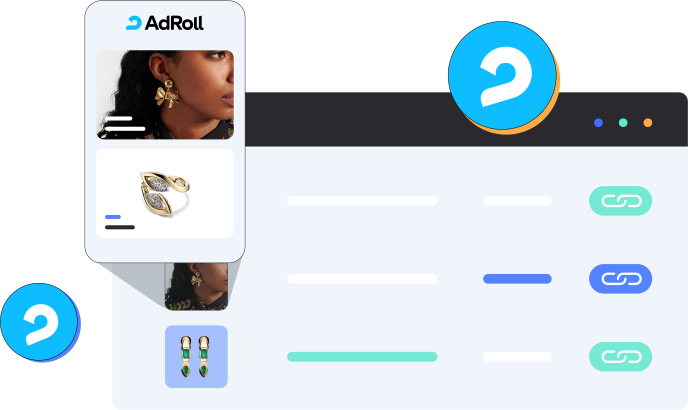
What the Adroll Feed Management Tool Offers
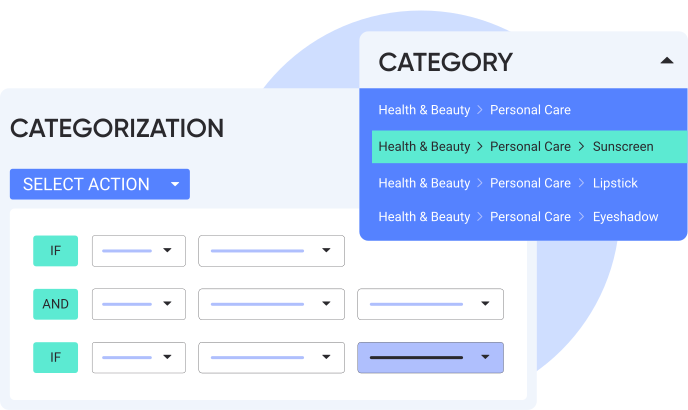
Get AdRoll-Ready with Smart Categorization
Automatically categorize your products for ideal presentation across AdRoll’s targeted advertising platforms.
 Automated Mapping: Quickly and accurately assign products to the correct AdRoll categories, saving setup time and minimizing errors.
Attribute-Based Filters: Sort products by price, availability, brand, or category to fine-tune your listings and highlight key items.
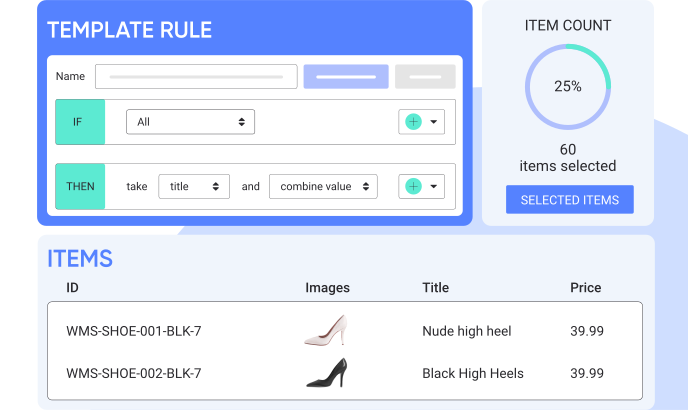
Customize Your Feed to Match Your Strategy
Tailor your product titles, adjust prices, and tweak attributes to match AdRoll’s targeted advertising needs.
Customizable rules: Create your own rules that align with your strategic goals and marketing strategies for AdRoll.
Prebuilt Rule Templates: Use ready-made templates to speed up setup and keep listings clean and accurate.
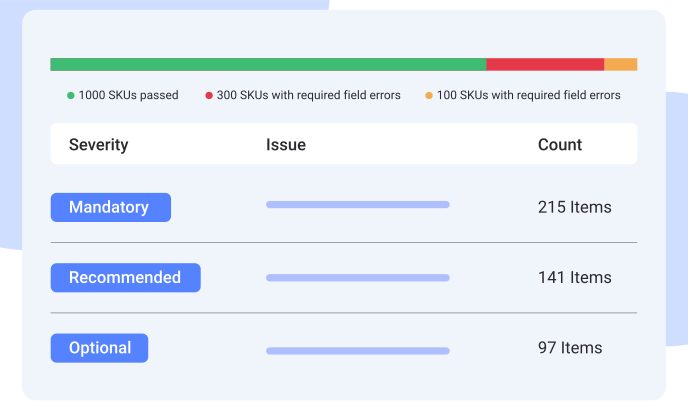
Stay AdRoll-Compliant with Built-In Data Checks
Enhance your AdRoll product data quality by meeting advertising standards, correcting discrepancies, and ensuring guideline compliance.
Real-time monitoring: Catch errors like incorrect pricing or missing images as soon as they occur.
Data precision: Guarantee your product details are consistent with AdRoll’s requirements, ensuring a smooth and professional product feed.
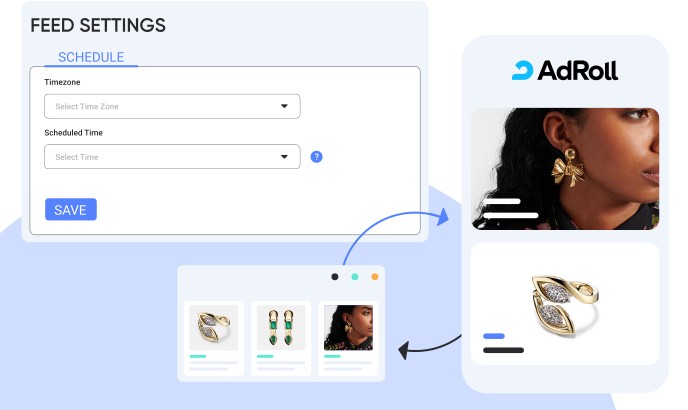
Smart Sync Control
Refine your AdRoll product feed synchronization. Choose the best update frequencies to ensure your listings are always accurate and current.
Customizable sync frequency: Adjust how frequently product data is synced to meet your business requirement
Performance-driven syncing: Increase sync frequency during busy seasons to stay competitive and keep listings fresh.
Why Should You Advertise on AdRoll?
AdRoll allows you to reach your target audience across multiple platforms with advanced retargeting and personalized ads,
ensuring your products are seen by the right people at the right time.

Cross-Platform Reach
AdRoll displays your ads across social media and popular websites, boosting your brand’s visibility everywhere.

Better Retargeting Tools
AdRoll helps reconnect with visitors who browsed but didn’t buy, showing targeted ads to encourage them to return and purchase.

Custom Ads
With AdRoll, you can make your ads special for each viewer, resulting in increased engagement and more sales.