
Etsy gives sellers a bulk editor, but not a bulk uploader. Its Help Center confirms there is no way to upload new listings in bulk, and the listing CSV it provides is an export file rather than an import one. You can change a great deal across many listings at once, but you still have to create every one of them individually.
That becomes a real constraint past a few hundred listings, where each launch means filling out the same form again and a single price change can take an afternoon.
Below we cover what Etsy handles on its own, how we tested, and the 10 bulk listing tools that hold up, with pricing checked in October 2026.
Key takeaways:
- If you need to create new listings in bulk: Etsy cannot do it, so a tool is the only route. Pick by how many channels you sell on, not by price alone.
- If you only need to edit listings you already have: Etsy Shop Manager handles it for free, with two gaps. It cannot bulk edit variations or photos.
- If you sell on Etsy plus eBay, Amazon or Shopify: choose a multichannel tool from the start, or you will end up paying for a second one.
- If you sell one-of-a-kind or secondhand items: crosslisting tools fit better, but none of them push 500 SKUs from a spreadsheet.
- If you sell print-on-demand: what you need is already inside Printful or Printify. You do not need a separate bulk listing tool.
- If your shop is under roughly 200 listings: stay on Etsy’s free editor. The time you save with a paid tool will not cover the subscription yet.
How We Picked These Etsy Bulk Listing Tools?
We gathered information from official sources only: each vendor’s own pricing page and app store listing for features, channels and pricing, checked in October 2026, and Etsy’s Help Center and Open API v3 documentation for anything about what Etsy itself supports. Not from other articles, several of which repeat figures that do not appear in Etsy’s docs at all.
For each tool we then read the reviews on Trustpilot, Capterra, G2 and the Shopify App Store, concentrating on the one and two-star ones, plus Etsy’s seller forums. Scores hide too much; the critical reviews are where you learn which syncs fail and how long support takes to answer.
For every tool we then pulled together the same set of details, so you can compare them side by side without opening ten pricing pages: whether it creates listings, whether it bulk edits, what the plan with the bulk features actually costs, which channels it reaches, and what sellers report about using it. The groups below run in the order sellers most often need them, not from best to worst.
The 10 Best Etsy Bulk Listing Tools that Save Time for Sellers in 2026
Tool | What it is | Bulk upload new listings | Starting price |
1. LitCommerce | Multichannel listing and sync platform | Yes, in batches of 100 to 1,000 | From $29/mo |
2. Nembol | Multichannel listing platform built around CSV | Yes, from a CSV or another marketplace | $39/mo |
3. Sellbrite | Multichannel listing priced by order volume | Yes, from the product list | $29/mo billed annually, $19 via Shopify |
4. Listadum | Etsy-only listing management suite | Yes, from image folders or by copying listings | $15/mo, but bulk starts at $30/mo |
5. Shop Uploader | Etsy-only spreadsheet uploader | Yes, from a spreadsheet | $5/mo for 50 listings a cycle |
6. Etsy Shop Manager | Etsy's own built-in editor | One item at a time | Free |
7. Vela | Multi-shop bulk editor for Etsy sellers | Limited, and not clearly documented | From $29.95/mo per shop |
8. Crosslist | Crosslisting tool for resellers | No, it duplicates one item at a time | $29.99/mo |
9. Printful | Print-on-demand platform | Printful products only | Free |
10. Printify | Print-on-demand platform | Printify products only | Free |
Prices checked in October 2026. Confirm on the vendor’s site before subscribing, and note that several tools price differently on their own site than in the Shopify App Store.
Best tools for selling on Etsy plus other channels
This is the most common situation for sellers who outgrow Etsy’s editor. You started on Etsy, you have added eBay or Amazon or your own Shopify store, and now the same product has to exist in several places without you retyping it each time.
#1. LitCommerce
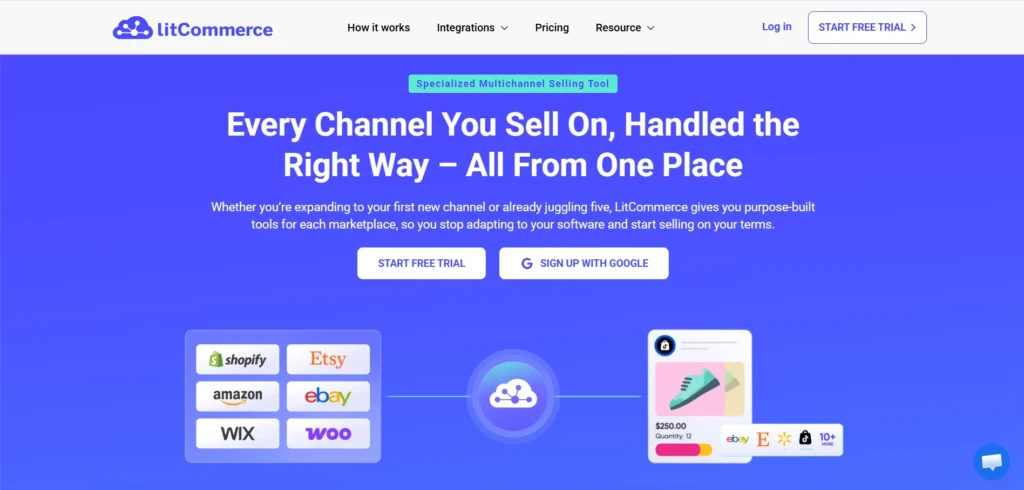
LitCommerce is a multichannel listing and sync platform that connects one catalogue to Etsy and 10 or more other marketplaces, including eBay, Amazon, Walmart, TikTok Shop, Faire and Temu. Shopify, WooCommerce, BigCommerce, Wix and Squarespace connect as catalogue sources rather than as selling channels.
Key features
- LitCommerce publishes listings in batches of 100 to 1,000 using Templates and Rules, which you map to Etsy’s fields once and then reuse.
- It can draw those products from a CSV file, your connected webstore or another marketplace you already sell on, so an existing eBay or Amazon catalogue does not have to be rebuilt in a spreadsheet.
- Auto List publishes new products as soon as they appear in your catalogue, which removes the manual push on a launch.
- Its multi-edit mode changes fields across many listings at once, and per-channel rules let you set a different price or stock level on Etsy than on eBay without keeping two catalogues. That applies across every channel in its marketplace integration.
- Price, inventory, order, title, description and SKU changes sync automatically every 15 minutes on most channels. Etsy runs on a 60-minute cycle instead, because Etsy tightened its rate limits for third-party apps.
- Order sync is unlimited on every plan, so what you pay does not rise with your order volume.
- The platform handles Etsy personalization listings and digital downloads in 14 file formats, sold on their own or alongside physical products.
- Scheduled publishing lets you stagger a large launch instead of pushing everything live at once.
- Its AI tools write and optimise titles and descriptions, and suggest an Etsy category from a product image.
Pros and cons
Pros | Cons |
- Etsy runs on a 60-minute sync cycle - It creates listings in genuine batches rather than one at a time. - It accepts products from a CSV, a webstore or another marketplace, which few tools on this list do. - Etsy personalization and digital downloads are both handled, which several tools here skip. | - No shipping or fulfillment features of its own - Built around a central catalogue, so Etsy-only sellers pay for channels they will not use. |
Pricing:
Plans start at $29 a month for 1,000 listings across 3 channels, with unlimited order sync included. Higher tiers scale with both listing count and channel count, so check the current pricing page against your own catalog. The 7-day free trial includes all features, and there is no free plan for the listing tool.
Best for: Sellers who treat Etsy as one channel among several and want batch creation plus order sync in one place.
Sell on Etsy and other marketplaces at the same time
LitCommerce lists and syncs one catalogue across Etsy, eBay, Amazon and 10+ more channels from a single dashboard, with unlimited order sync on every plan.
#2. Nembol
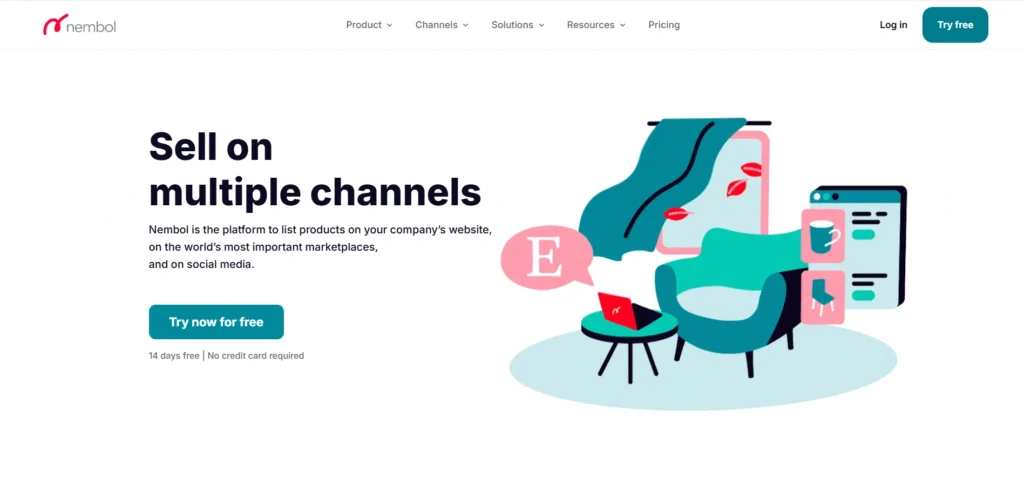
Nembol is a multichannel listing and inventory sync platform that pushes one catalogue out to 16 or more sales channels, including Etsy, Amazon, eBay, TikTok Shop, Faire and Temu, with Shopify, WooCommerce, Squarespace, Square, PrestaShop and Wix connecting as stores.
Key features
- Nembol lists products to Etsy in bulk from a CSV file, or from eBay, Shopify, Amazon, TikTok Shop or WooCommerce if your catalogue already lives on one of those, and the same CSV doubles as a bulk editor when you need to change many products at once.
- Variations are created on Etsy and kept in sync, each sitting on its own line beneath the parent row in the CSV, and images can be assigned per variant, which Etsy’s own bulk editor cannot do.
- Catalog Checkup flags missing SKUs, duplicates and inconsistent fields before a channel rejects the listing.
- Stock updates reach the other channels within seconds of a sale according to Nembol’s own documentation, though edits you make inside Etsy only flow back if you switch on import updates.
- Pricing rules set prices centrally or per channel, timed promotions can be scheduled by product, channel and date, and the AI tools rewrite titles and descriptions to fit each channel’s rules.
- Orders can be handled centrally and passed to Amazon MCF for fulfilment.
Pros and cons
Pros | Cons |
- Its CSV route onto Etsy is the clearest of any tool here, which suits a catalogue that already sits in a spreadsheet. - Every sales channel is available on every plan, so you never pay to unlock a marketplace. - Per-variant images and two-way variation sync go further than most tools on this list. | - The 200-product ceiling on the entry plan is tight for a shop already big enough to need bulk tools, so most sellers land on Pro or above. - Several features sit behind the $79 Enterprise tier, including attributes and specs, Catalog Checkup and the AI title generator, and the pricing page contradicts itself on whether CSV editing is included lower down. |
Pricing:
There are four plans:
- Basic is $39 a month for 200 products and one account per channel.
- Pro is $49 for 2,000 products.
- Enterprise is $79 for 5,000.
- Enterprise+ is $129 for 15,000, with API access.
Annual billing takes 25% off. There is a 14-day trial with no credit card required, and no free plan. Feature availability differs between the plan bullets and the comparison table on Nembol’s own pricing page, so confirm what your tier includes before you pay.
Best for: Sellers whose products already sit in a spreadsheet or on another marketplace and who want the shortest route onto Etsy.
#3. Sellbrite
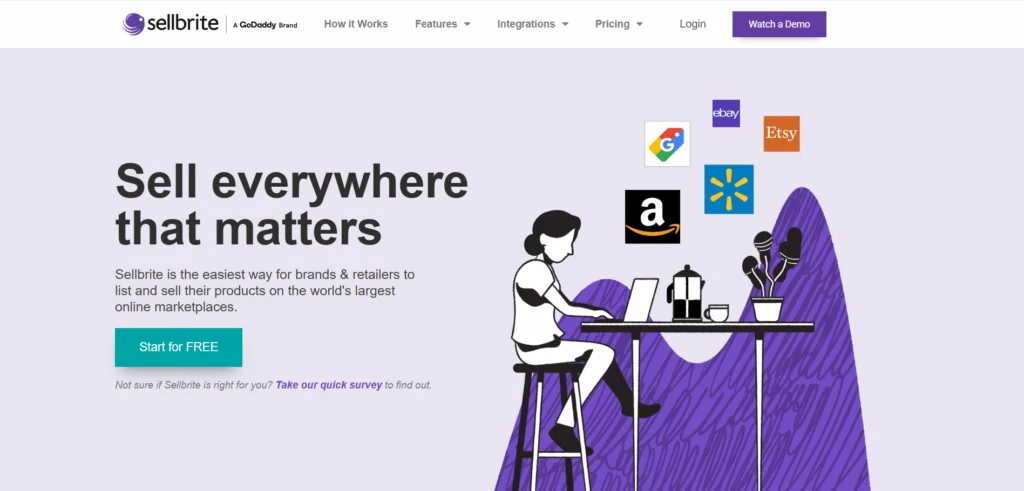
Sellbrite is a multichannel listing and Etsy inventory management tool, owned by GoDaddy since 2019. It connects Etsy with Amazon, eBay, Walmart, Google Shopping, and Newegg, with Shopify, BigCommerce, and WooCommerce joining as stores, and it prices by order volume rather than listing count.
Key features
- Sellbrite creates Etsy listings in bulk by selecting several products on the All Products page, choosing List Products on Channel, then publishing from the Etsy Listings Manager.
- Listing templates hold the fields you reuse across products, and CSV import and export cover moving a catalogue in and out.
- It bulk-renews inactive and sold-out Etsy listings, a piece of housekeeping most tools on this list leave out entirely.
- Inventory and prices sync every 15 minutes on paid plans and every two hours on the free one, with stock adjusting across channels automatically when something sells.
- Orders from every channel are handled on one screen, with discounted UPS, FedEx and USPS labels, order routing and splitting, and automatic routing to Amazon FBA.
- SKUs, sales channels and users are unlimited on every plan, including the free one.
Pros and cons
Pros | Cons |
- The free plan covering 30 orders a month is the only genuinely free entry point among the multichannel tools here. - Pricing follows order volume with unlimited SKUs, so a large catalogue with modest sales stays cheap. - Bulk renewal of dead Etsy listings saves real time and no other tool on this list offers it | - Etsy variations collapse into a single custom variant per SKU and variation images are not supported, so images go on the parent listing instead. - Edits flow one way only. Changes you make inside Etsy do not come back into Sellbrite, and inventory will not sync on an inactive or sold-out listing until you renew it. - Support runs weekdays only, 7am to 4pm Pacific |
Pricing:
There are four plans, with the prices below billed annually and the trial runs for 14 days with no credit card required: :
- Free is $0 for up to 30 orders a month.
- Pro 100 is $29 a month for 100 orders.
- Pro 500 is $79 for 500 orders.
- Pro 2K is $179 for 2,000 orders.
Best for: Sellers who want to test Etsy alongside Amazon or eBay without paying anything up front.
Best Etsy-only bulk listing tools
If Etsy is your only shop, a multichannel platform is more than you need and you will pay for channels you never connect. These two are built for Etsy and nothing else.
#4. Listadum
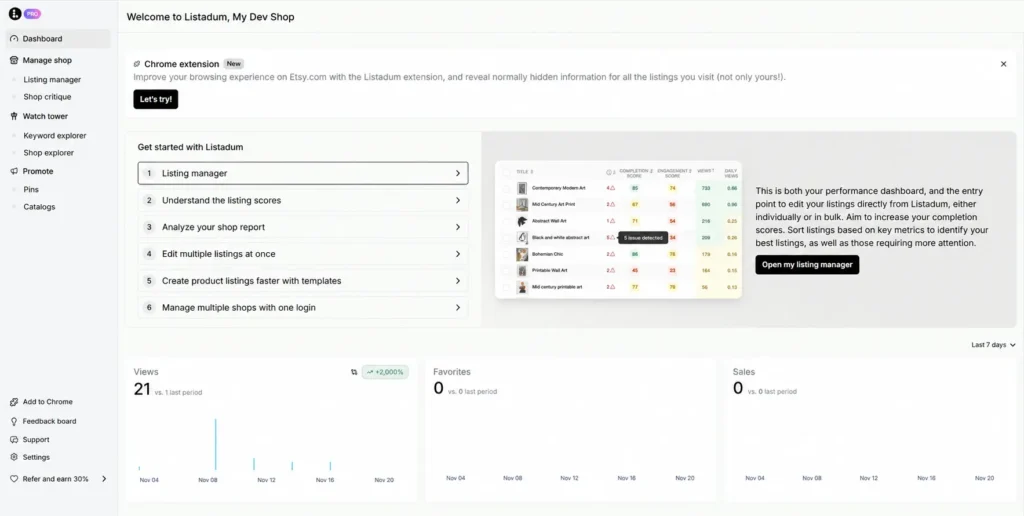
Listadum is an Etsy listing management suite that works through the official Etsy API, covering bulk creation, bulk editing, listing optimisation and keyword research. Etsy is the only selling channel it connects to. Pinterest is there for promotion rather than sales.
Key features
- Bulk Create and Copy builds listings from scratch or copies existing ones, including between two shops you own, while Bulk Edit updates hundreds of listings in one pass.
- Profiles hold reusable variations, personalization settings and product details, so changing one updates every listing linked to it.
- Templates and Snippets pre-fill new listings and reuse blocks of description text, and the Listing Scheduler auto-publishes at a date and time you choose.
- Completion Scores rate each listing out of 100, automatic issue detection flags problems, and the Keyword Generator and Keyword Explorer handle tags and demand research.
- Its AI tools write titles and descriptions, retouch and generate photos, upscale images and turn listing photos into short videos, all stored in a central Media Library.
- Teams lets you invite a helper without sharing your Etsy password, and you decide whether they can publish or see financials.
Pros and cons
Pros | Cons |
- Bulk Create builds listings from scratch or copies them between your shops. - Profiles push variations and personalization to every linked listing. - Listing Scheduler publishes at a date and time you set. - AI photo editing, image upscaling and video generation built in. | - Bulk Create and Bulk Edit are absent below the Growth plan. - Etsy is the only sales channel it connects to. - No free trial on paid tiers, so the bulk tools cannot be tested first. |
Pricing:
There are four plans, priced per shop:
- Free is $0 forever, but without the bulk tools.
- Starter is $15 a month, or $10 billed yearly.
- Growth is $30 a month, or $20 billed yearly, and is the first tier that includes Bulk Create and Bulk Edit.
- Max is $150 a month, or $100 billed yearly, adding API access.
AI credits and Media Library storage scale with the tier, from 1GB on Starter to 25GB on Max.
Best for Etsy-only sellers who want the most capable bulk workflow without connecting another marketplace.
#5. Shop Uploader
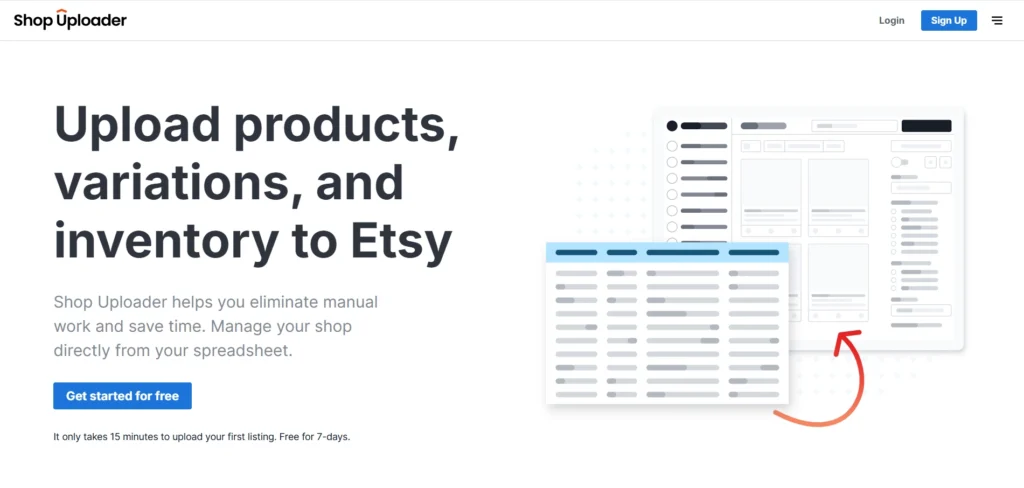
Shop Uploader is a spreadsheet-driven bulk upload and update tool built for Etsy and nothing else. You fill in its template, upload it, and the tool creates or updates listings through Etsy’s API
Key features
- One upload both creates new listings and updates existing ones, so a launch and a price change can run in the same file.
- It adds product variations from the sheet, and variation images are linked to their variations automatically.
- Bulk inventory updates handle 1,000 or more SKUs in around five minutes, according to Shop Uploader’s own figures.
- Category-specific fields are supported in the upload, so listings arrive with the attributes Etsy asks for.
- Orders are unlimited with no commission on every plan, and the first shop is included.
Pros and cons
Pros | Cons |
- Creates and updates Etsy listings in the same upload. -Links variation images to variations automatically. - Cheapest entry point of any tool here at $5 a month. - Unlimited orders with no commission on every tier. | - Plan limits count every listing created or updated in the cycle, not the size of your shop. - Partial product updates carry their own separate allowance on top. - No digital product support or scheduling is documented. |
Pricing:
There are five plans, and the limits reset each billing cycle:
- Starter is $5 a month or $50 a year for 50 listings.
- Hobby is $9 or $90 for 100 listings.
- Basic is $19 or $190 for 200 listings.
- Standard is $29 or $290 for 350 listings.
- Advanced is $39 or $390 for 500 listings.
Best for Etsy-only sellers on a tight budget who are comfortable working in a spreadsheet.
Best tools for bulk editing listings you already have
Etsy Shop Manager is Etsy’s own bulk editor, built into the Listings page under Editing options. It is free, it is already in your account, and for a lot of shops it is enough.
#6. Etsy Shop Manager
Etsy Shop Manager is Etsy’s own bulk editor, built into the Listings page under Editing options. It is free, it is already in your account, and for a lot of shops it is enough.
Key features
- You select listings individually or with the select-all checkbox, then change fields across all of them at once.
- The editable fields are titles, tags, descriptions, prices, custom options, production partners, renewal options, processing profiles and delivery profiles.
- Copying a listing creates a brand new listing with its own URL, which is Etsy’s official answer to listing in bulk.
- Everything runs inside Etsy, so there is no connection to set up and no third-party app holding your data.
Pros and cons
Pros | Cons |
- Creates and updates Etsy listings in the same upload. -Links variation images to variations automatically. - Cheapest entry point of any tool here at $5 a month. - Unlimited orders with no commission on every tier. | - Plan limits count every listing created or updated in the cycle, not the size of your shop. - Partial product updates carry their own separate allowance on top. - No digital product support or scheduling is documented. |
Pricing:
Free, and included with every Etsy shop. Bulk editing is not gated behind a subscription.
If you want more from your shop, you can subscribe to Etsy Plus at $10 a month, though it adds nothing for bulk work. It covers listing credits, Etsy Ads credit, restock alerts, shop customisation and Marketplace Insights searches, and the $0.20 listing fee still applies to each new listing either way.
Best for: Smaller shops whose bulk work stays within the fields Etsy already lets you edit.
#7. Vela
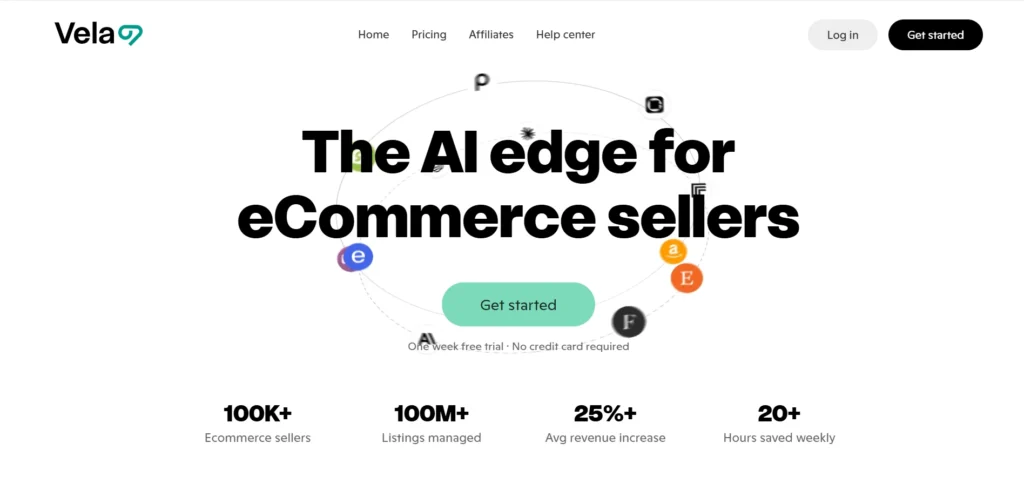
Vela is a multi-shop listing and optimisation platform, best known in the Etsy community as a bulk editor. It supports Etsy, Shopify, eBay and Faire, and centralises several shops under one login.
Key features
- It bulk edits listings across a shop, with CSV import and export for moving data in and out.
- Listing profiles store reusable settings, capped at 5 standard profiles on Lite and unlimited on Plus.
- Scheduled publishing and scheduled updates queue changes to go live later.
- Cross-channel copy duplicates listings between connected shops, and a merge function brings separate listings together.
- Listing and attribute scoring flag what to fix, and AI tools handle alt text among more than 100 AI features.
- The photo studio crops and expands images, replaces and unifies backgrounds, enhances and isolates products, and generates mockups and video.
- One subscription and login can be shared with a team member or a virtual assistant.
Pros and cons
Pros | Cons |
- Bulk editing with CSV import and export. - Scheduled publishing and scheduled updates. - Deep photo tooling, from background replacement to mockups and video. - One login can be shared with a VA. | - Bulk photo editing is still listed as coming soon, along with AI profiles, AI mockups and photo-to-video. - Monthly billing only, with no annual option and no free plan. |
Pricing:
Pricing is per shop and scales with your listing count:
- Vela Lite starts at $29.95 a month for up to 500 listings.
- Vela Plus starts at $39.95 a month for up to 500 listings.
From there the price moves up in bands according to how many listings your shop holds, so what you pay depends on your catalogue size rather than on which features you want.
Best for: Etsy sellers who edit a large catalogue often and want listing profiles and photo tools in the same place.
Best tool for cross-listing one-of-a-kind items
If every item you sell is different, a crosslisting tool fits better than a bulk uploader. It puts one item on several marketplaces at once, then removes it everywhere as soon as it sells.
#8. Crosslist
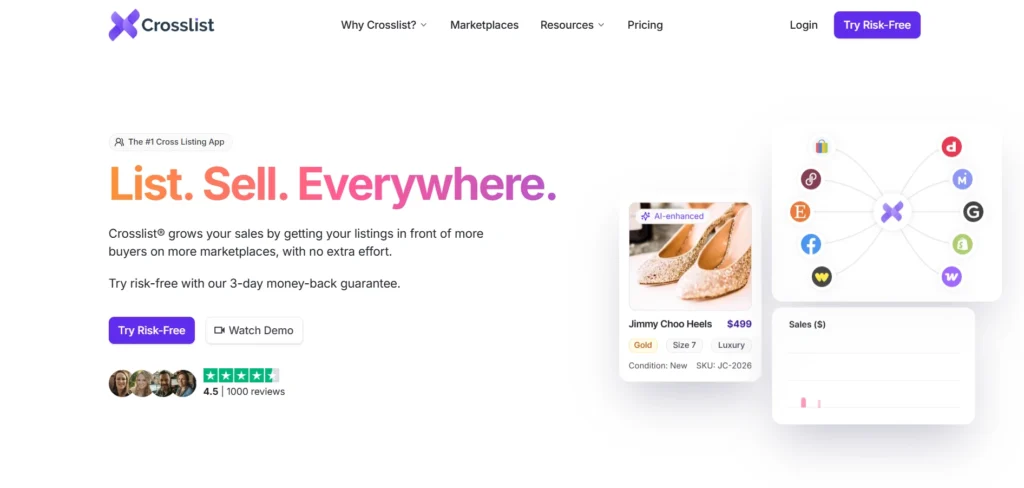
Crosslist is a browser-based crosslisting tool for resellers, covering 11 marketplaces including Etsy, eBay, Poshmark, Depop, Mercari, Grailed, Whatnot, Facebook Marketplace, Shopify, WooCommerce and OfferUp. It is available in the US, UK, Canada and Australia only, and does not serve sellers in the EU.
Key features
- One universal form creates a listing once and publishes it to every connected marketplace, and listings can be crosslisted both from and to Etsy.
- It imports existing listings from another marketplace in one click, bringing images, descriptions and listing details across.
- Bulk actions post, delist and relist across every channel, and autoposting publishes in the background while you work on something else.
- Autodelisting removes a sold item from the other marketplaces automatically, though only on Gold and above.
- CSV import and export and the sales analytics dashboard also start on Gold.
- An optional AI add-on creates listings from a photo, suggests prices from market data and removes photo backgrounds, charged in credits.
Pros and cons
Pros | Cons |
- Crosslists one item across 11 marketplaces at once. - Imports existing listings from another marketplace in one click. - Bulk delist and relist actions across every channel. - Diamond allows unlimited monthly listings. | - Not available to sellers in the EU, only the US, UK, Canada and Australia. - It duplicates items across channels rather than creating listings from a file. - CSV import, auto-delisting, and analytics are locked to Gold and above. - AI features cost an extra fee on top of any plan. |
Pricing:
There are four plans, counted by new listings a month:
- Bronze is $29.99 a month for 200 listings.
- Silver is $34.99 for 500 listings.
- Gold is $39.99 for 1,000 listings, and adds CSV, autodelisting and analytics.
- Diamond is $44.99 for unlimited listings.
Best for: Resellers of one-of-a-kind or secondhand items who list on several marketplaces at once.
Best tools for print-on-demand sellers
If you sell print-on-demand, you probably do not need a bulk listing tool at all. The publishing you need is already built into the platform producing your products, and adding a second tool usually adds a step rather than removing one.
#9. Printful
Printful is a print-on-demand platform rather than a listing tool, but its publishing flow does the bulk work for POD sellers. It connects Etsy among 20 or more ecommerce platforms and marketplaces, produces items in house, and ships worldwide through carriers including USPS, DHL and FedEx.
Key features
- You select several unpublished products in My Products, click publish, and they all go out together.
- On a republish you choose which details to update, so you can push mockups only, prices only, or tags and shipping profiles only.
- Products arrive in your Etsy drafts, where you add Printful as the production partner before they go live.
- The Design Maker and Mockup Generator create the artwork and images, so a design variation becomes a listing without separate software.
- The free plan covers 592 custom products and unlimited connected stores, with support available around the clock.
Pros and cons
Pros | Cons |
- Consolidates up to 10 products into one Etsy listing. - Cuts Etsy listing fees on large variant sets. - Unlimited product designs on every plan. - 140+ print facilities across 209 countries and territories. | - Batch publishing of many separate listings is not documented. - A buyer cannot buy a single variant containing two items, so matching sets need handling by hand. - Out-of-stock changes do not sync automatically, and the listing has to be republished. - AI Mockups, product discounts and Printify Connect are Premium only. |
Pricing:
There are three plans:
- Free is $0 and covers 592 custom products, unlimited stores, the Design Maker and Mockup Generator, selling across 20 or more platforms and 24/7 support.
- Printful Growth is $24.99 a month and adds up to 33% off product pricing, 9% off branding and 25% off sample orders.
- Enterprise is quoted on request.
Growth comes with a 14-day trial, and its monthly fee is waived once you pass $12,000 a year in sales.
Best for: POD sellers pushing many design variations to Etsy in batches.
#10. Printify
Printify is the other major print-on-demand platform, and its angle on Etsy is cost rather than speed. It carries more than 2,000 products made through a network of 140+ print facilities, and connects Etsy alongside Shopify, TikTok Shop, Amazon, eBay, Wix, WooCommerce, BigCommerce and Squarespace.
Key features
- Multi-Product Listing groups up to 10 existing products into a single Etsy listing, up to 400 variants in total, as long as they all use the same print provider.
- Grouping means paying Etsy’s $0.20 listing fee once instead of ten times, which is the main reason to use it.
- The Product Creator, Mockup Generator and AI Image Generator produce the designs and images before you publish.
- Product designs are unlimited on every plan, including the free one.
- Printify Connect handles order management on paid plans, with Express Delivery and bulk orders available for fulfillment.
Pros and cons
Pros | Cons |
- Consolidates up to 10 products into one Etsy listing. - Cuts Etsy listing fees on large variant sets. - Unlimited product designs on every plan. - 140+ print facilities across 209 countries and territories. | - Batch publishing of many separate listings is not documented. - A buyer cannot buy a single variant containing two items, so matching sets need handling by hand. - Out-of-stock changes do not sync automatically, and the listing has to be republished. - AI Mockups, product discounts and Printify Connect are Premium only. |
Pricing:
There are three plans:
- Free is $0 for 5 stores, unlimited product designs, the Product Creator, the integrations and 24/7 support.
- Premium is $39 a month, or $24.99 billed yearly, for 10 stores, Printify Connect, AI Mockups and up to 33% off products.
- Enterprise is quoted on request, with unlimited stores and a dedicated account manager.
The pricing page mentions no free trial, and Premium plans are non-refundable. Downgrading to Free keeps your integrations and sales channels, but you pay regular product prices.
Best for: POD sellers who want to consolidate variants and cut Etsy listing fees.
How an Etsy Bulk Listing Tool Actually Works?
No Etsy bulk editing tool or bulk uploader has a shortcut that Etsy keeps hidden. Etsy’s API creates one listing per request, with no batch command, so a tool that uploads 500 listings is sending 500 separate requests in a loop.
Three things follow from that, and all three are worth knowing before you pay for a tool.
- Your upload speed depends on Etsy rather than on the tool. Each request waits its turn against the rate limit Etsy sets for that app, so a slow progress bar is usually queueing rather than a bug.
- Variations and digital files are added after the listing already exists. Etsy’s API will not accept them on the create request, so a tool has to make a second and third call to attach them. That is why variation handling differs so much from one tool to the next.
- Etsy has also been tightening third-party access. One tool had to move its Etsy sync from 15 minutes to 60 after Etsy changed its limits, while keeping 15 minutes on every other channel. Another lost access to buyer shipping addresses after an API change, so it can no longer print labels.
None of this makes bulk tools a bad idea. It does mean you should expect a large first upload to take time, and be skeptical of anything promising instant Etsy sync.
Publish a large batch without the risk
LitCommerce builds Etsy listings from templates in batches of 100 to 1,000, and scheduled publishing lets you spread them over days instead of minutes.
How to Choose the Right Etsy Bulk Listing Tool for Your Shop?
Your best fit depends less on brand reputation and more on what you’re listing, where else you sell, and how often you publish. Here’s how that breaks down by seller type:
- Handmade or niche sellers expanding to eBay, Amazon, or Shopify should prioritize a true multichannel tool like LitCommerce or Sellbrite over an Etsy-only lister, since the goal is one listing updated everywhere.
- Digital product sellers need strong file-handling and fast listing creation; check that whichever tool you pick can package digital files correctly before committing.
- POD sellers should confirm their design platform’s Etsy integration is actively maintained, since some third-party POD connections have been discontinued without much notice.
- Resellers should reach for a dedicated cross-listing tool like Vendoo rather than a product-bulk-lister, since resale workflows depend on auto-delist and photo-heavy listing forms that general bulk tools don’t handle well.
- Etsy-only sellers doing light edits may not need to pay for anything, since Editing options already covers price, quantity, tags, and several other fields for free.
You may be interested in: 12+ Best Etsy Seller Apps to Skyrocket Your Shop (2026).
How to Bulk List on Etsy Without Getting Your Shop Flagged?
Using a tool that works through Etsy’s official API is not against Etsy’s rules, and Etsy runs a developer programme for them. The risk comes from what you publish, not from how you publish it.
Near-duplicate listings are the problem. If a batch of listings shares a title pattern, the same description with one word changed and an identical set of tags, that reads as manipulation to an automated review even when the products are genuinely different.
Four habits keep you clear of it:
- Publish in small batches and check each one before sending the next. There is no undo.
- Space out your publish dates if your tool allows it.
- Write titles and tags that differ properly, not one swapped word. Our Etsy SEO guide covers what is worth varying, and how to list an item on Etsy covers what each field is for.
- Test on a handful of listings first, every time, because templates drift and fields get remapped.
Etsy Bulk Listing Tool – FAQ
Can sellers bulk upload listings to Etsy?
Not through Etsy itself. Etsy’s Help Center states you cannot bulk upload new listings, and its suggested workaround is to create one listing and copy it. The fastest route available today is a third-party tool that creates the listings through Etsy’s API for you, from a CSV file, your webstore or a folder of product images.
Does Etsy have a free bulk editor?
Yes. Etsy Shop Manager includes bulk editing at no cost under Editing options on the Listings page. It covers titles, tags, descriptions, prices, custom options, production partners, renewal options, processing profiles and delivery profiles. It cannot create new listings, edit variations or edit photos.
Can I bulk edit prices on multiple Etsy listings at once?
Yes, and this is one of the things Etsy’s native editor handles well. Select the listings, choose Editing options, and apply the price change. Remember there is no undo, so test on a few listings first. If you need percentage-based pricing rules or per-channel pricing, that requires a third-party tool.
Is using a bulk listing tool against Etsy’s rules?
No. Tools that work through Etsy’s official API are permitted, and Etsy maintains a developer programme for them. What creates risk is publishing batches of near-identical listings, which can look like manipulation to automated review. Vary your titles and tags properly and publish in batches rather than all at once.
Can I copy listings from one Etsy shop to another?
Not with Etsy’s own tools. Copying a listing works only inside the same shop. Moving listings between two shops you own requires a third-party tool, and Listadum and Vela both support shop-to-shop copying. If you are considering a second shop, read Etsy’s rules on multiple shops first.
Final Thoughts
The right Etsy bulk listing tool depends on one question: are you creating listings or maintaining them? Etsy handles maintenance for free and does not handle creation at all, and that single gap is what every tool on this list is selling against.
If Etsy is one of several channels you sell on, that is the problem LitCommerce is built for. Not sure which setup fits your catalogue? Contact our team and we will work through it with you.
For more on running an Etsy shop, from tags and variations to pricing and SEO, browse our Etsy seller guides.