


Running an Etsy shop is exciting, but doing everything manually can slow you down. From finding the right keywords to marketing your products and managing orders, it’s easy to feel overwhelmed. That’s why many sellers look for Etsy seller apps to save time and grow faster.
The right tools can give you better information to improve your product listings, manage your shop more efficiently, boost your productivity, and ultimately grow your shop.
In this guide, you’ll discover the 12 best apps for Etsy sellers, including:
- Best apps for Etsy SEO and product research
- Best apps for social media & multichannel selling
- Best photo & design apps for Etsy
- Best Etsy seller apps for custom products
- Best Etsy apps for operations & logistics
Skip ahead to whichever one’s giving you the most trouble, or read straight through if you’re setting up your app stack from scratch.
Ready to Sell Beyond Etsy & Boost Your Sales?
List your Etsy products on Amazon, eBay, TikTok Shop, and more, all synced with your Etsy inventory in one place, no manual re-listing required
How We Test and Choose the Best Etsy Seller Apps
In this blog, we didn’t pull these apps from a generic “top ecommerce tools” list. Each one earned its place by solving a specific challenge Etsy sellers actually face, whether that’s getting found in search, keeping up with social media, or staying on top of taxes and orders as the shop grows.
Our team has run Etsy shops since 2022 and work closely with Etsy sellers day to day through LitCommerce’s own multichannel platform, and that hands-on selling experience shaped how we picked this list. Rather than skimming feature pages and writing summaries from the outside, we focused on what actually holds up in a real seller’s daily workflow, not just what looks good in a product demo.
Full disclosure: LitCommerce is our product. We include it here because it’s the tool our own Etsy sellers use daily to sync listings across channels, not because we want to bias ourselves. Every other app on this list has no commercial relationship with us unless stated otherwise.
For each app, we evaluated:
- The core workflow, which we tested ourselves wherever possible and verified through official sources when we couldn’t test it firsthand.
- What each app genuinely does best, rather than every feature it claims to offer.
- Starting costs, free plans, trial periods, and whether the value holds up against the price.
- Who each app is really built for, since no single app fits every shop, so you can match it to where your shop is right now
Quick Comparison: Best Etsy Seller Apps at a Glance
Before diving into each app, here’s how all 12+ tools stack up side by side, so you can jump straight to the ones worth a closer look
App | Key Features | Best For | Pricing | Rating |
1. LitCommerce | Multichannel listing, bulk editing, and automatic price and inventory sync | Etsy sellers expanding to other channels | From $29/month | 4.8/5 (G2) |
2. Outfy | Automated social posts, videos, collages, AI captions, and hashtag suggestions | Social media automation | From $20/month | 4.8/5 (G2) |
3. eRank | Keyword research, listing audits, competitor tracking, and AI Listing Helper | Etsy SEO and keyword research | Free; from $5.99/month | 3.4/5 (Trustpilot) |
4. EverBee | Product analytics, keyword research, sales estimates, trends, and Chrome extension | Product research and trend discovery | Free; from $24.99/month billed annually | 3.2/5 (Trustpilot) |
5. Marmalead | Keyword data, listing grades, seasonality, and trend forecasting | Etsy SEO and listing optimization | From $19/month | 2.1/5 (Trustpilot) |
6. Teeinblue | Product personalization, live previews, and automatic print-ready files | Personalized Etsy products | Promotional price $29/month; regular price $49/month | 4.9/5 (Shopify App Store) |
7. Printful | POD production, automatic fulfillment, Design Maker, and 455+ products | Print-on-demand Etsy sellers | Free; Growth from $24.99/month | 4.2/5 (G2) |
8. Canva | Templates, image editing, background removal, and Brand Kit | Product images and marketing designs | Free; Pro pricing varies by region | 4.7/5 (Capterra) |
9. Placeit | Product mockups, videos, logos, and design templates | Mockups for POD sellers | From $14.95/month | 4.2/5 (Capterra) |
10. Mailchimp | Email campaigns, segmentation, automation, templates, and A/B testing | Permission-based email marketing | Free; from $13/month | 4.3/5 (G2) |
11. QuickBooks Online | Income and expense tracking, invoicing, bank feeds, and financial reports | Accounting and financial tracking | From $38/month | 4.0/5 (G2) |
12. TaxJar | Sales tax reporting, marketplace tax handling, and AutoFile | Multichannel sellers with US tax obligations | Pricing varies by plan | 4.4/5 (Capterra) |
13. Square | In-person payments and Etsy-to-Square inventory sync | Etsy sellers attending markets and events | Free account; transaction fees apply | 4.78/5 (TechRepublic editorial rating) |
Etsy Seller Apps for Social Media & Multichannel Selling
Etsy doesn’t have to be the only place your shop lives. More than 5.66 billion people use social media worldwide, about two-thirds of the global population. The two apps below cover both sides of getting in front of that audience: one syncs your Etsy listings across other marketplaces, the other automates your social posts.
#Tool 1: LitCommerce – Multichannel selling tool for Etsy sellers
LitCommerce – Multichannel selling tool for Etsy sellers
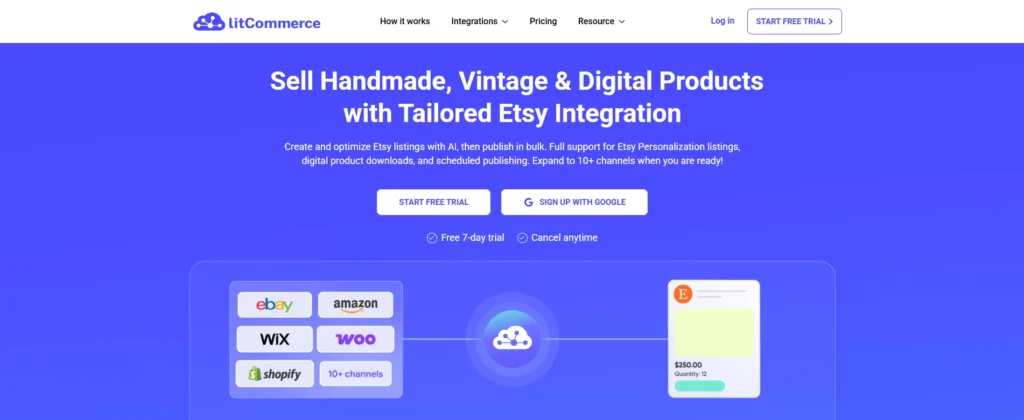
If you’re ready to sell your Etsy products on Amazon, eBay, TikTok Shop, and other marketplaces without manually relisting everything, LitCommerce’s Etsy integration handles the syncing for you. Most multichannel tools treat Etsy like just another marketplace, offering only basic syncing features built for generic marketplaces. But Etsy listings often carry more than that, and that’s exactly where LitCommerce is built to keep up.
Every marketplace has unique selling requirements, and Etsy is no exception. LitCommerce offers Etsy-specific support for Personalization fields, including custom text, engravings, and monograms. It also supports 14 digital download file formats, helping you manage physical, personalized, and digital products from one dashboard.
Once sellers connect all channels, they can publish products in bulk instead of listing them one by one on each platform. LitCommerce also keeps inventory and other listing data synchronized automatically – typically every 15 minutes, or every 60 minutes for Etsy (due to Etsy’s own API limits) – reducing manual checks and the risk of overselling. If inventory is your main pain point, our roundup of Etsy inventory management software compares tools built specifically for that.
That focus on Etsy’s specifics shows up in the reviews too: LitCommerce holds a 4.8/5 on G2, from a base of 3,000+ Etsy sellers using the integration.
Key features:
- List and bulk edit products across 10+ top global marketplace channels from a single dashboard
- Full support for Etsy Personalization, so custom engraving, monogram, and text requests carry over when you cross-list
- Sell digital downloads in 14 file formats alongside physical products, individually or in bulk
- Automatic price and inventory sync every 15 minutes, though Etsy syncs every 60 minutes
- Unlimited order sync included on every plan
- AI-assisted description optimization to match Etsy’s tone and SEO
Pricing: Plans start at $29/month for 1,000 listings across 3 channels, billed pay-as-you-go by listing and channel count. There’s a 7-day free trial with full features, but no permanent free plan.
Best for: Etsy sellers who want to expand to other marketplaces without manually managing listings on each one.
Explore LitCommerce’s Full Etsy Integration in Action
Get a closer look at how LitCommerce syncs your Etsy listings, personalization fields included, to Amazon, eBay, TikTok Shop, and more.
#Tool 2: Outfy – Social media automation
Outfy – AI-powered social media management
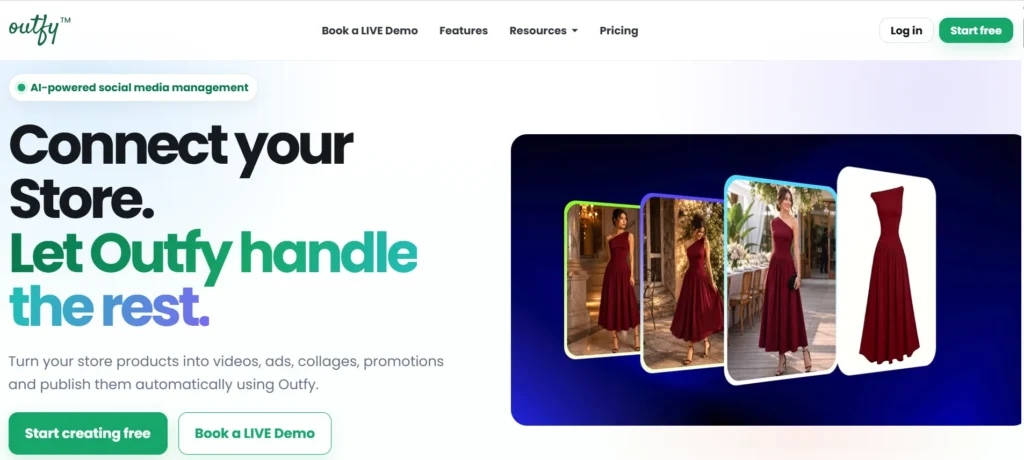
Social media can bring steady traffic to your Etsy shop. However, posting products across Instagram, Facebook, Pinterest, TikTok, and every other platform your buyers scroll through eats up hours you probably don’t have or take time. Outfy helps automate that process.
Outfy connects to your Etsy shop and turns that into a few clicks: pick a product, and it builds the post, caption, and hashtags for you.
Beyond single posts, Outfy’s Product Autopilot picks products from your shop on its own and auto-generates promotional content around them, videos, collages, or GIFs, so your social feed keeps moving even on days you don’t touch it. You can review and adjust the posting schedule anytime rather than letting it run fully hands-off.
Key features:
- Auto-posting and scheduling across Instagram, Facebook, Pinterest, TikTok, YouTube, and X
- AI-generated promotional videos and collages built from your product photos
- Template-based hashtag and caption suggestions
- Product Autopilot, which auto-selects products for ongoing promotion
Pricing: Free plan available, with paid plans starting at $20/month ($12/month billed annually).
Best for: Etsy sellers who want a consistent social media presence without manually creating and scheduling every post.
Best Etsy Seller Apps for SEO & Market Research
Etsy’s search algorithm decides who sees your listings before a single buyer does, so if your titles, tags, and keywords aren’t working in your favor, even great products stay buried. The three tools below tackle this from different angles: one focuses on keyword research and listing audits, one on product and trend discovery, and one on keyword data and listing grading.
#Tool 3: eRank – SEO & keyword tool for Etsy sellers
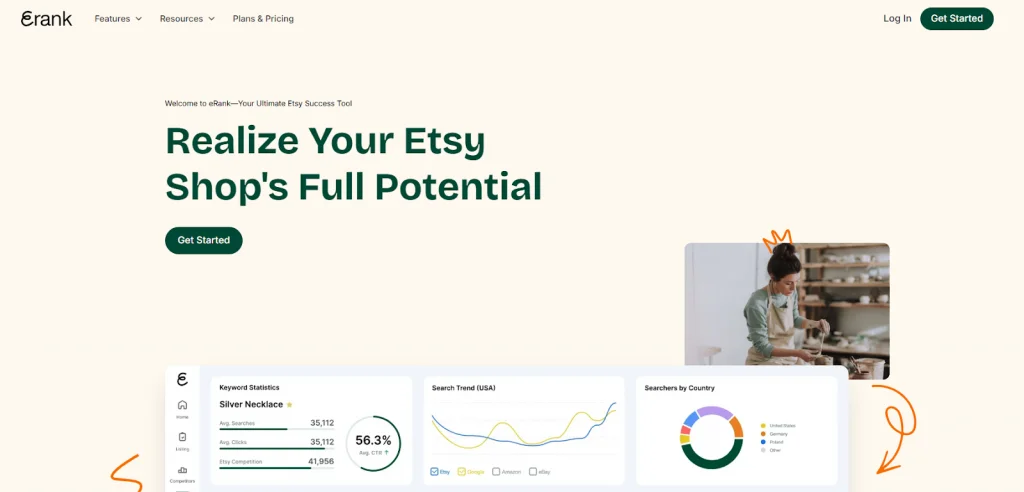
Etsy’s search bar is where most buyers start, and eRank helps you show up when they type something close to what you sell. If you want a step-by-step walkthrough, we’ve covered how to use eRank for Etsy in more detail. Here, it pulls real keyword data, shows how competitive each term is, and audits your listings against Etsy’s best practices, so you’re not just collecting keywords but acting on them.
You can also study top-performing listings in your niche, see which keywords they use, and compare their performance with your shop to spot gaps in your own strategy.
Beyond keywords, eRank tracks pricing and demand trends across Etsy, so you can make data-backed decisions instead of guessing what to list next.
Key features:
- Keyword research with search volume, competition, and trend data across Etsy and other marketplaces
- Listing audits that grade your titles, tags, and descriptions against Etsy’s best practices
- Competitor tracking for shops you choose to monitor
- AI Listing Helper for generating titles, descriptions, and tags when you’re stuck
Pricing: Free plan available, with paid plans starting at $5.99/month.
Best for: Etsy sellers who want keyword data and listing feedback in one place, without paying for a full suite of tools they won’t use.
#Tool 4: Everbee – Product research & trends

Everbee helps sellers figure out new products and trends
While eRank focuses on keywords, EverBee is built for product research. Etsy has millions of listings, and figuring out which product idea is actually worth making can feel like a guess. As a Chrome extension, EverBee shows estimated sales, revenue, and views right as you browse Etsy, so you can gauge demand before spending time creating something similar.
It also scores keywords by search volume and competition, though EverBee leans more toward validating product ideas than the deep SEO work eRank or Marmalead handle.
Curious how those keyword tools stack up? Check out our Etsy keyword tool comparison for a closer look.
Beyond your own shop, the Shop Analyzer lets you study any competitor’s listings and sales performance, and a built-in Etsy fee calculator helps you check margins before settling on a price.
Key features:
- Estimated sales, revenue, views, and favorites for any Etsy listing
- Keyword research with search volume and competition scoring
- Shop Analyzer for studying competitor listings and performance
- Chrome extension for research directly on Etsy.com
Pricing: Free plan (Hobby) available, with paid plans starting at $29.99/month ($19.99/month billed annually).
Best for: Etsy sellers validating a product idea or researching what’s already selling in their niche, rather than pure keyword optimization.
#Tool 5: Marmalead – Etsy SEO & analytics
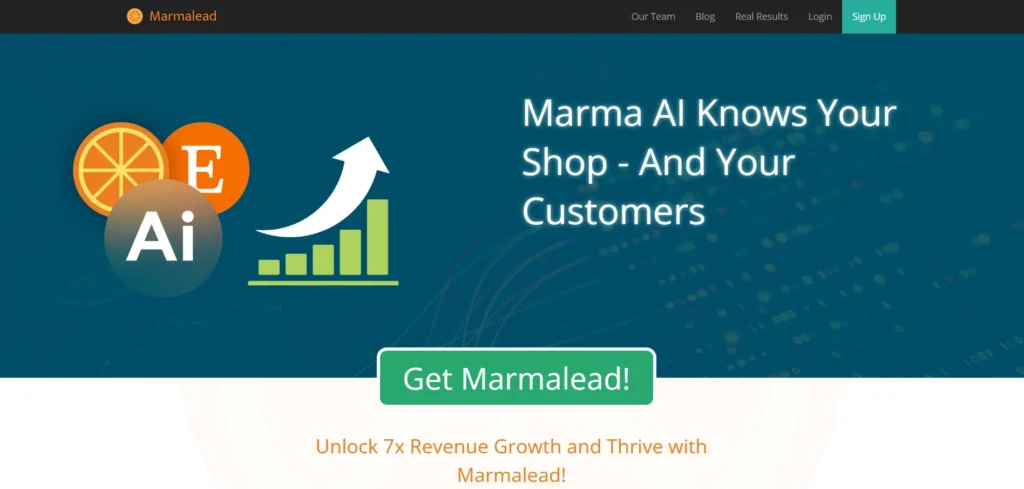
Marmalead is one of the original Etsy keyword tools, and it still leans into that identity: everything centers on keyword data rather than product discovery or social tools. Search a term and you get real search volume, engagement, and competition level, plus a Storm of related keyword suggestions to brainstorm from when you’re stuck on tags.
From there, you can compare multiple keywords side by side, dig into engagement metrics, and assess how competitive a niche actually is. Marmalead also grades your listings and offers suggestions to improve them, so you’re not just collecting keyword data but acting on it. If you want to see how it stacks up against other options, our best Etsy SEO tool roundup breaks down more picks.
The dashboard stays clean and beginner-friendly despite all this data. It also breaks down pricing by keyword, showing bargain, midrange, and premium price bands for whatever you search, plus seasonality data so you know when a keyword is about to trend up or fade.
Key features:
- Keyword search volume, engagement, and competition data, with related keyword suggestions (Storm)
- Listing and shop grading based on SEO and sales factors
- Price range breakdown (bargain, midrange, premium) by keyword
- Keyword seasonality and trend forecasting
Pricing: From $19/month, no free plan.
Best for: Etsy sellers who want deep keyword analytics and listing grades, and are comfortable paying from day one without a free tier to test on.
Etsy Seller Apps for Custom Products
Personalized and made-to-order items are some of Etsy’s best-selling categories, but manually handling custom requests, from customer input to production, doesn’t scale past a handful of orders a day. The two apps below cover both ends of that workflow: one collects and applies personalization details, the other handles printing and fulfillment.
#Tool 6: Teeinblue – Product customizer for Etsy custom products
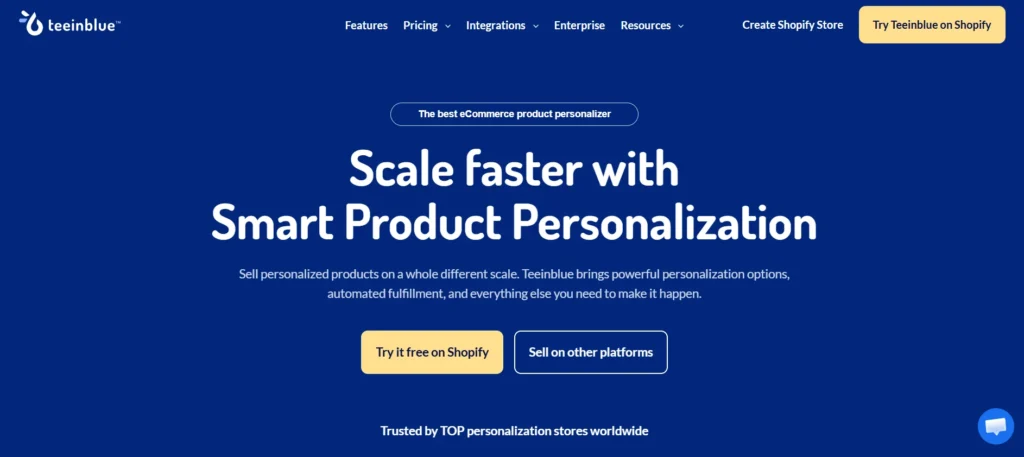
Custom and personalized products convert well on Etsy, but building a customizer from scratch for every listing eats up time you don’t have. Teeinblue lets buyers personalize a product right on the listing page, text, photos, even a star map or street map, and shows them a live preview before they check out.
Instead of rebuilding your listings, you connect Teeinblue to the ones you already have. Every order then arrives with a print-ready file that matches exactly what the buyer submitted, ready to download or send straight to a fulfillment partner like Printful, Printify, or Gelato.
It works across unlimited products and stores, and syncs the same data if you sell the same personalized items on more than one platform.
Key features:
- Live personalization preview (text, photo, clipart, star maps, street maps)
- Auto-generated print-ready files sent directly to your POD provider
- Unlimited personalization options across unlimited products
- Shared data across multiple POD stores if you sell the same items in more than one place
Pricing: From $19/month, 14-day free trial.
Best for: Etsy sellers offering personalized or made-to-order products who want to automate the customization-to-fulfillment workflow.
#Tool 7: Printful – Print-on-demand for Etsy sellers
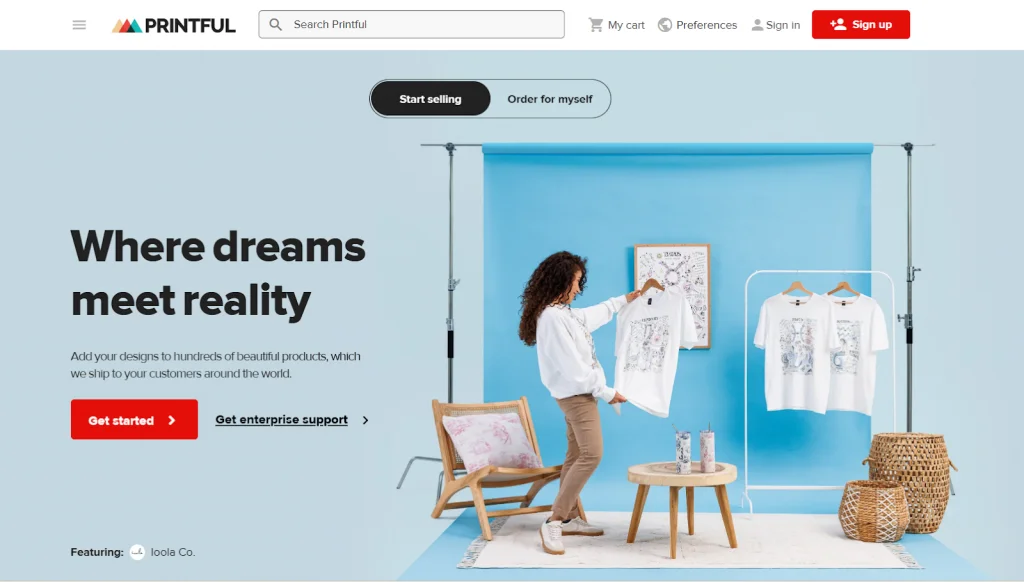
If you don’t want to hold inventory, Printful is one of the best dropshipping apps for Etsy. It handles printing, packing, and shipping for you. When a customer places an order, Printful automatically fulfills it.
This makes it easier to run an Etsy print-on-demand business without managing stock or production yourself.
Printful also handles global fulfillment, with production facilities across North America, Europe, and partner sites in Australia and Japan, which keeps shipping times reasonable no matter where your buyers are.
Key features:
- 450+ customizable products across apparel, accessories, and home goods
- Design Maker with templates, clipart, and background removal
- Automatic order routing and fulfillment once connected to Etsy
- Global production facilities across North America, Europe, Australia, and Japan
In addition to traditional apps, AI tools can also give you a competitive edge. Here are some AI tools that Etsy sellers like you can use to optimize your operations:
Pricing: Free plan available, with the Growth plan from $24.99/month.
Best for: Etsy sellers who want to offer print-on-demand products without holding inventory or handling fulfillment themselves.
Best Photo Editing Apps for Etsy
Listing photos often make or break a sale on Etsy, but not every seller has the design software or skills to create them.
#Tool 8: Canva – Product images, design & edit
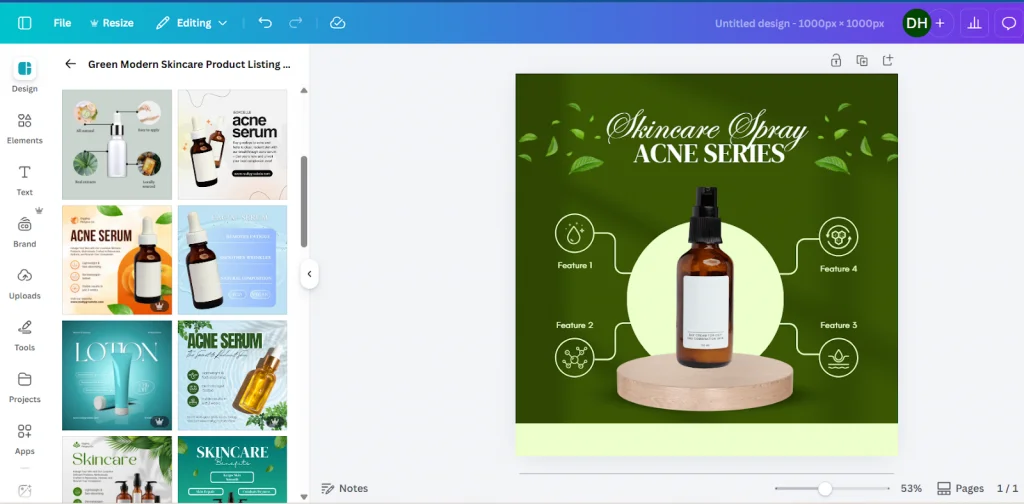
Not every Etsy seller has Photoshop skills or the budget for a designer, and Canva fills that gap with a drag-and-drop editor anyone can learn in minutes. Canva is one of the easiest design apps for Etsy sellers. You can use it to edit Etsy listing photo size, design listing graphics, build your shop banner, or create social posts to promote what you sell.
If you maintain a consistent shop aesthetic, Canva’s Brand Kit stores your colors, fonts, and logo so every graphic stays on-brand without resetting them each time.
Key features:
- Drag-and-drop editor with templates for listing images, social posts, and banners on Etsy store
- One-click background remover for clean product photos (Pro version)
- Brand Kit to save your colors, fonts, and logo across designs
- Access to a large library of stock photos, graphics, and icons
Pricing: Free plan available, with Pro from $18/month.
Best for: Etsy sellers who need to create or edit listing images, social graphics, and shop branding without hiring a designer.
#Tool 9: Placeit – Mockups for POD sellers
If you sell print-on-demand products like T-shirts, mugs, or phone cases, Placeit is extremely useful. It provides ready-made lifestyle mockups so you can show your design on real products without doing a photoshoot.
You simply upload your design, and Placeit places it onto high-quality product images. This helps your listings look more realistic and appealing.
Everything runs in the browser with no design software required, which matters if you’re switching between dozens of product variations and don’t have time to learn a new tool for each one.
Key features:
- Product mockups across clothing, home goods, tech accessories, and more
- Video templates for promotional content
- Logo maker for shop branding
- No design software or downloads required, fully browser-based
Pricing: From $14.95/month.
Best for: POD sellers who need realistic product mockups without a photoshoot or design software
Etsy Apps for Sellers for Operations & Logistics
Running an Etsy shop is more than just listings and photos, there’s staying in touch with customers, tracking finances, handling sales tax, and taking payments when you sell in person too.
The following Etsy seller apps help you stay organized and manage your business more professionally.
#Tool 10: Mailchimp – Marketing & email campaign for Etsy customers
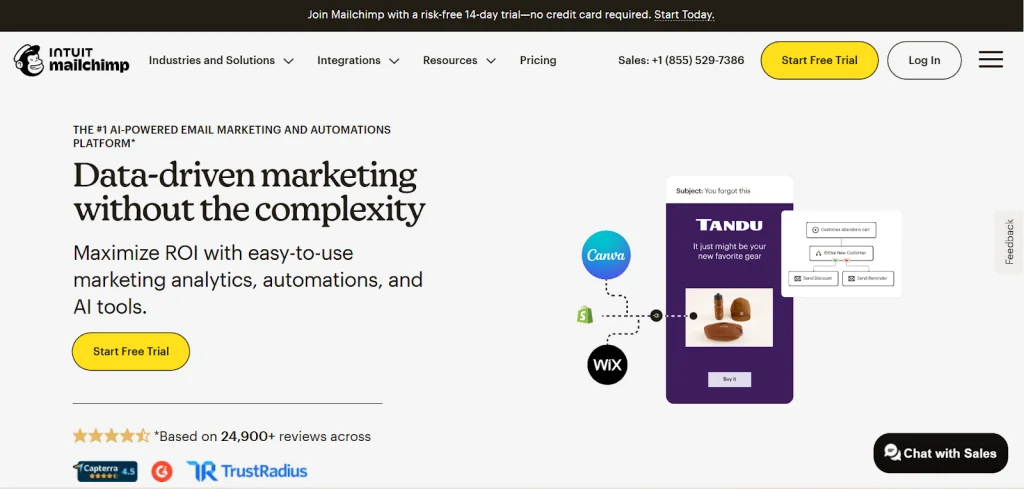
Etsy doesn’t let you export buyer emails directly, but once someone opts in through your shop or a signup form, Mailchimp turns that list into repeat sales. Send a welcome series to new subscribers, follow up after a purchase, or announce a new product drop without doing it manually for every customer.
Mailchimp also includes A/B testing and pre-built templates, so you can test what subject line or design gets more opens without guessing.
Key features:
- Automated email flows (welcome series, abandoned favorites, restock alerts)
- Customer list segmentation for targeted campaigns
- A/B testing for subject lines and email content
- Pre-built, customizable email templates
Pricing: Free plan available (250 contacts), with Essentials from $13/month.
Best for: Etsy sellers who want to turn one-time buyers into repeat customers through email marketing.
#Tool 11: QuickBooks – Analytics & business tracking
Once your Etsy shop starts generating real revenue, a notebook or spreadsheet stops being enough, especially when tax season rolls around and you need actual numbers, not estimates. QuickBooks connects to your bank account and automatically tracks income and expenses, so you’re not manually logging every sale and fee.
You can connect your bank account, categorize expenses, and generate financial reports. This makes tax season much easier and helps you understand your true profit margins.
Key features:
- Automated bank feeds for income and expense tracking
- Invoicing for orders and requests outside Etsy checkout
- Basic financial reports, including profit and loss
- Solopreneur plan for separating business and personal finances
Pricing: From $20/month.
Best for: Etsy sellers who’ve outgrown spreadsheets and need real bookkeeping for taxes and profit tracking.
#Tool 12: TaxJar – Simple tax help for Etsy sellers
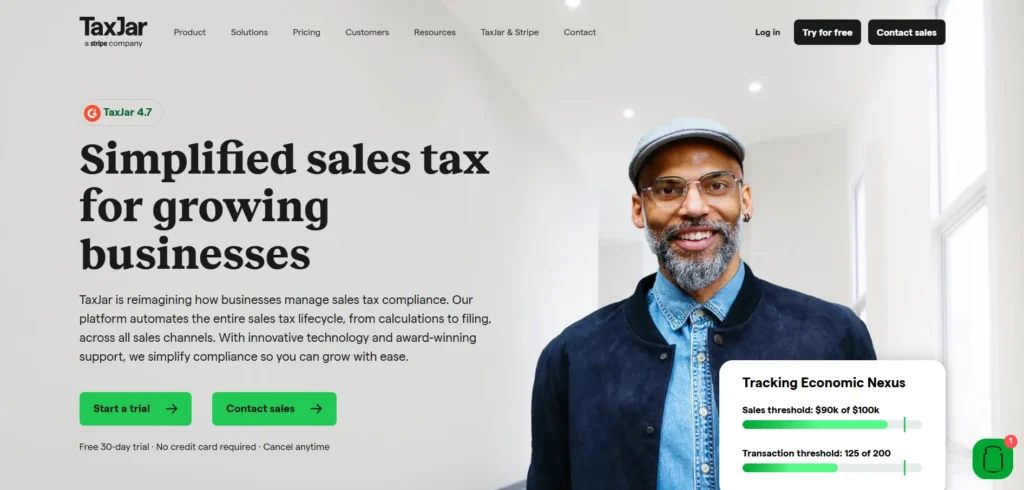
Sales tax rules change by country, sometimes by city, and get more complicated the moment you sell on more than one platform. Not sure where you stand? Our Etsy sales tax guide breaks down the basics before you dive into a tool like TaxJar, which tracks where you owe tax based on your actual sales data and calculates the right rate automatically, so you’re not researching nexus rules or rate tables yourself.
If you sell across Etsy, Amazon, and eBay, TaxJar pulls sales data from all of them into one place, so you calculate tax on your total exposure rather than checking each platform separately.
Key features:
- Automatic sales tax calculation based on nexus and location
- AutoFile for automated, scheduled tax return filing
- Multi-channel data import from Etsy, Amazon, eBay, and more
- Historical sales tax data archive
Pricing: From $39/month, no free plan.
Best for: Etsy sellers with tax obligations across multiple states or multiple selling channels who want filing handled automatically.
#Tool 13: Square – Payments and POS for Etsy Sellers

If you sell at craft fairs, pop-up markets, or physical stores, Square is also one of the best Etsy apps for sellers. It helps you accept in-person payments. It also syncs with Etsy, so your inventory stays up to date. If Square’s own sync doesn’t cover everything you need, a Square Etsy integration keeps in-person stock and your Etsy listings aligned.
Beyond payments, Square includes a point-of-sale system built for in-person selling: an item library, receipt printing, and a customer directory that remembers repeat buyers from past events. If you sell the same products both online and in person, this keeps your stock counts accurate across both without updating each side separately.
The free plan covers the essentials, so you can start taking in-person payments without a monthly fee, and only pay a percentage on transactions you actually process.
Key features:
- In-person payment processing (tap, swipe, key-in)
- Point-of-sale system with item library and customer directory
- Inventory sync between in-person and online sales
- No monthly fee on the free plan, pay-per-transaction only
Pricing: Free account, transaction fees apply
Best for: Etsy sellers who also sell in person at markets, fairs, or pop-up shops.
How to Choose the Right Etsy Seller Apps for Your Business?
With so many Etsy seller apps available, it’s easy to feel overwhelmed. The truth is, you don’t need every tool. You only need the ones that solve real problems in your shop and help you grow faster.
Here are some simple tips to help you choose the right apps:
- Identify your biggest need first. Are you struggling with traffic, marketing, accounting, or managing orders? Pick an app that fixes your main problem before adding anything else.
- Check the features carefully. Make sure the app includes the tools you actually need. Avoid paying for extra features that won’t help your shop.
- Start small. Begin with one or two essential apps. Once you see results and feel comfortable, you can add more tools to support your growth.
- Use free trials or free plans. Many apps let you test them before paying. This helps you see if the tool is easy to use and worth the investment.
- Read reviews from other Etsy sellers. Honest feedback can show you the pros, cons, and real-life experience of using the app.
- Consider your budget. Some Etsy seller apps are free, while others charge monthly fees. Choose tools that give clear value and fit your current stage of business.
The best Etsy seller apps are the ones that match your goals right now. As your shop grows, you can upgrade your tools and build a smarter, more efficient system over time.
Ready to Take Your Etsy Shop to More Marketplaces?
LitCommerce connects your Etsy shop to 10+ marketplaces like Amazon, eBay, and TikTok Shop, and keeps price and inventory synced automatically, every 15 minutes, 60 minutes for Etsy.
Best Etsy Seller App – FAQs
Does Etsy have a seller app?
Yes, Etsy does have a dedicated app for sellers called the Etsy Seller app ( formerly Sell on Etsy). This app is available on iOS and Android and is built to manage your shop anytime, anywhere. You can handle orders, update listings, monitor inventory, reply to customer messages, and check your shop’s performance directly from your phone.
What apps do I use to sell on Etsy?
To sell on Etsy, you mainly need the Etsy Seller app to manage orders, messages, and listings every day. Helpful extra tools include Canva for design, eRank or Marmalead for SEO and keywords, LitCommerce for selling on other platforms, and Printful for print-on-demand products.
What is the best free app for Etsy sellers?
eRank’s free plan is one of the more useful ones on this list, it includes keyword lookups, listing audits, and a connected shop with no time limit. Canva and Printful also have solid free plans if you need design tools or print-on-demand fulfillment without upfront cost.
Do I need a third-party app to sell on Etsy?
No, Etsy’s built-in tools are enough to list products and manage a small shop. Third-party apps become useful once you’re spending hours on tasks Etsy doesn’t automate- keyword research, multichannel listing, tax filing, or email marketing- and you want that time back.
What is the best tool for selling on Etsy and other marketplaces at the same time?
LitCommerce is built specifically for this: it connects your Etsy shop to 10+ marketplaces like Amazon, eBay, and TikTok Shop, and keeps price and inventory synced automatically (every 15 minutes, 60 minutes for Etsy specifically). Plans start at $29/month with a 7-day free trial.
Conclusion – Grow Your Shop with the Best Apps for Etsy Sellers
Building a successful shop takes more than great products. The best Etsy seller apps help you improve SEO, manage operations, automate marketing, and grow faster with less manual work.
Start with tools that solve your biggest problems, then expand your stack as your business grows. For more guides like this one, check out our Etsy blog.
And if you’re ready to scale beyond Etsy itself, Etsy integration from LitCommerce lets you list, sync, and sell across Amazon, eBay, TikTok Shop, Shopify, and more, all from one dashboard. With the right Etsy seller apps and a smart multichannel strategy, you’ll be set up for long-term growth.