Squarespace Amazon Integration

Squarespace Amazon Integration

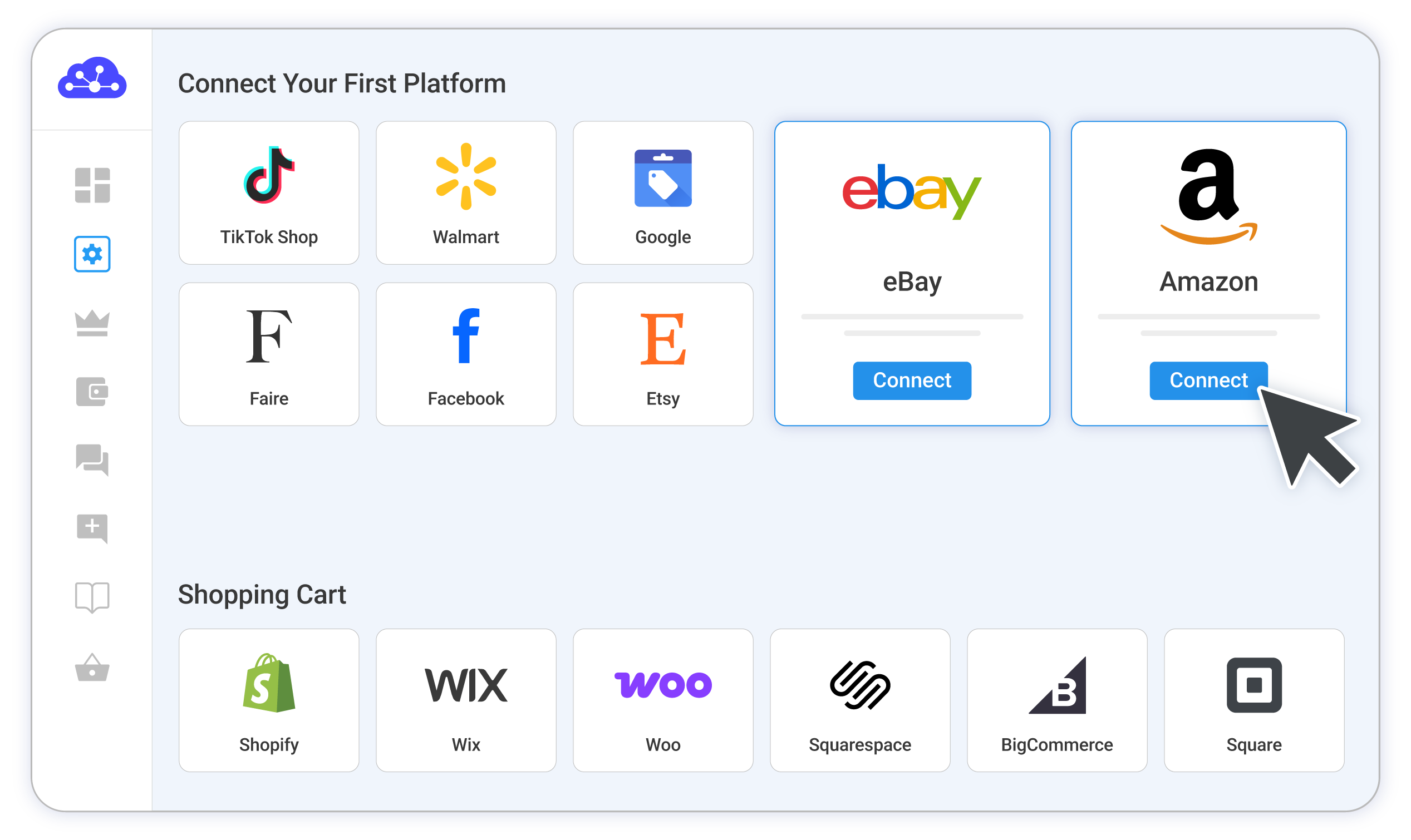
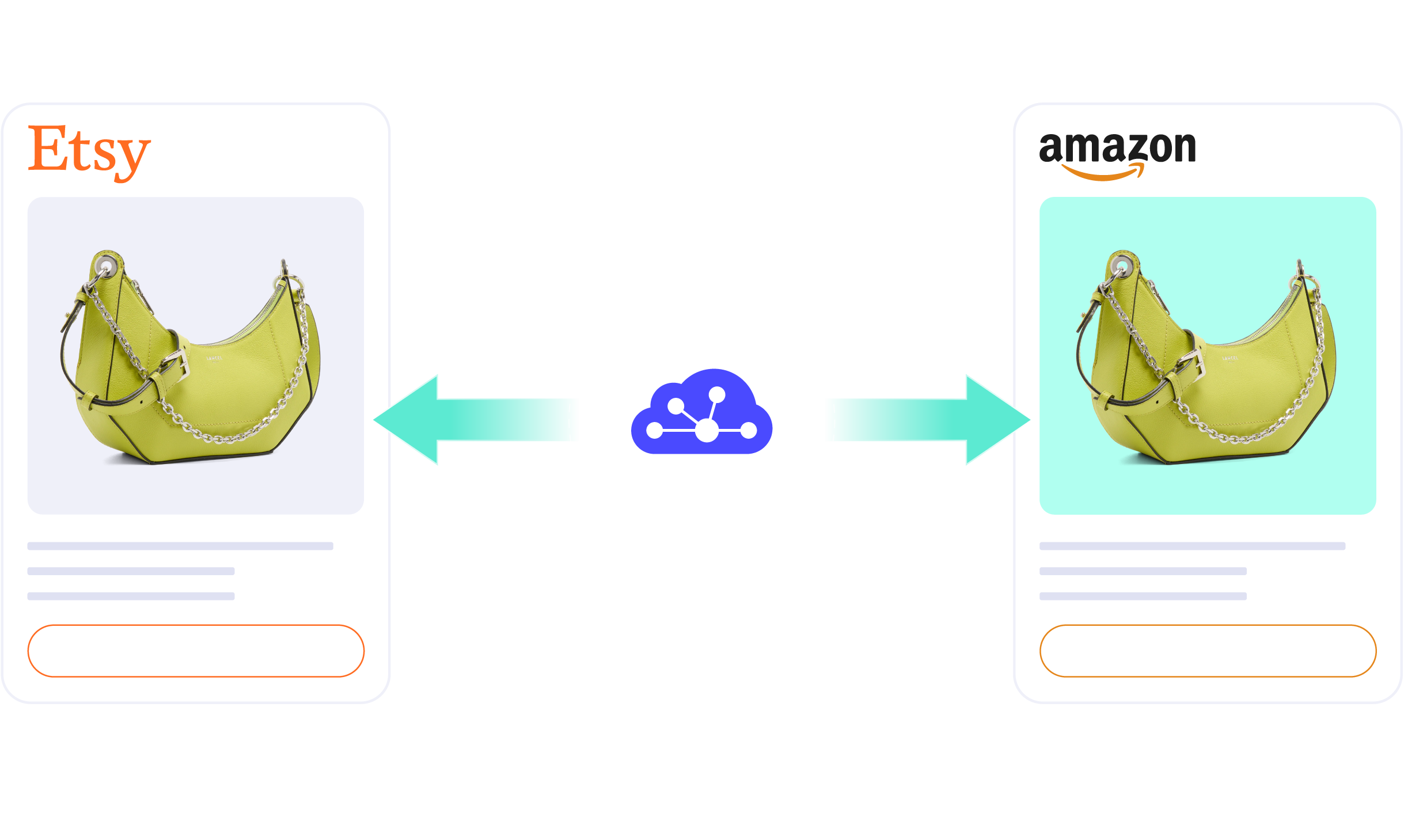
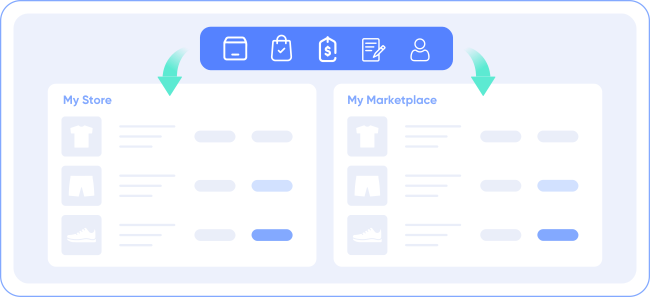
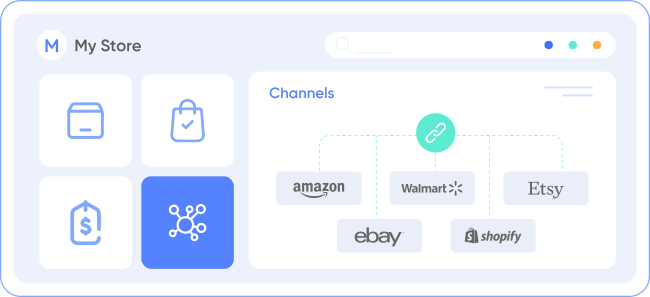
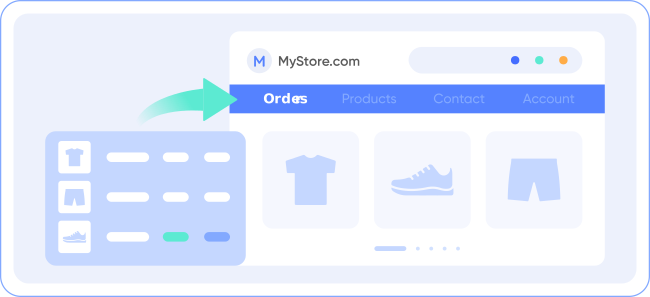
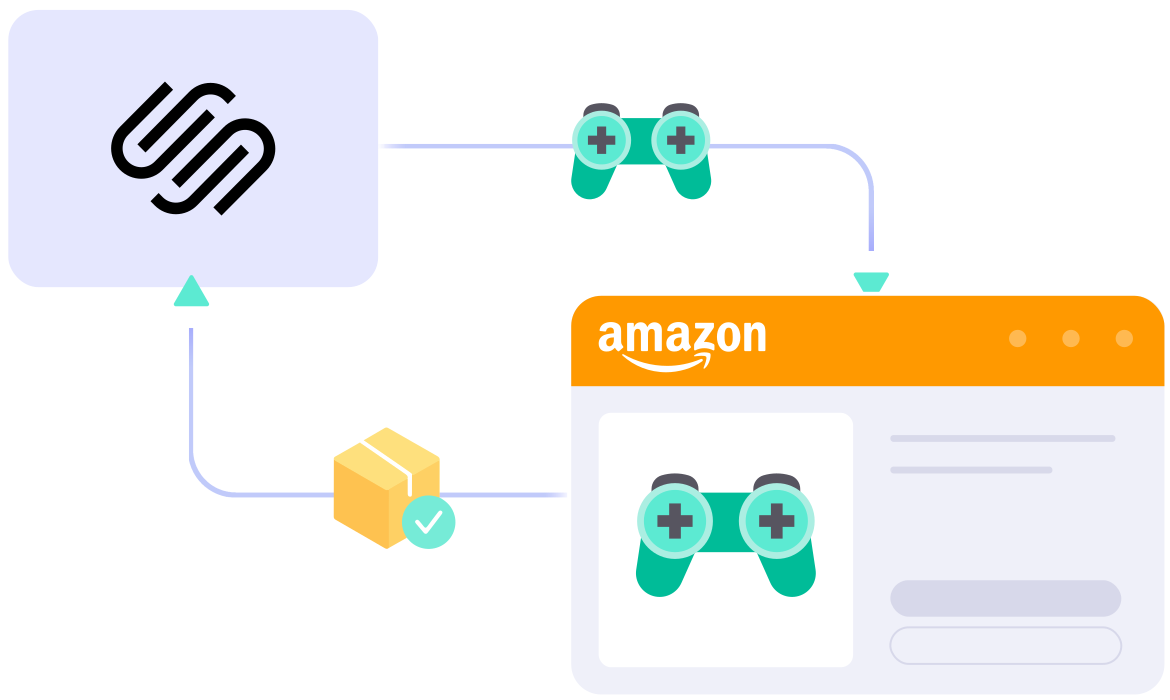
Expand your reach with our Squarespace Amazon integration. Connect Squarespace to Amazon, synchronize inventory, manage orders’ status, and streamline product listings. Our user-friendly integration is designed to save time, minimize errors, and support your business growth.
START FREE TRIAL

squarespace-amazon-integration

What Can You Get From
Squarespace Amazon Integration?

  • icon-integration

    Real-time inventory & price sync

  • SEO-listing-web-icon

    SEO standard listings

  • gtin-support-web-icon

    ASIN/GTIN exemption supported

  • 1 04 4 4

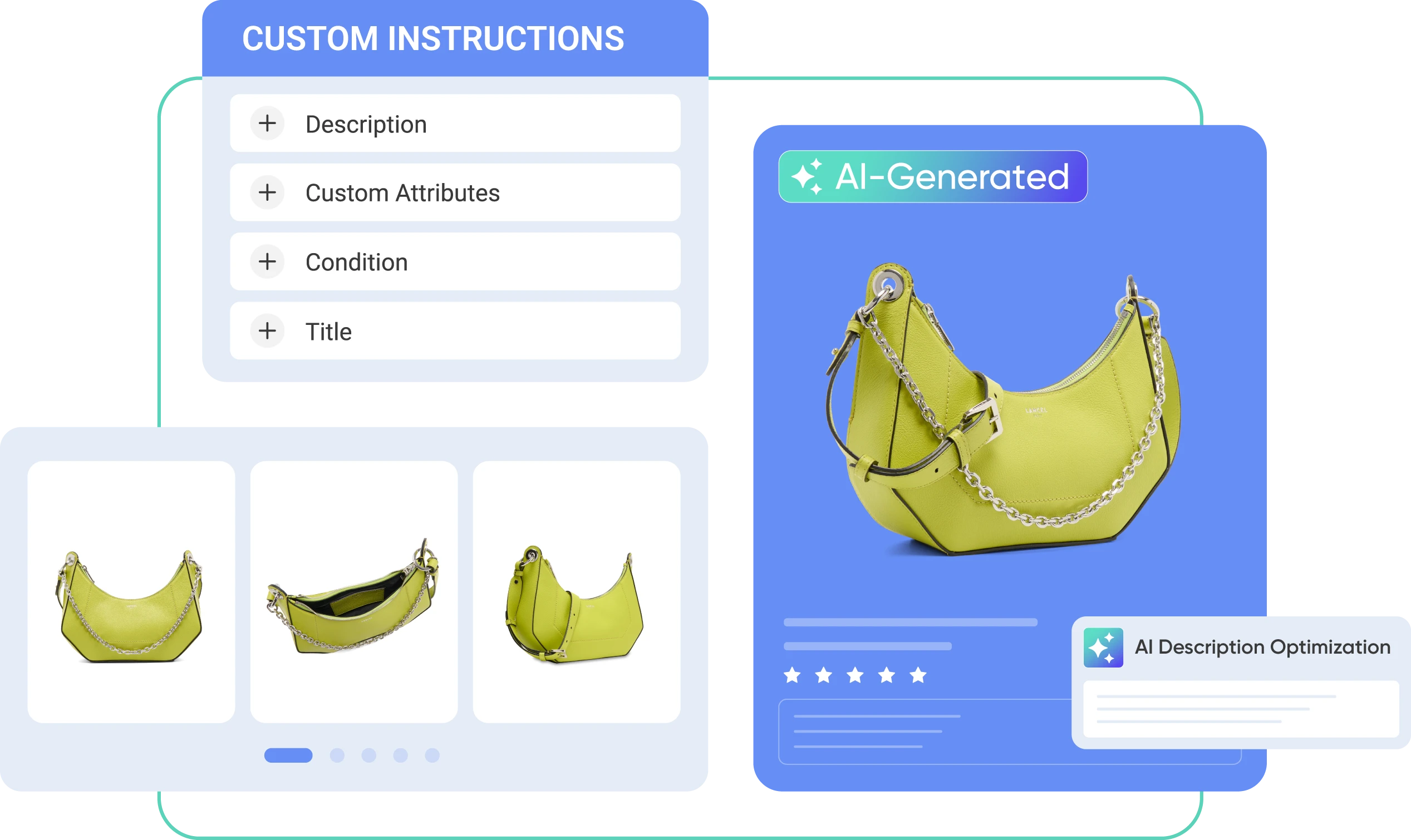
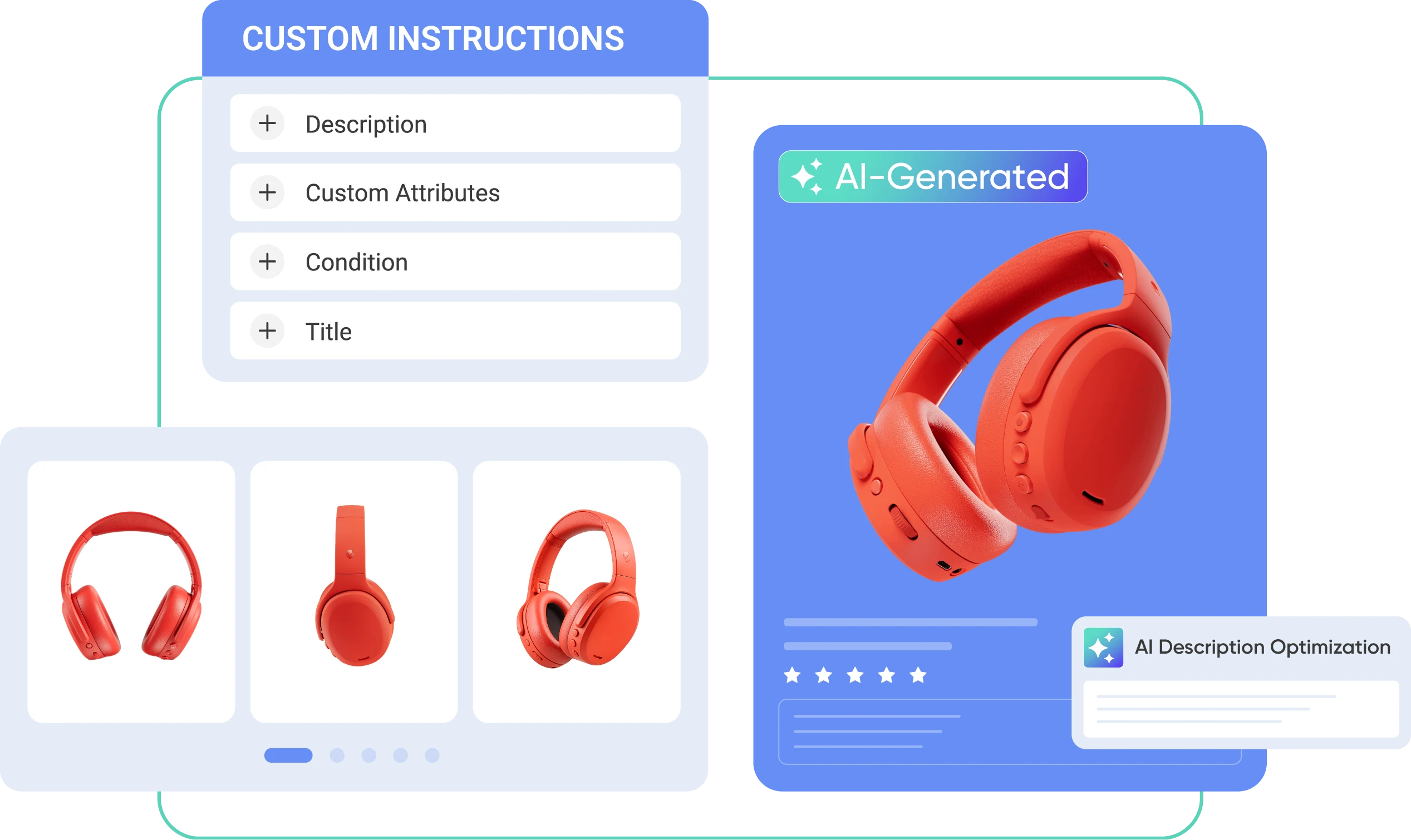
    Advanced listing editor

  • offer-buy-web-icon

    ‘Offer’ feature supported

  • support-web-icon

    Dedicated support team

What You Should Know about Squarespace Amazon Integration

Grasping how the Squarespace Amazon integration works will help you see how the tool operates. Once you understand it, trust our support team, and focus on expanding your business.

START FREE TRIAL

  • Group

    Products need an assigned ASIN, or a GTIN exemption if they are new to Amazon.

  • Group

    LitCommerce syncs only with FBM listings. For FBA, we provide Price sync but no other sync options.

  • Group

    You might need to visit Amazon to find information such as Browser nodes or manually search for required fields when listing initial items.

Explore Squarespace Amazon Integration Features

  • Connect with Ease

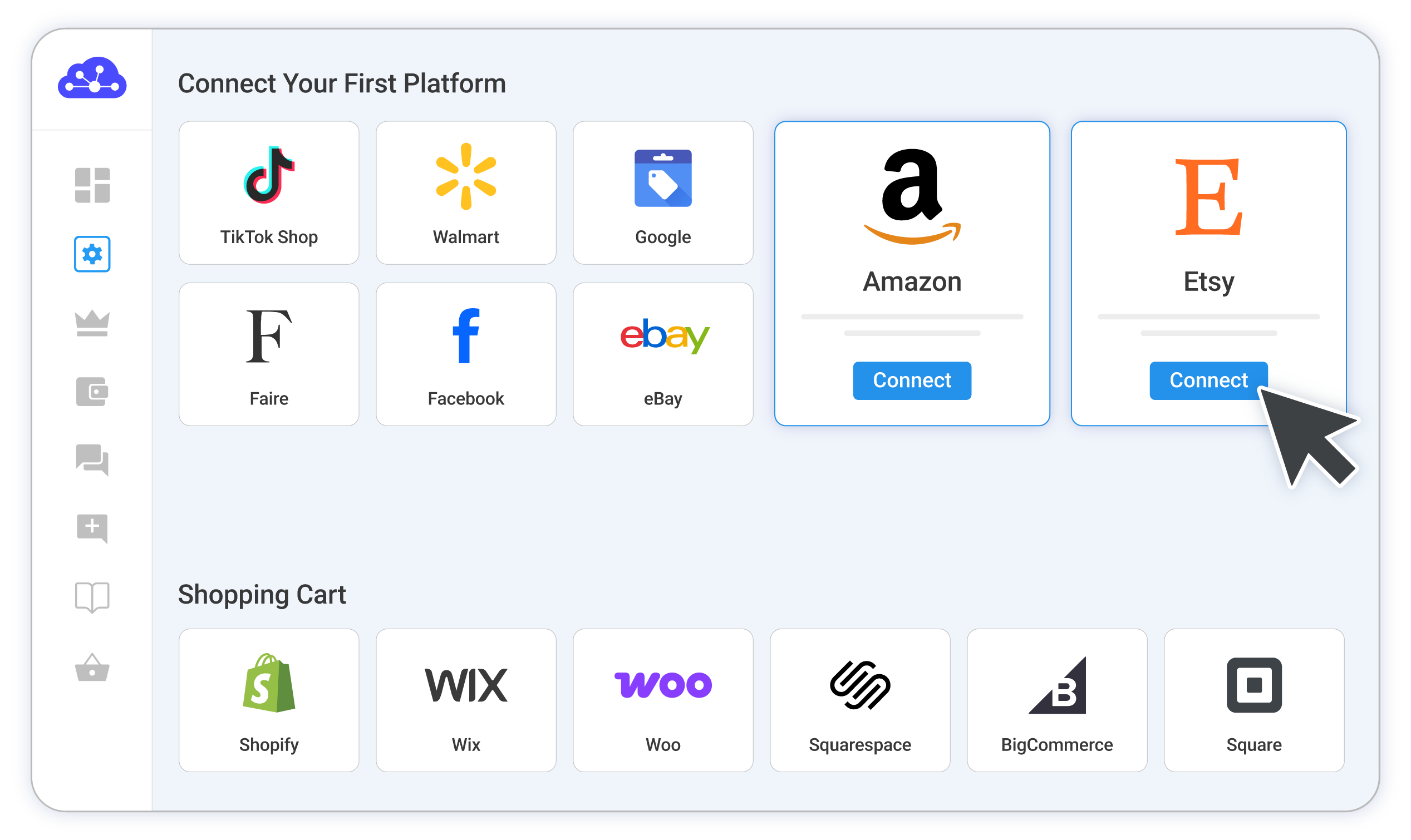
    Integrate your Squarespace store with Amazon, listing products on both platforms and managing them from a single, user-friendly dashboard. No technical skills required.

  • Streamlined Listings

    Simplify your listing process with automated rules. Apply product attributes quickly using saved templates to speed up data entry and boost efficiency.

  • Fast Syncing

    Sync your product listings, prices, and inventory between Squarespace and Amazon. Use flexible rules to automatically adjust pricing and stock levels, ensuring accurate information for your customers.

Disclaimer: Listing might face issues due to Amazon API restrictions and marketplace prerequisites, with some data needing manual entry. Reach out to our support team for help at any stage.

Popular Questions About Squarespace Amazon Integration

Not seeing your question listed here? Contact us for the quickest answer.
  • Can you connect Squarespace to Amazon?

    Definitely YES. Both Squarespace vs Amazon allows connecting with each other. You can connect them manually or using LitCommerce – a multichannel selling software to help you to add an Amazon store to the Squarespace website.

    With LitCommerce, you only need 6 detailed steps to integrate Squarespace with Amazon:

         #Step 1. Add LitCommerce app on Squarespace

         #Step 2. Connect Squarespace to Amazon

         #Step 3. List Squarespace products on Amazon or vice versa

         #Step 4. Edit Amazon listings

         #Step 5. Enable Squarespace Amazon sync

         #Step 6. Integrate Squarespace Amazon order flow

    If you have any specific requirements, feel free to contact our support team for more consultation.

  • How do I sync my Squarespace inventory with Amazon?

    One of LitCommerce’s advanced features is to make it simple to synchronize your inventory between Squarespace and Amazon. On the sidebar menu of your LitCommerce dashboard, select Channel Settings to access Amazon. You can use the Inventory Sync feature there to set the Inventory Rules. LitCommerce will automatically sync Squarespace and Amazon inventory on your behalf.

  • Is selling on Squarespace worth it?

    No matter how big your company is, Squarespace is always a worthy choice to take into account. One of the elements that contribute to user trust and reputation-building is its scalability. The eCommerce platform offers maximum satisfaction even for huge stores with an astonishing number of add-ons and integrated functionalities.

  • How much does it cost to integrate Squarespace with Amazon?

    LitCommerce offers a 7-day free trial with full feature access, including: 15-minute sync for price, inventory and product information, also advanced order management across all channels. You can cancel at any time if you want.

    You can also get a 20% discount for yearly payments. Don’t forget to check out as soon as possible to get this opportunity right now.

Why Our Customer Trust Us

“LitCommerce allows us to set up and install quickly with just a couple of clicks…”

Very minimal configuration. LitCommerce allowed us to import our Etsy listings into LitCommerce and the freedom to modify and sync all those listings to multiple marketplaces, including BigCommerce, Shopify, Amazon, eBay, and Etsy…

Mr. Rodrigo, CEO of Bien Hecho

  • Courtdale CrossingsUnited States

    Litcommerce is GREAT!

    Excellent platform to use for my new business and it just so happens to come with amazing customer service! A+++++++

    Review Source

  • AnthonyUnited Kingdom

    LitCommerce is a very powerful tool

    LitCommerce is a very powerful tool. There are a lot of moving parts, but support is extremely helpful. As I was working on some drafts I was contacted by Evelyn and she was extremely helpful in making sure I was using all the tools that LitCommerce offers. She showed me how I could apply certain templates to all my drafts at once instead of one by one. Saving me a bunch of time! Highly recommend LitCommerce!

    Review Source

  • Lovely ThinkingsPortugal

    Friendly and helpful

    Friendly, quick and helpful customer service. Wide enough range of connection options to meet my needs.

    Review Source

  • Adam RogersUnited States

    I am really impressed with the level of support.

    Both times I had several questions and a small issue and both times two different people responded instantly....

    Review Source


See More Reviews

Choose Squarespace Amazon Integration to Grow

Supercharge your sales with LitCommerce Squarespace Amazon integration. Expand, dominate, and conquer
multiple channels effortlessly. Maximize your business potential now!
START FREE TRIAL

Continue reading

Wix Amazon Integration

Wix Amazon Integration

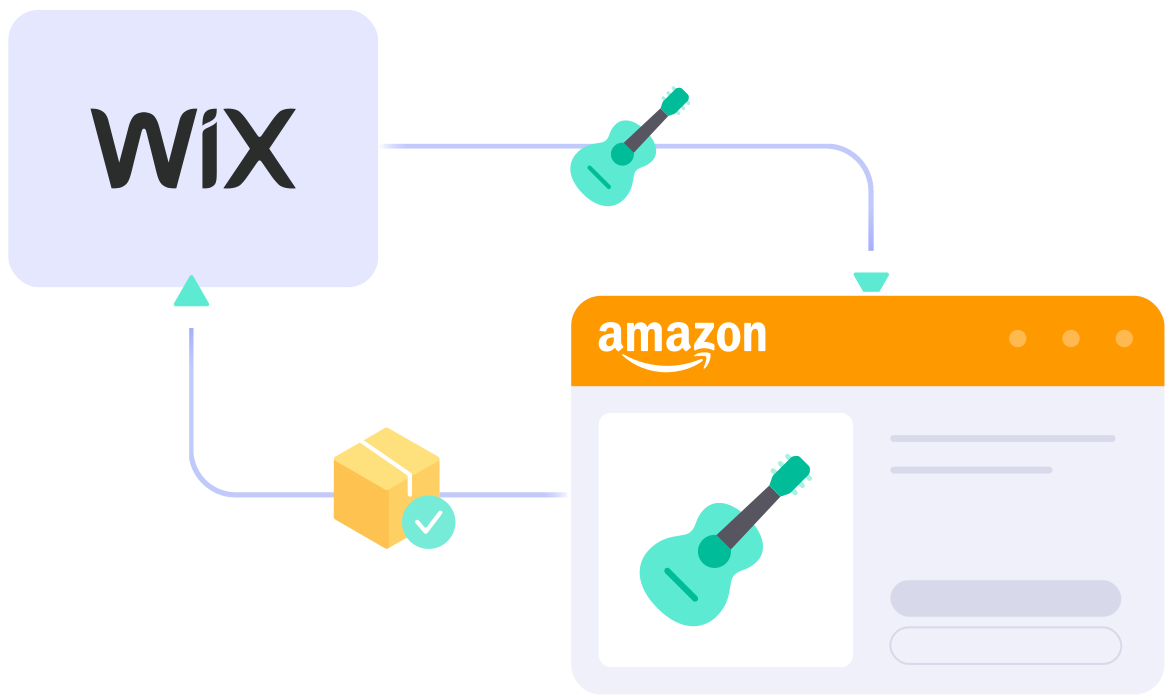
LitCommerce offers a solution for connecting Wix with Amazon, enabling you to list products on Amazon from Wix and manage all your data from one central dashboard. Explore our Free Trial, tailored for SMBs, with no payment or time limit constraints.

Start Free Trial

wix-amazon-integration

What Can You Get From
Wix Amazon Integration?

  • icon-integration

    Real-time inventory & price sync

  • gtin-support-web-icon

    ASIN/GTIN exemption supported

  • 1 04 4 4

    Advanced listing editor

  • SEO-listing-web-icon

    SEO standard listings

  • offer-buy-web-icon

    ‘Offer’ feature supported

  • support-web-icon

    Dedicated support team

What to Know Before Integration Wix with Amazon

Knowing how the LitCommerce Amazon integration functions will give you a clear view of our tool’s operation. Just understand this information, rely on our support team, and concentrate on growing your business.

Start Free Trial

  • Group

    Ensure your products have an assigned ASIN, or obtain a GTIN exemption if they’re new to Amazon

  • Group

    LitCommerce supports sync for FBM listings only. For FBA, only Price sync is available, with no other sync features.

  • Group

    When listing your initial items, you might need to visit Amazon to gather details such as Browser nodes or manually find required fields.

Discover Wix Amazon Integration Key Features

  • Seamless Multichannel Connect

    Connect your Wix store with Amazon, enabling you to list products on both platforms and manage everything from one convenient dashboard. No technical skills needed.

  • Efficient Listing Editor

    Streamline your listing process with automated rules. Easily apply product attributes using saved templates, speeding up data entry and enhancing efficiency.

  • Rapid Syncing

    Quickly synchronize your product listings, prices, and inventory between Wix and Amazon. Set flexible listing rules to automatically adjust pricing and stock levels across both platforms, ensuring accurate and consistent information for your customers.

Disclaimer: Due to Amazon API and marketplace requirements, you may encounter listing issues and data blocks requiring manual input. Contact our support team for help at any time.

START FREE TRIAL

Show More

Popular Questions About Wix Amazon Integration

Not seeing your question listed here? Contact us for the quickest answer.
  • Can you connect Wix to Amazon?

    Definitely YES. Both Wix vs Amazon allows connecting with each other. You can connect them manually or using LitCommerce – a multichannel selling software to help you to add an Amazon store to the Wix website.

    With LitCommerce, you only need 6 detailed steps to integrate Wix with Amazon:

         #Step 1. Add LitCommerce app on Wix

         #Step 2. Connect Wix to Amazon

         #Step 3. List Wix products on Amazon or vice versa

         #Step 4. Edit Amazon listings

         #Step 5. Enable Wix Amazon sync

         #Step 6. Integrate Wix Amazon order flow

    If you have any specific requirements, feel free to contact our support team for more consultation.

  • How do I sync my Wix inventory with Amazon?

    One of LitCommerce’s advanced features is to make it simple to synchronize your inventory between Wix and Amazon. On the sidebar menu of your LitCommerce dashboard, select Channel Settings to access Amazon.

    You can use the Inventory Sync feature there to set the Inventory Rules. LitCommerce will automatically sync Wix and Amazon inventory on your behalf.

  • Is selling on Wix worth it?

    No matter how big your company is, Wix is always a worthy choice to take into account. One of the elements that contribute to user trust and reputation-building is its scalability. The eCommerce platform offers maximum satisfaction even for huge stores with an astonishing number of add-ons and integrated functionalities.

  • How much does it cost to integrate Wix with Amazon?

    LitCommerce focuses on providing a plugin that is both affordable and effective. The cost for Wix and Amazon Integration is totally FREE.

    However, the Free Plan does not get you access to other potent features like Synchronization or QuickGrid,… In case you want to use these features, you need to pay for a more advanced plan depending on the number of products you sell. The price ranges from $29/month to $149/month and is paid monthly or yearly.

Why Our Customer Trust Us

“LitCommerce allows us to set up and install quickly with just a couple of clicks…”

Very minimal configuration. LitCommerce allowed us to import our Etsy listings into LitCommerce and the freedom to modify and sync all those listings to multiple marketplaces, including BigCommerce, Shopify, Amazon, eBay, and Etsy…

Mr. Rodrigo, CEO of Bien Hecho

  • Courtdale CrossingsUnited States

    Litcommerce is GREAT!

    Excellent platform to use for my new business and it just so happens to come with amazing customer service! A+++++++

    Review Source

  • AnthonyUnited Kingdom

    LitCommerce is a very powerful tool

    LitCommerce is a very powerful tool. There are a lot of moving parts, but support is extremely helpful. As I was working on some drafts I was contacted by Evelyn and she was extremely helpful in making sure I was using all the tools that LitCommerce offers. She showed me how I could apply certain templates to all my drafts at once instead of one by one. Saving me a bunch of time! Highly recommend LitCommerce!

    Review Source

  • Lovely ThinkingsPortugal

    Friendly and helpful

    Friendly, quick and helpful customer service. Wide enough range of connection options to meet my needs.

    Review Source

  • Adam RogersUnited States

    I am really impressed with the level of support.

    Both times I had several questions and a small issue and both times two different people responded instantly....

    Review Source


See More Reviews

Choose Wix Amazon Integration to Grow

Supercharge your sales with LitCommerce Wix Amazon integration. Expand, dominate, and conquer multiple channels effortlessly. Maximize your business potential now!

Start Free Trial

Continue reading

Squarespace eBay Integration

Squarespace eBay Integration

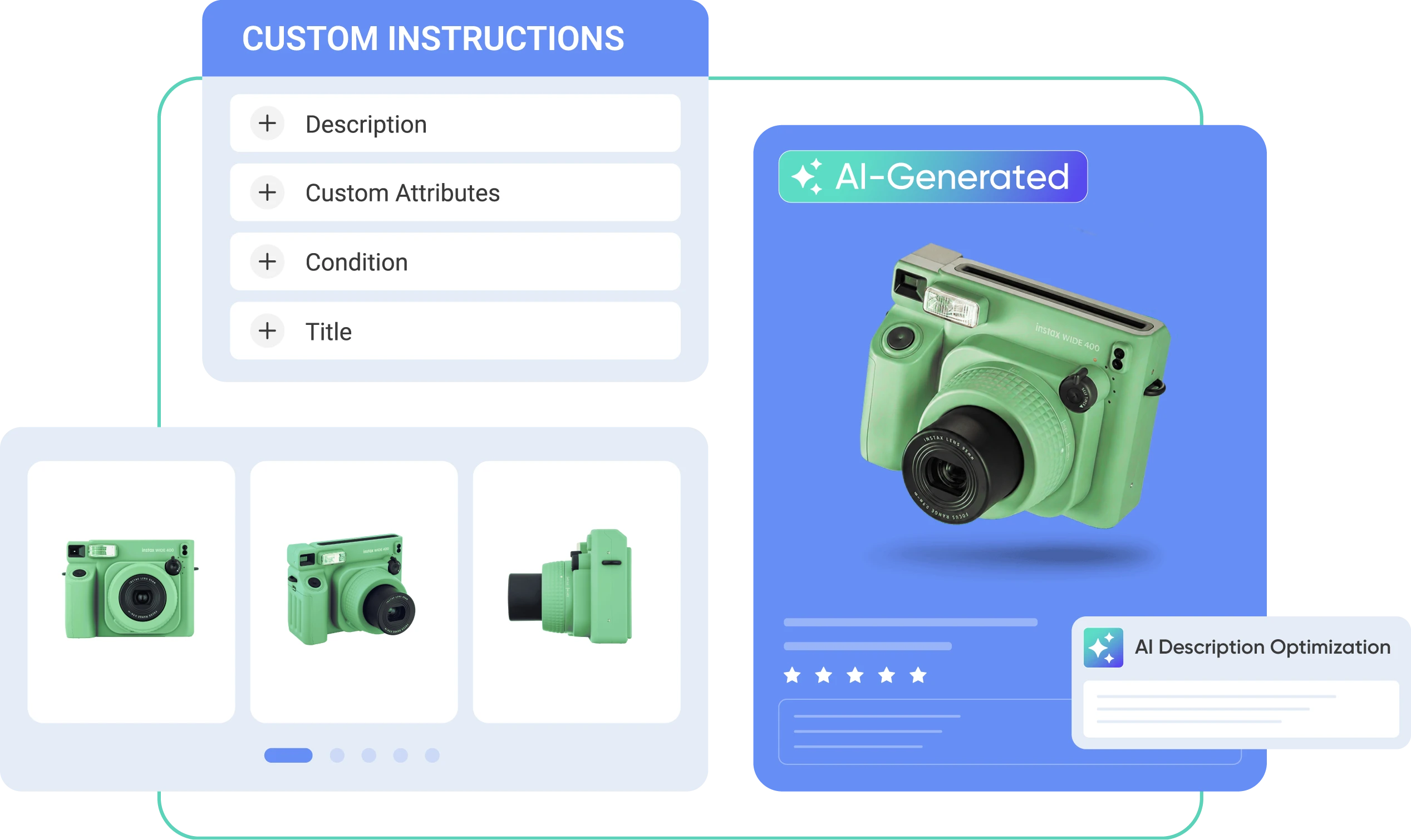
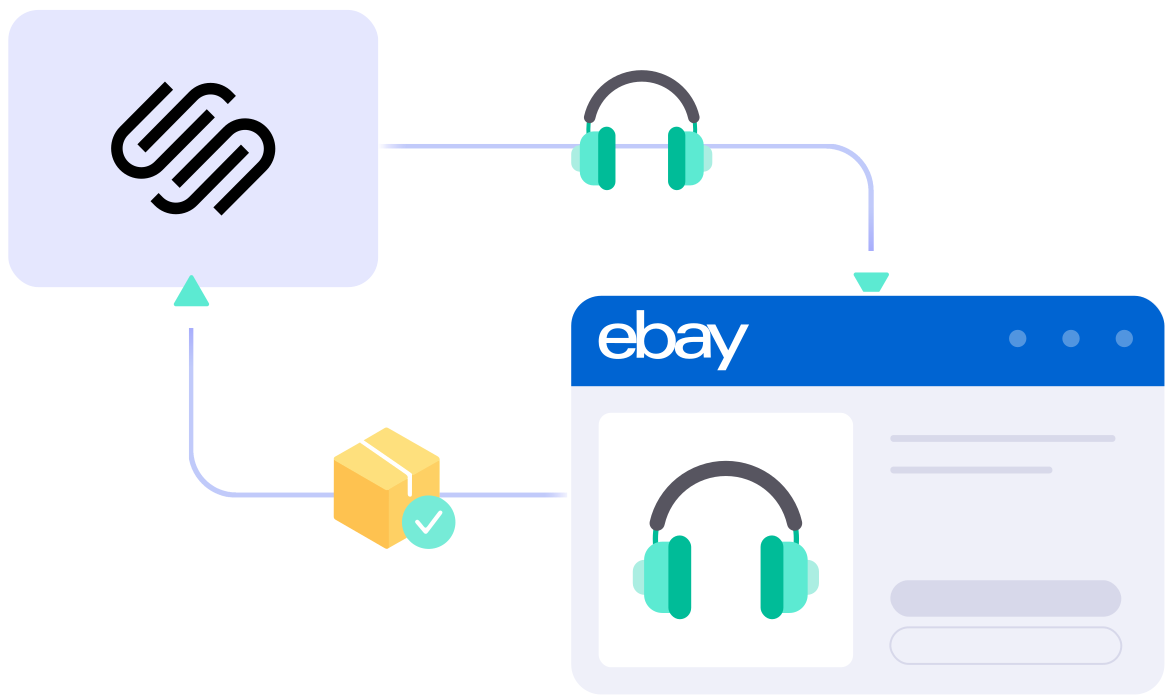
LitCommerce lets you seamlessly connect your Squarespace store with eBay, handling listings, inventory sync, and orders in one place. You can also use our AI tool to create optimized eBay descriptions, helping you expand your reach while keeping your Squarespace experience simple and elegant.

START FREE TRIAL

squarespace-ebay-integration

What Details are Kept in Sync with
Squarespace eBay integration?

  • icon-integration

    Price

    Ensures correct pricing with custom rules per channel, including currency conversion.

  • icon-time

    Inventory

    Synchronizes stock levels accurately and sets desired quantities for display across channels.

  • 1 04 4 2

    Order

    Integrates eBay orders into Squarespace for centralized fulfillment and timely shipping.

  • 1 04 4 3

    Title

    Automatically updates titles from the Main Store, ensuring consistency everywhere.

  • 1 04 4 4

    Description

    Saves time by updating product descriptions across all channels automatically.

How to Connect Squarespace with eBay

  • Step 1: Link your Squarespace store to eBay

    Start by setting up your Squarespace store through the app menu or by installing our app from the app store. Your Squarespace store will be your main place to manage products listed on eBay.

    After connecting your eBay shop, LitCommerce also lets you connect with 10+ channels, platforms, and marketplaces, including Amazon, TikTok Shop, and more.

  • Step 2: List and import products on eBay

    LitCommerce makes it easy to handle product listings with three options:

    • Scenario 1: You want to list products from your Squarespace store on eBay.
    • Scenario 2: You have products on eBay that you’d like to import into your Squarespace store.
    • Scenario 3: You have products on both Squarespace and eBay and want to link them together.

    Products listed on eBay will appear in the Draft tab, where you can edit them before going live, including using our AI tool to generate optimized eBay descriptions.

  • Step 3: Sync Squarespace with eBay

    LitCommerce keeps your Squarespace and eBay stores updated with a 15-Minute Sync Frequency for product details such as titles, images, inventory, pricing, and orders.

  • Step 4: Manage orders in one place

    Once you activate Order Sync, up-to-date eBay orders are automatically imported into your Squarespace store, so you can manage and fulfill them in one place.

Popular Questions About Squarespace eBay Integration

Not seeing your question listed here? Contact us for the quickest answer.
  • Does Squarespace integrate with eBay?

    Both Squarespace vs eBay allow connecting manually or using LitCommerce – a multichannel selling software to help you connect an eBay store to your Squarespace website.

    With LitCommerce, you can integrate Squarespace and eBay in just 6 steps:

    #Step 1: Link your Squarespace store to eBay
    #Step 2: List and import products on eBay
    #Step 3: Sync Squarespace with eBay
    #Step 4: Manage orders in one place

  • Why should I use Squarespace?

    Squarespace is a prominent hosted eCommerce platform that provides everything you need to create an online store. The only thing you need to do is sign up. Then, you can start personalizing your eCommerce store and monetizing it right away.

    In its most general sense, Squarespace is made-to-measure for big sellers with a variety of rich built-in features. Also, it would be an ideal place for those who are having an international plan as Squarespace excels with multi-channel selling. And more importantly, this hosted cart gives you the flexibility to customize and scale up your business effortlessly.

  • Who is Squarespace best for?

    Squarespace defines itself to be an all-in-one solution to all sizes of businesses. However, with a focus on various out-of-the-box features, Squarespace is more well-tailored for enterprise-level companies or those who want to scale up their store.

  • How much do I need to pay for LitCommerce to integrate Squarespace with eBay?

    LitCommerce offers a 7-day free trial with full feature access, including: 15-minute sync for price, inventory and product information, also advanced order management across all channels. You can cancel at any time if you want.

    You can also get a 20% discount for yearly payments. Don’t forget to check out as soon as possible to get this opportunity right now.

Choose Squarespace eBay Integration to Grow

Supercharge your sales with LitCommerce Squarespace eBay integration. Expand, dominate, and conquer multiple channels effortlessly. Maximize your business potential now!

START FREE TRIAL

Continue reading

Squarespace Etsy Integration

Squarespace Etsy Integration

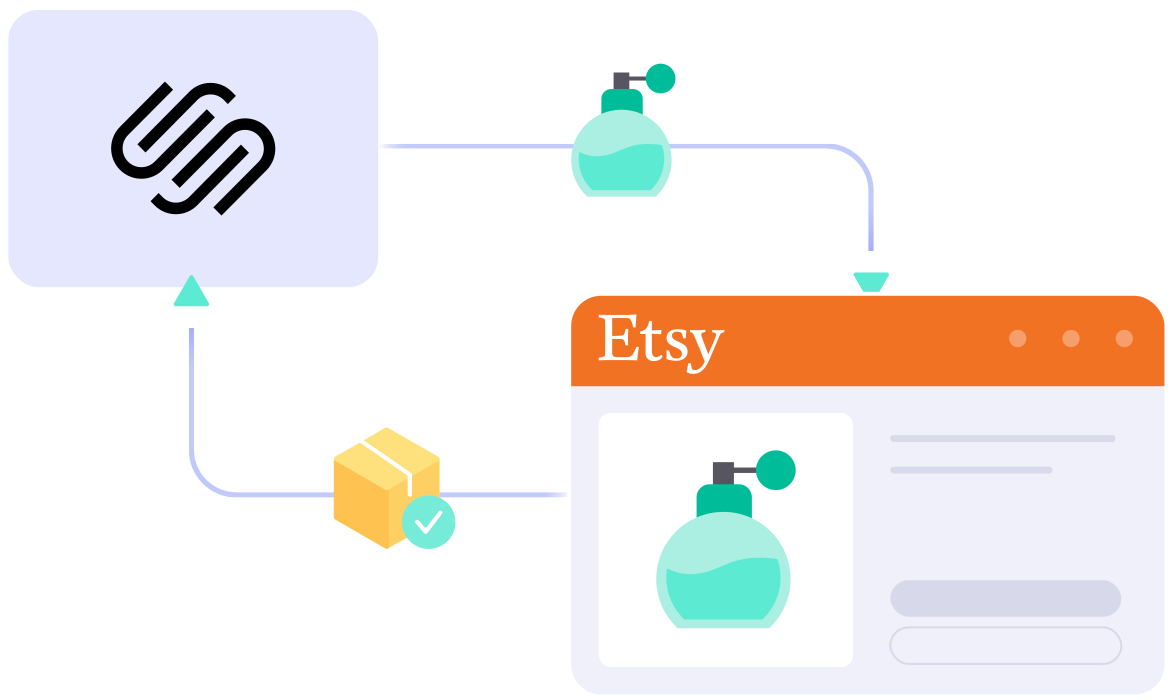
Discover an easier way to manage your stores with LitCommerce’s Squarespace Etsy integration. Automatically sync product details, inventory, and orders between platforms, and use our AI tool to create optimized Etsy descriptions with less manual work.

START FREE TRIAL

squarespace-etsy-integration

See What Can Be Synced
Between Squarespace and Etsy

  • icon-integration

    Price

    Sets correct prices and applies custom rules for each channel, with currency conversion capabilities.

  • icon-time

    Inventory

    Syncs stock levels with precise, error-free updates, allowing you to set display quantities.

  • 1 04 4 2

    Order

    Collects Etsy orders into Squarespace for easy management and on-time fulfillment from a single dashboard.

  • 1 04 4 3

    Title

    Automatically syncs titles from the Squarespace store, ensuring consistency on Etsy shop.

  • 1 04 4 4

    Description

    Streamlines updates by automatically applying changes to product descriptions across all channels.

How to Connect Squarespace to Etsy

  • Step 1: Link Squarespace to Etsy

    Begin by setting up your Squarespace store via the app menu or by connecting our app from the Squarespace extension market. Your Squarespace store will serve as the main hub for listing products on Etsy.

    Once your Etsy shop is connected, our integration enables you to expand your reach to other channels, including Amazon, eBay, TikTok Shop, and more than 20 other platforms.

  • Step 2: List or import products on Etsy

    Our integration supports three key scenarios for managing your listings:

    • Case 1: You want to take products from your Squarespace store and list them on Etsy.
    • Case 2: You have products on Etsy that you wish to import to your Squarespace store.
    • Case 3: You have products on both Etsy and Squarespace that you want to link together.

    All products listed on Etsy will appear in the Draft tab, where you can edit them before publishing, including using our AI tool to generate optimized Etsy descriptions.

  • Step 3: Activate Squarespace Etsy sync

    With our Squarespace Etsy integration, you benefit from sync. This ensures that product details—such as names, images, inventory levels, prices, and orders—are updated between your Squarespace and Etsy channels every 60 minutes.

  • Step 4: Efficiently manage Etsy orders from Squarespace

    Once you activate the Order Sync feature, your Squarespace store will automatically capture all order details from Etsy. This allows you to review and fulfill these orders alongside your Squarespace orders, all conveniently managed from a single dashboard.

Popular Questions About Squarespace Etsy Integration

Not seeing your question listed here? Contact us for the quickest answer.
  • Does Squarespace integrate with Etsy?

    Both Squarespace vs Etsy allow connecting manually or using LitCommerce – a multichannel selling software to help you to add an Etsy store to the Squarespace website.

    With LitCommerce, Squarespace and Etsy are integrated with only 6 steps:

         #Step 1: Add LitCommerce app on Squarespace
         #Step 2: Connect to Etsy
         #Step 3: List Squarespace products on Etsy
         #Step 4: Edit Etsy listings
         #Step 5: Enable Squarespace Etsy synchronization
         #Step 6: Make use of Squarespace Etsy integrated order flow

  • Why should I use Squarespace?

    Squarespace is a prominent hosted eCommerce platform that provides everything you need to create an online store. The only thing you need to do is sign up. Then, you can start personalizing your eCommerce store and monetizing it right away.

    In its most general sense, Squarespace is made-to-measure for big sellers with a variety of rich built-in features. Also, it would be an ideal place for those who are having an international plan as Squarespace excels with multi-channel selling. And more importantly, this hosted cart gives you the flexibility to customize and scale up your business effortlessly.

  • Who is Squarespace best for?

    Squarespace defines itself to be an all-in-one solution to all sizes of businesses. However, with a focus on various out-of-the-box features, Squarespace is more well-tailored for enterprise-level companies or those who want to scale up their store.

  • How much does it cost to integrate Squarespace with Etsy?

    LitCommerce offers a 7-day free trial with full feature access, including: 60-minute sync for price, inventory and product information, also advanced order management across all channels. You can cancel at any time if you want.

    You can also get a 20% discount for yearly payments. Don’t forget to check out as soon as possible to get this opportunity right now.

Why Our Customer Trust Us

“LitCommerce allows us to set up and install quickly with just a couple of clicks…”

Very minimal configuration. LitCommerce allowed us to import our Etsy listings into LitCommerce and the freedom to modify and sync all those listings to multiple marketplaces, including BigCommerce, Shopify, Amazon, eBay, and Etsy…

Mr. Rodrigo, CEO of Bien Hecho

  • Courtdale CrossingsUnited States

    Litcommerce is GREAT!

    Excellent platform to use for my new business and it just so happens to come with amazing customer service! A+++++++

    Review Source

  • AnthonyUnited Kingdom

    LitCommerce is a very powerful tool

    LitCommerce is a very powerful tool. There are a lot of moving parts, but support is extremely helpful. As I was working on some drafts I was contacted by Evelyn and she was extremely helpful in making sure I was using all the tools that LitCommerce offers. She showed me how I could apply certain templates to all my drafts at once instead of one by one. Saving me a bunch of time! Highly recommend LitCommerce!

    Review Source

  • Lovely ThinkingsPortugal

    Friendly and helpful

    Friendly, quick and helpful customer service. Wide enough range of connection options to meet my needs.

    Review Source

  • Adam RogersUnited States

    I am really impressed with the level of support.

    Both times I had several questions and a small issue and both times two different people responded instantly....

    Review Source


See More Reviews

Choose Squarespace Etsy Integration to Grow

Supercharge your sales with LitCommerce Squarespace Etsy integration. Expand, dominate, and conquer multiple channels effortlessly. Maximize your business potential now!

START FREE TRIAL

Continue reading

eBay Amazon Integration

eBay Amazon Integration Without Manual Relisting or Breaking Marketplace Rules

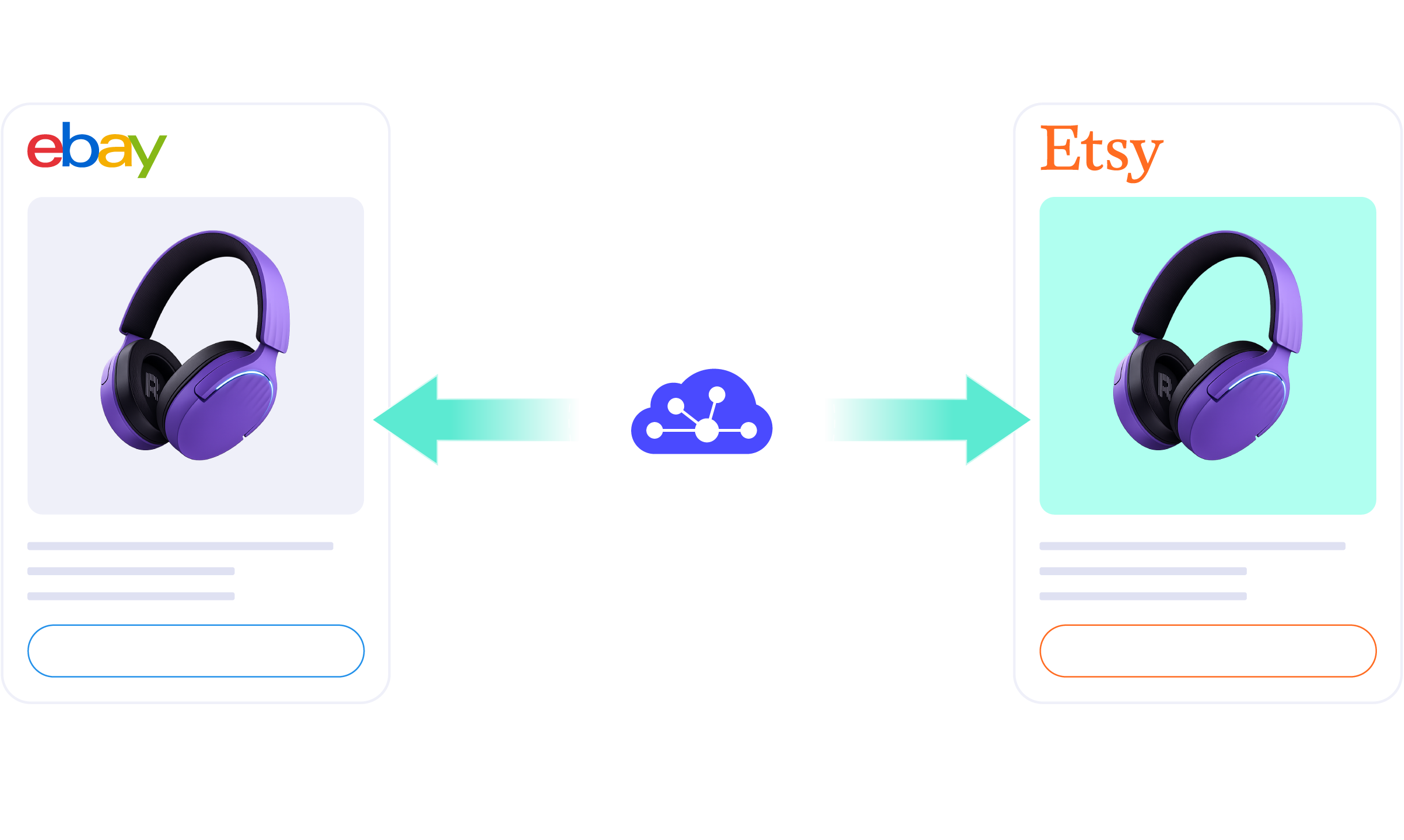
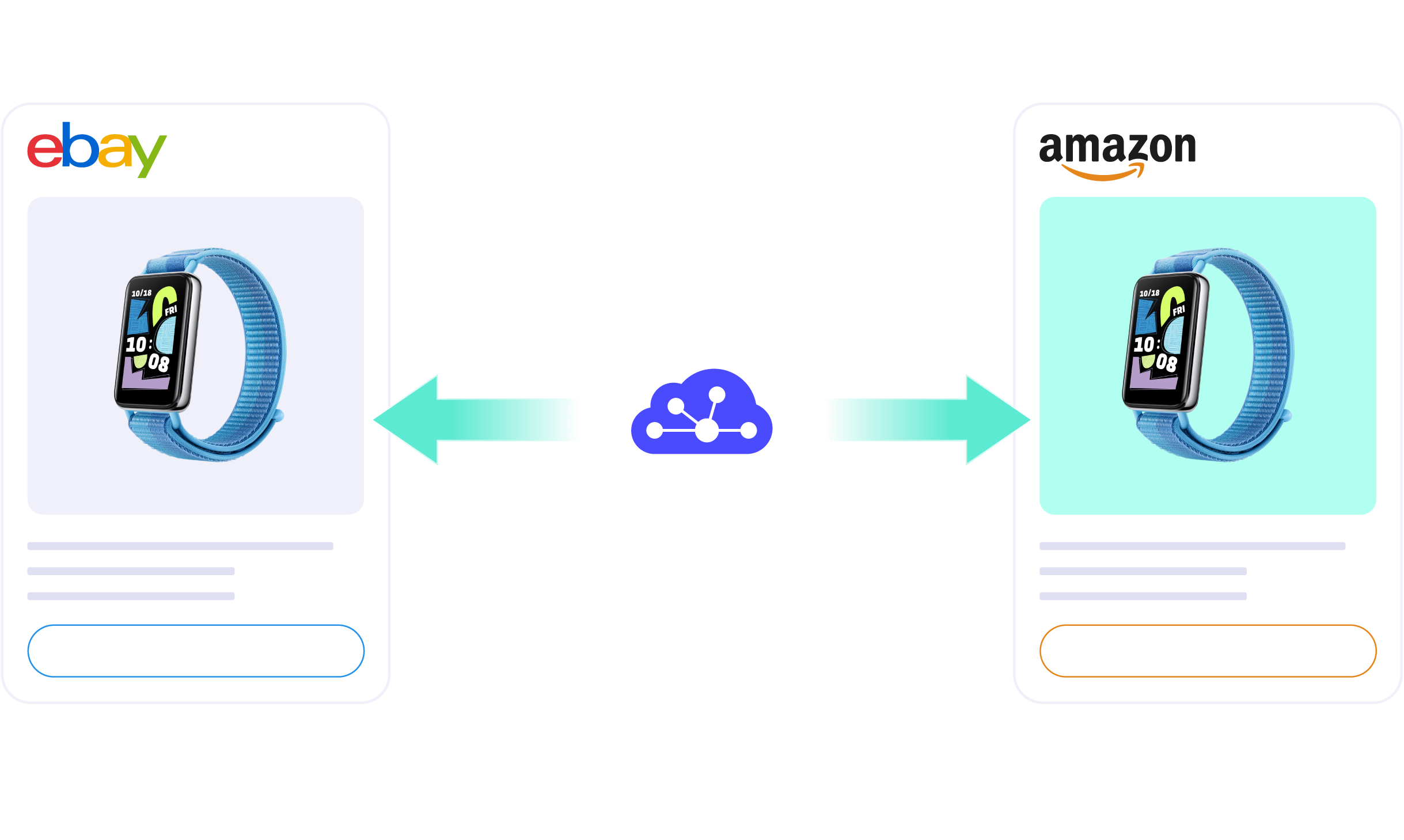
Expand from eBay to Amazon, or Amazon to eBay, without rebuilding your selling workflow. LitCommerce helps sellers bulk list products, sync stock & prices, manage orders, and keep both marketplaces under control from one powerful dashboard.

ebay amazon integration hero

How to Set Up eBay Amazon Integration in 5 Steps


Step 1: Connect eBay and set your Main Store

START FREE TRIAL

Show More

Cross-List Faster with Channel-Specific Tools

eBay and Amazon work differently, but managing them shouldn’t slow your business down. Pick the channel you want to sell on, and LitCommerce gives you a toolset built for that channel’s requirements, so you cross-list from your central catalog and meet each marketplace’s rules without rebuilding listings by hand.

  • 1 12

    Tools built specifically for selling on Amazon

    ✅ Bulk cross-list from your LitCommerce catalog to Amazon, no manual re-entry
    ✅ Create Amazon listings without an existing ASIN using a GTIN exemption
    ✅ Optimize Amazon titles and descriptions with AI to improve search visibility
    ✅ Import both FBA and MFN orders into one dashboard
    ✅ Set Amazon regional pricing rules to protect margins across markets
    ✅ Separate taxes from order totals for accurate accounting and reporting
    ✅ Activate Amazon Offers in-app to set up discounts and promotions faster
  • 1 13

    Tools built specifically for selling on eBay

    ✅ Bulk cross-list from your LitCommerce catalog to eBay, no manual re-entry
    ✅ Design eBay listings with mobile-responsive, eBay-compliant templates
    ✅ Publish eBay listings in bulk or schedule them to go live later
    ✅ Enable Auto-Relist to keep eBay listings active without manual relisting
    ✅ Turn Amazon listing content into eBay-ready, keyword-rich descriptions with AI
    ✅ Adjust prices and currency rules, and GST/VAT settings for different eBay regions
    ✅ Get eBay selling limit alerts to prevent listing interruptions
    ✅ Reply to eBay buyer messages inside LitCommerce, without switching to eBay
    ✅ Track your Good ‘Til Canceled listings with GTC Watchdog to catch ended or inactive listings

Keep Stock, Prices, and Orders Under Control as You Scale

No more switching tabs, fixing stock mismatches, or updating products twice. LitCommerce keeps eBay and Amazon connected, so you can protect inventory, keep profitable pricing, and fulfill orders faster.

  • 1 04 4 1

    Inventory

    Syncs stock every 15 minutes across channels. Set display quantity rules to reduce overselling while keeping products available.

  • 1 04 4

    Price

    Accurately sets prices for each channel, keep prices aligned, and protect your margins without editing every listing one by one.

  • 1 04 4 2

    Orders

    Imports eBay and Amazon orders into one dashboard and connects them to fulfillment services for faster processing.

Note: Due to Amazon API limitations, FBA inventory sync, full customer information import,
and order status pushback from the Main Store may not be available.

  • 10+

    Supported Channels

  • 80K+

    Customers Worldwide

  • 60+

    Countries Served

  • 4.9*

    Rating from Merchants

ai powered tool

Create Optimized Listings for Amazon & eBay with AI

Save time preparing listings for both channels with less manual setup. LitCommerce AI rewrites titles and descriptions to fit eBay’s keyword-rich style and Amazon’s search-focused structure, and suggests a category based on your product image.

You review and finish each channel’s required fields, such as an ASIN or GTIN exemption for Amazon, before publishing.

Start optimizing listings

Real Stories, Real Growth
How Our Customers Achieve Success

Person Photo

“We chose LitCommerce because it offered a seamless integration solution that promised to simplify our multichannel management. The user-friendly interface and comprehensive features stood out compared to other options. And since implementing LitCommerce, our inventory management has become much more efficient. We’ve seen a significant reduction in errors, which was improved our customer satisfaction.”

Mr. Johnny Sluyter
Founder of House of Hauntz


Person Photo

“One thing I can certainly attest to is LitCommerce’s support has been fantastic. There’s a big time zone difference between them and me, but they answer my questions timely, and they’re always courteous and friendly, and they’ve done a great job of addressing the problem and getting it fixed as quickly as possible once it’s brought to their attention. So I really can’t speak highly enough to the support in that regard.”

Mr. Erik Salamon
Founder of Guitar Repair Parts


Person Photo

“I used several of other platforms but LitCommerce had one thing that we needed here at our facility which was the Square integration, which works absolutely awesome. Upload all your products into Square, goes into LitCommerce and just spreads to the world all the way around with all these product channels. So it works super awesome.”

Mr. Matt White
Founder of Bargain Bombers


FAQs – About LitCommerce eBay Amazon Integration Tool

  • Can I sell on eBay and Amazon from one place?

    Yes. You connect both stores to LitCommerce, and LitCommerce becomes the hub between them. From there, you cross-list products from eBay to Amazon (or the reverse), sync stock and prices, import orders into one dashboard, and organize fulfillment.

    eBay and Amazon stay separate accounts; LitCommerce is what keeps them in step. You can also connect 10+ channels, including Etsy, TikTok Shop, and Walmart, each connecting to LitCommerce rather than to eBay or Amazon directly.

  • Is it more profitable to sell on eBay or Amazon?

    It depends on your products, margins, and selling strategy.

    eBay is often a strong choice for niche products, collectibles, used items, and sellers who want more control over pricing and listings. Amazon may work better for sellers who want access to a larger shopper base, structured product pages, and fulfillment options such as FBA.

    For many businesses, the better option is not choosing one over the other. Selling on both eBay and Amazon helps reach different buyers and reduce reliance on a single marketplace. With LitCommerce, sellers can list products across eBay, Amazon, and other connected channels, sync price and inventory with a 15-Minute Sync Frequency, and manage operations from one dashboard.

  • How much does it cost to integrate eBay with Amazon?

    LitCommerce comes with a 7-day free trial that unlocks all premium features. After the trial, pricing is pay-as-you-go based on your number of listings and connected channels, starting at $29/month. It includes a 15-minute sync for price, inventory, and product data, plus order sync on every plan. You can cancel anytime.

  • Is there support available during the eBay and Amazon integration process?

    Yes. LitCommerce provides support resources to help sellers set up and manage the integration.

    You can use help documents, FAQs, blog guides, and video tutorials to learn the setup process. For direct help, the LitCommerce Support Team is available through live chat inside the dashboard.

Grow Business Without Rebuilding Every Listing

You already did the hard work of creating listings that sell. Now use them to expand further with a cross-listing platform that helps you relist faster, stay organized, and manage more marketplaces with less effort.

START FREE TRIAL

Continue reading

eBay Etsy Integration

eBay Etsy Integration Built for Faster Cross-Listing and Smarter Sync

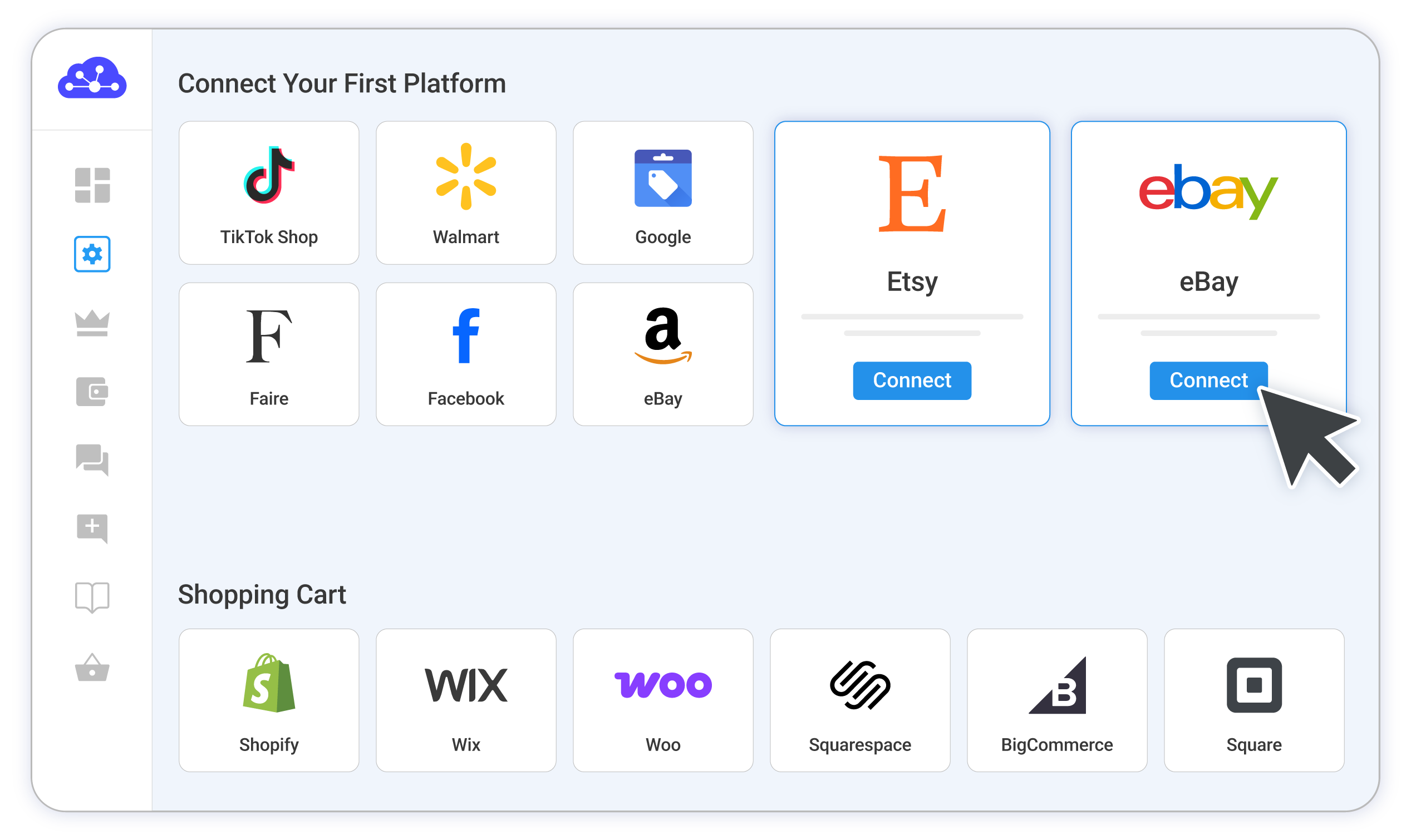
Set up a central hub for eBay and Etsy in minutes. Cross-list products, sync inventory and pricing, and manage every order from one dashboard. You connect each store to LitCommerce, and it adapts every listing to what eBay or Etsy requires.

ebay etsy integration hero

How to Set Up an eBay Etsy Integration with LitCommerce


Step 1: Connect Etsy and set your Main Store

START FREE TRIAL

Show More

Tailored Tools Built Specialized for eBay and Etsy Sellers

Etsy and eBay have different buyers, listing formats, and selling rules. Pick the channel you want to sell on, and LitCommerce gives you a toolset built for that channel’s requirements, so you cross-list and optimize each listing without rebuilding it by hand.

  • 1 11

    Tools built specifically for selling on Etsy

    Bulk eBay to Etsy import, transferring all product catalog in a few clicks
    Schedule Etsy listings to publish automatically with less manual work
    Optimize product descriptions with AI to match Etsy’s tone, search behavior
    50% off your first annual plan
    List and manage digital product smoothly
    Unlock personalization function so buyers can add custom details
  • 1 10

    Tools built specifically for selling on eBay

    Transfer Etsy listings to eBay in a few clicks
    Design eBay storefronts with pre-built templates or custom designs
    Schedule bulk publishing to eBay instead of pushing every listing manually
    Auto-relist based on your need, no manually relisting duplicate items
    Turn Etsy-style descriptions into eBay-ready, keyword-rich listing content with AI
    Get eBay selling limit alerts to avoid restrictions
    Adjust GST/VAT settings flexibly or remove taxes before importing orders

Let LitCommerce Handle Sync While You Grow Sales

LitCommerce keeps your eBay and Etsy data synced, so stock, prices, listings, and orders stay aligned from one dashboard. You spend less time updating listings, avoid costly selling mistakes, and spend more time selling.

  • 1 04 4 1

    Inventory

    Updates stock across eBay and Etsy and lets you control display quantities, so you can reduce overselling risk while keeping products available to buyers.

  • 1 04 4

    Price

    Accurately sets prices for each channel, keep prices aligned, and protect your margins without editing every listing one by one.

  • 1 04 4 2

    Orders

    Import orders from eBay and Etsy into one dashboard and connects them with fulfillment services, so you can process sales faster and keep buyers informed.

  • sku-web-icon

    SKU

    Keep product variants accurately matched across eBay and Etsy so inventory and fulfillment stay organized.

  • 1 04 4 3

    Titles

    Keeps titles consistent on eBay and Etsy by automatically syncing them from LitCommerce.

  • 1 04 4 4

    Description

    Automates description updates on both eBay and Etsy, reducing the need for manual edits.

  • 10+

    Supported Channels

  • 80K+

    Customers Worldwide

  • 60+

    Countries Served

  • 4.9*

    Rating from Merchants

ai generation feature

Use AI to Turn Product Photos into Listings That Sell

LitCommerce AI turns product images into ready listings, improves descriptions, and adapts content for eBay and Etsy. So each of your listing can fit each marketplace’s search behavior, buyer expectations, and listing style.

icon  Generate new product listing drafts directly from product images.
icon  Turn existing Etsy listings into eBay-ready keyword-rich content, and vice versa.
icon  Save time when creating or cross-listing multiple products.

Start Generating Listings Now

FAQs – About LitCommerce eBay Etsy Integration Tool

  • Can I connect eBay to Etsy?

    Yes, you can connect eBay to Etsy using an eBay Etsy integration tool like LitCommerce.

    With LitCommerce, you can connect both stores, then cross-list products from Etsy to eBay (or vice versa), sync price and inventory, import orders into one dashboard, and manage fulfillment more easily. This helps you avoid manual relisting, reduce overselling, and keep both channels updated.

  • Can I sell on more channels beyond eBay and Etsy?

    Yes. LitCommerce supports 10+ channels including Amazon, TikTok Shop, Walmart, and more. Once eBay and Etsy are connected, adding new channels takes minutes from the same dashboard.

  • How much does it cost to integrate eBay with Etsy?

    Integrating your eBay and Etsy stores with LitCommerce starts with a free plan and a 7-day free trial for premium features. It includes 60-minute sync for price, inventory and product information, also advanced order management across all channels. You can cancel at any time if you want.

    Paid plans start from $19/month, depending on the number of listings and connected sales channels you need.

  • Is their support available during the eBay Etsy integration process?

    Yes. LitCommerce provides help documentation, FAQs, blog guides, video tutorials, and direct support through live chat. For personalized assistance, you can connect directly with our responsive Support Team via live chat right on LitCommerce dashboard.

Real Stories, Real Growth
How Our Customers Achieve Success

Person Photo

“We chose LitCommerce because it offered a seamless integration solution that promised to simplify our multichannel management. The user-friendly interface and comprehensive features stood out compared to other options. And since implementing LitCommerce, our inventory management has become much more efficient. We’ve seen a significant reduction in errors, which was improved our customer satisfaction.”

Mr. Johnny Sluyter
Founder of House of Hauntz


Person Photo

“One thing I can certainly attest to is LitCommerce’s support has been fantastic. There’s a big time zone difference between them and me, but they answer my questions timely, and they’re always courteous and friendly, and they’ve done a great job of addressing the problem and getting it fixed as quickly as possible once it’s brought to their attention. So I really can’t speak highly enough to the support in that regard.”

Mr. Erik Salamon
Founder of Guitar Repair Parts


Person Photo

“I used several of other platforms but LitCommerce had one thing that we needed here at our facility which was the Square integration, which works absolutely awesome. Upload all your products into Square, goes into LitCommerce and just spreads to the world all the way around with all these product channels. So it works super awesome.”

Mr. Matt White
Founder of Bargain Bombers


Grow Business Without Rebuilding Every Listing

You already did the hard work of creating listings that sell. Now use them to expand further with a cross-listing platform that helps you relist faster, stay organized, and manage more marketplaces with less effort.

START FREE TRIAL

Continue reading

Etsy Amazon Integration

Etsy Amazon Integration Run From One Central Hub

Stop switching between Etsy and Amazon to copy listings, fix stock gaps, or track orders by hand. Connect each store to LitCommerce as your central hub, then cross-list products, sync inventory and pricing, and manage every order from one dashboard. LitCommerce adapts each listing to what Amazon or Etsy requires.

Etsy amazon integration hero

How to Set Up Etsy Amazon Integration with LitCommerce


Step 1: Connect Etsy and set your Main Store

START FREE TRIAL

Show More

Expand Beyond One Marketplace with Channel-Specific Tools

Etsy and Amazon attract different buyers and require different listing structures. Pick the channel you want to sell on, and LitCommerce gives you a toolset built for that channel’s requirements, so you cross-list from your central catalog and optimize each listing without rebuilding it by hand.

  • 1 14

    Tools built specifically for selling on Amazon

    ✅ Bulk move Etsy products into Amazon’s structured catalog workflow
    ✅ List on Amazon without an ASIN by using GTIN exemption
    ✅ Improve Amazon listings with SEO feature to gain more visibility in search results
    ✅ Sync FBA and MFN orders for smoother multichannel operations
    ✅ Set marketplace-level pricing rules for different Amazon regions
    ✅ Separate Amazon taxes clearly for cleaner accounting and reports
    ✅ Activate Amazon Offers in-app to run promotions faster
  • 1 15

    Tools built specifically for selling on Etsy

    ✅ Bulk import Amazon catalog items into Etsy’s creative selling environment
    ✅ Rewrite Amazon-style content into Etsy-friendly descriptions with AI
    ✅ Quick publish to Etsy in minutes to create listing with less effort
    ✅ Schedule Etsy listings automatically to reduce manual publishing work
    ✅ Enable personalization so buyers can submit custom order details
    ✅ Apply Etsy price rules and currency conversion for regional selling

Manage Stock, Prices, and Orders from One Place

Selling on Etsy and Amazon shouldn’t mean checking stock, prices, and orders all day. LitCommerce keeps key updates connected through your Main Store, so you avoid overselling, protect margins, and process orders faster from one dashboard.

  • 1 04 4 1

    Inventory

    Keep stock levels aligned across your channels, updated every 15 minutes on Amazon and every 60 minutes on Etsy due to Etsy’s API limit. Use display quantity rules to limit how much stock shows on each channel and lower the risk of selling items you can’t fulfill.

  • 1 04 4

    Price

    Set pricing rules for each marketplace to keep prices accurate and profitable, with updates syncing every 15 minutes on Amazon and every 60 minutes on Etsy. Adjust markups and channel-based pricing to avoid price gaps without editing every listing by hand.

  • 1 04 4 2

    Orders

    Pull Etsy and Amazon orders into LitCommerce for easier tracking and faster processing. Connect fulfillment services to keep order handling organized as sales grow.

Note: some Amazon sync actions, including FBA inventory sync, FBA order import, full customer information import, and order status
pushback from the Main Store, may be limited due to Amazon API restrictions.

  • 10+

    Supported Channels

  • 80K+

    Customers Worldwide

  • 60+

    Countries Served

  • 4.9*

    Rating from Merchants

ai powered tools

Speed up listing for Etsy and Amazon with AI

LitCommerce AI helps you prepare listings for both channels with less manual work. Instead of copying the same content everywhere, it rewrites titles and descriptions to fit Etsy’s creative shopping style and Amazon’s search-focused structure, and suggests a category based on your product image. You review and finish the channel’s required fields before publishing.

Start optimizing listings

FAQs – About LitCommerce Etsy Amazon Integration Tool

  • Can I sell on Etsy and Amazon from one place?

    Yes. You connect both stores to LitCommerce, and LitCommerce becomes the hub between them. From there you cross-list products from Etsy to Amazon (or the reverse), sync price and inventory, pull orders into one dashboard, and manage fulfillment. Etsy and Amazon stay separate accounts; LitCommerce is what keeps them in step.

  • Can I add more channels beyond Etsy and Amazon?

    Yes. LitCommerce supports 10+ marketplace channels including eBay, TikTok Shop, and Walmart. Once Etsy and Amazon are connected, adding a new channel takes minutes from the same dashboard, and each one connects to LitCommerce, not to Etsy or Amazon directly.

  • How much does it cost to integrate Etsy with Amazon?

    LitCommerce comes with a 7-day free trial that unlocks all premium features. After the trial, pricing is pay-as-you-go based on your number of listings and connected channels, starting at $29/month. It includes a 15-minute sync on Amazon (60 minutes on Etsy due to Etsy’s API limit) for price, inventory, and product information, plus order sync on every plan. You can cancel anytime.

  • Is support available during the Etsy Amazon integration process?

    Yes. LitCommerce provides help documentation, FAQs, blog guides, video tutorials, and live chat. For personalized help, you can reach our Support Team via live chat right on the LitCommerce dashboard.

Real Stories, Real Growth
How Our Customers Achieve Success

Person Photo

“We chose LitCommerce because it offered a seamless integration solution that promised to simplify our multichannel management. The user-friendly interface and comprehensive features stood out compared to other options. And since implementing LitCommerce, our inventory management has become much more efficient. We’ve seen a significant reduction in errors, which was improved our customer satisfaction.”

Mr. Johnny Sluyter
Founder of House of Hauntz


Person Photo

“One thing I can certainly attest to is LitCommerce’s support has been fantastic. There’s a big time zone difference between them and me, but they answer my questions timely, and they’re always courteous and friendly, and they’ve done a great job of addressing the problem and getting it fixed as quickly as possible once it’s brought to their attention. So I really can’t speak highly enough to the support in that regard.”

Mr. Erik Salamon
Founder of Guitar Repair Parts


Person Photo

“I used several of other platforms but LitCommerce had one thing that we needed here at our facility which was the Square integration, which works absolutely awesome. Upload all your products into Square, goes into LitCommerce and just spreads to the world all the way around with all these product channels. So it works super awesome.”

Mr. Matt White
Founder of Bargain Bombers


Grow Business Without Rebuilding Every Listing

You already did the hard work of creating listings that sell. Now use them to expand further with a cross-listing platform that helps you relist faster, stay organized, and manage more marketplaces with less effort.

START FREE TRIAL

Continue reading

BigCommerce Walmart Integration

BigCommerce Walmart Integration

Streamline the connection between BigCommerce and Walmart using LitCommerce. Effortlessly synchronize inventory, list products in bulk, automate your entire management process, and easily monitor everything from one dashboard with our BigCommerce Walmart integration. Our free trial 7-day for SMBs is now available.

BigCommerce e1624099205722
mui ten artboard
walmart tronArtboard 32

How to Integrate Walmart with BigCommerce

  • Step 1: Connect BigCommerce to Walmart

    Select BigCommerce as your Main Store then choose Walmart as the marketplace when you want to sell BigCommerce products on Walmart.

    After that, you can connect to other marketplaces on your account dashboard.

  • Step 2: List products on Walmart

    Select products from BigCommerce to list on Walmart or vice versa to import Walmart listings to BigCommerce. Products listed in your sales channel will be stored in the tab Draft.

    You can edit products before publishing them live on BigCommerce and Walmart.

  • Step 3: Enable sync BigCommerce and Walmart inventory

    Walmart BigCommerce inventory management has never been easier with BigCommerce Walmart integration. The product details such as product name, inventory, price, images, etc., are regularly synced from BigCommerce to Walmart and vice versa.

  • Step 4: Manage orders

    When you integrate Walmart and BigCommerce, your BigCommerce store will instantly receive all order details from Walmart.

    You can review and fulfill them alongside orders from your BigCommerce store, conveniently in one place.

Our Integration Pricing


(*) Number of Product Listings count towards the total number of listings on all connected sale channels, not on products you have on your mainstore.

Need a Custom Plan? Please contact us.

Bring Channels to a Single Dashboard

  • web litc features 03 1

    Live Sync

    The LitCommerce LiveSync establishes a near-instant sync of product listing, orders, pricing and inventory between your Main Store and your sale channels.

  • web litc features 01 1

    Multichannel Connect

    Effortlessly connect with multiple sales channels and manage inventory, prices, and orders within a single dashboard. No technical skill is required.
  • web litc features 04 1

    Integrated Order Flow

    Import your sales channel orders directly into your eCommerce platform’s orders page. You can manage and process orders effectively in one place.
  • web litc features 02 1

    QuickGrid

    QuickGrid is a spreadsheet-style interface that lets you view, edit and manage all listings on a single screen. You can edit products individually or in filtered groups and create rules to bulk update products. 

Start Free Trial

See What You Can Integrate with Walmart

  • shopify icon 150

    Shopify Walmart
    Integration

  • woocommerce

    WooCommerce Walmart Integration

  • wix 150x150 1

    Wix Walmart
    Integration

  • squarespace 150x150 1

    Squarespace Walmart
    Integration

Popular Questions About BigCommerce Walmart Integration

  • Can you connect BigCommerce to Walmart?

    Definitely YES. Both BigCommerce vs Walmart allows connecting with each other. You can connect them manually or using LitCommerce – a multichannel selling software to help you to add an Walmart store to the BigCommerce website.

    With LitCommerce, you only need 6 detailed steps to integrate BigCommerce with Walmart:

         #Step 1. Add LitCommerce app on BigCommerce

         #Step 2. Connect BigCommerce to Walmart

         #Step 3. List BigCommerce products on Walmart or vice versa

         #Step 4. Edit Walmart listings

         #Step 5. Enable BigCommerce Walmart sync

         #Step 6. Integrate BigCommerce Walmart order flow

    If you have any specific requirements, feel free to contact our support team for more consultation.

  • How do I sync my BigCommerce inventory with Walmart?

    One of LitCommerce’s advanced features is to make it simple to synchronize your inventory between BigCommerce and Walmart. On the sidebar menu of your LitCommerce dashboard, select Channel Settings to access Walmart. You can use the Inventory Sync feature there to set the Inventory Rules. LitCommerce will automatically sync BigCommerce and Walmart inventory on your behalf.

  • BigCommerce and Walmart: Which one is better?

    Despite the fact that Walmart is less expensive and easier to use, BigCommerce has more advantages in terms of domain and URL structure; eCommerce features; design flexibility; Help and Support. If you require an eCommerce platform that will support your business both when you first start selling online and as your sales grow, BigCommerce wins out. However, Walmart is still a great alternative if you want to sell fast.

    In addition, in case you are considering expanding your business, why not integrate Walmart and BigCommerce to use both? Don’t worry about Walmart BigCommerce inventory management, LitCommerce will help you to control both of them in only one dashboard. Check Out or Contact Us for more consultations.

  • Is selling on BigCommerce worth it?

    No matter how big your company is, BigCommerce is always a worthy choice to take into account. One of the elements that contribute to user trust and reputation-building is its scalability. The eCommerce platform offers maximum satisfaction even for huge stores with an astonishing number of add-ons and integrated functionalities.

  • How much does it cost to integrate BigCommerce with Walmart?

    LitCommerce focuses on providing a plugin that is both affordable and effective. The cost for BigCommerce and Walmart Integration is free 7-day trial.

    However, the Free trial does not get you access to other potent features like Synchronization or QuickGrid,… In case you want to use these features, you need to pay for a more advanced plan depending on the number of products you sell. The price ranges from $29/month to $149/month and is paid monthly or yearly.

Not seeing your question listed here? Contact us for the quickest answer.

CHAT WITH US

  • 20+

    Supported Marketplaces

  • 20K+

    Customers Worldwide

  • 60+

    Countries Served

  • 4.9*

    Rating from Merchants

Why Choose LitCommerce

  • ICON 01 Simplicity

    Born with Simplicity

    LitCommerce streamlines the process of multi-channel selling for every merchant. You can start selling everywhere with simple clicks, a smooth operation and detailed instructions along the way.
  • ICON 02 Affordable

    Made Affordable for All Sizes

    Besides a free trial 7 day available, LitCommerce goes with diverse plans at reasonable prices. Our goal is to help every business benefit the most from multi-channel selling.

  • ICON 03 Support

    Dedicated Support

    Our dedicated team of experts is here to guide each and every seller along the way. We pride ourselves on providing personalized support tailored to specific needs, via live chat or email.
  • ICON 04 Center

    Centered Around Customers

    At our core, we put our customers first and continuously strive to meet their evolving needs. We actively listen, update our tool regularly, and enhance our capabilities to ensure your satisfaction.

Choose BigCommerce Walmart Integration to Grow

Supercharge your sales with LitCommerce BigCommerce Walmart integration. Expand, dominate, and conquer
multiple channels effortlessly. Maximize your business potential now!
Start Free Trial

Continue reading

WooCommerce Walmart Integration

WooCommerce Walmart Integration

Easily connect WooCommerce with Walmart using LitCommerce marketplace integration. With just a few clicks, you can synchronize inventory, bulk list products, automate your entire management process, and monitor everything in a single location using our WooCommerce Walmart integration. Try a free 7-day-trial now.

woocommerce
mui ten artboard
walmart tronArtboard 32

How to Integrate Walmart with WooCommerce

  • Step 1: Connect WooCommerce to Walmart

    Select WooCommerce as your Main Store then choose Walmart as the marketplace when you want to sell WooCommerce products on Walmart.

    After that, you can connect to other marketplaces on your account dashboard.

  • Step 2: List products on Walmart

    Select products from WooCommerce to list on Walmart or vice versa to import Walmart listings to WooCommerce. Products listed in your sales channel will be stored in the tab Draft.

    You can edit products before publishing them live on WooCommerce and Walmart.

  • Step 3: Enable sync WooCommerce and Walmart inventory

    Walmart WooCommerce inventory management has never been easier with WooCommerce Walmart integration. The product details such as product name, inventory, price, images, etc., are regularly synced from WooCommerce to Walmart and vice versa.

  • Step 4: Manage orders

    When you integrate Walmart and WooCommerce, your WooCommerce store will instantly receive all order details from Walmart.

    You can review and fulfill them alongside orders from your WooCommerce store, conveniently in one place.

Our Integration Pricing


(*) Number of Product Listings count towards the total number of listings on all connected sale channels, not on products you have on your mainstore.

Need a Custom Plan? Please contact us.

Bring Channels to a Single Dashboard

  • web litc features 03 1

    Live Sync

    The LitCommerce LiveSync establishes a near-instant sync of product listing, orders, pricing and inventory between your Main Store and your sale channels.

  • web litc features 01 1

    Multichannel Connect

    Effortlessly connect with multiple sales channels and manage inventory, prices, and orders within a single dashboard. No technical skill is required.
  • web litc features 04 1

    Integrated Order Flow

    Import your sales channel orders directly into your eCommerce platform’s orders page. You can manage and process orders effectively in one place.
  • web litc features 02 1

    QuickGrid

    QuickGrid is a spreadsheet-style interface that lets you view, edit and manage all listings on a single screen. You can edit products individually or in filtered groups and create rules to bulk update products. 

Start Free Trial

See What You Can Integrate with Walmart

  • shopify icon 150

    Shopify Walmart Integration

  • woocommerce

    BigCommerce Walmart Integration

  • wix 150x150 1

    Wix Walmart Integration

  • squarespace 150x150 1

    Squarespace Walmart Integration

Popular Questions About WooCommerce Walmart Integration

Not seeing your question listed here? Contact us for the quickest answer.
  • Can you connect WooCommerce to Walmart?

    Definitely YES. Both WooCommerce vs Walmart allows connecting with each other. You can connect them manually or using LitCommerce – a multichannel selling software to help you to add a Walmart store to the WooCommerce website.

    With LitCommerce, you only need 6 detailed steps to integrate WooCommerce with Walmart:

         #Step 1. Add LitCommerce app on WooCommerce

         #Step 2. Connect WooCommerce to Walmart

         #Step 3. List WooCommerce products on Walmart or vice versa

         #Step 4. Edit Walmart listings

         #Step 5. Enable WooCommerce Walmart sync

         #Step 6. Integrate WooCommerce Walmart order flow

    If you have any specific requirements, feel free to contact our support team for more consultation.

  • How do I sync my WooCommerce inventory with Walmart?

    One of LitCommerce’s advanced features is to make it simple to synchronize your inventory between WooCommerce and Walmart. On the sidebar menu of your LitCommerce dashboard, select Channel Settings to access Walmart. You can use the Inventory Sync feature there to set the Inventory Rules. LitCommerce will automatically sync WooCommerce and Walmart inventory on your behalf.

  • WooCommerce and Walmart: Which one is better?

    Despite the fact that Walmart is less expensive and easier to use, WooCommerce has more advantages in terms of domain and URL structure; eCommerce features; design flexibility; Help and Support. If you require an eCommerce platform that will support your business both when you first start selling online and as your sales grow, WooCommerce wins out. However, Walmart is still a great alternative if you want to sell fast.

    In addition, in case you are considering expanding your business, why not integrate Walmart and WooCommerce to use both? Don’t worry about WalmartWooCommerce inventory management, LitCommerce will help you to control both of them in only one dashboard. Check Out or Contact Us for more consultations.

  • Is selling on WooCommerce worth it?

    No matter how big your company is, WooCommerce is always a worthy choice to take into account. One of the elements that contribute to user trust and reputation-building is its scalability. The eCommerce platform offers maximum satisfaction even for huge stores with an astonishing number of add-ons and integrated functionalities.

  • How much does it cost to integrate WooCommerce with Walmart?

    LitCommerce focuses on providing a plugin that is both affordable and effective. The cost for WooCommerce and Walmart Integration is free 7-day trial.

    However, the Free trial does not get you access to other potent features like Synchronization or QuickGrid,… In case you want to use these features, you need to pay for a more advanced plan depending on the number of products you sell. The price ranges from $29/month to $149/month and is paid monthly or yearly.

  • 20+

    Supported Marketplaces

  • 20K+

    Customers Worldwide

  • 60+

    Countries Served

  • 4.9*

    Rating from Merchants

Why Choose LitCommerce

  • ICON 01 Simplicity

    Born with Simplicity

    LitCommerce streamlines the process of multi-channel selling for every merchant. You can start selling everywhere with simple clicks, a smooth operation and detailed instructions along the way.
  • ICON 02 Affordable

    Made Affordable for All Sizes

    Besides a free trial available, LitCommerce goes with diverse plans at reasonable prices. Our goal is to help every business benefit the most from multi-channel selling.

  • ICON 03 Support

    Dedicated Support

    Our dedicated team of experts is here to guide each and every seller along the way. We pride ourselves on providing personalized support tailored to specific needs, via phone, ticket, live chat or email.
  • ICON 04 Center

    Centered Around Customers

    At our core, we put our customers first and continuously strive to meet their evolving needs. We actively listen, update our tool regularly, and enhance our capabilities to ensure your satisfaction.

Choose WooCommerce Walmart Integration to Grow

Supercharge your sales with LitCommerce WooCommerce Walmart integration. Expand, dominate, and conquer
multiple channels effortlessly. Maximize your business potential now!
Start Free Trial

Continue reading