


Wix Etsy Integration
Wix Etsy Integration
LitCommerce makes it easy to integrate your Wix and Etsy stores, streamlining inventory and order management with quick setup and accurate data sync. You also get an AI tool that helps create optimized Etsy descriptions, all with transparent pricing and reliable support.
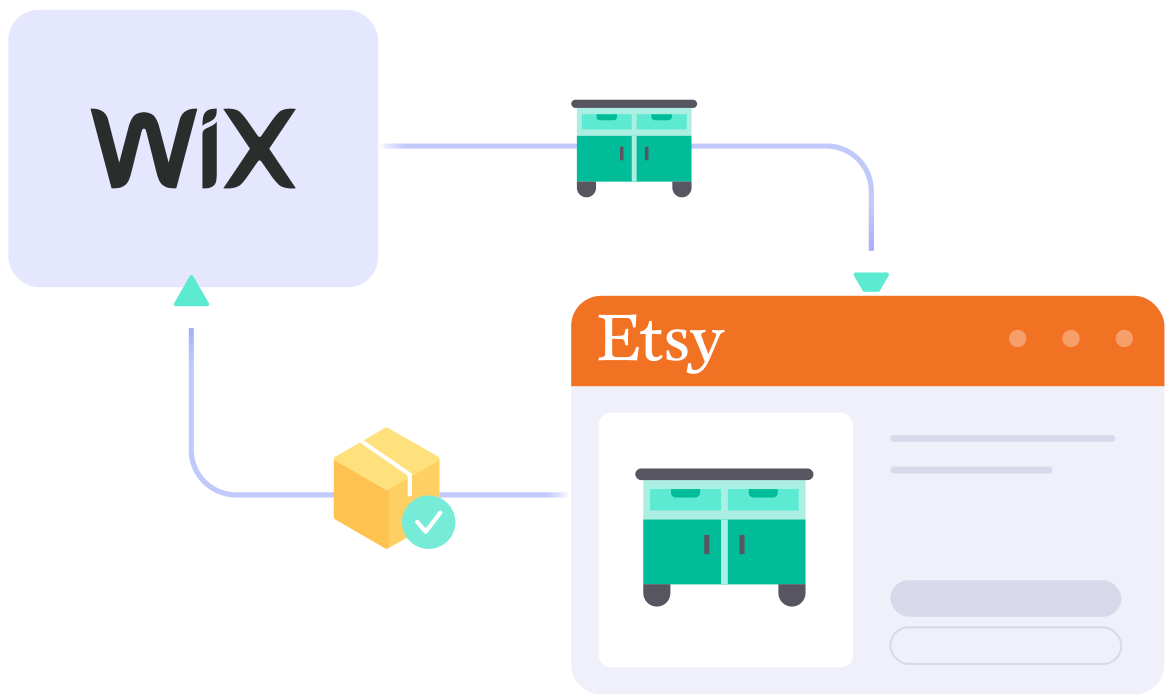
What Data Can Be Synced & Imported
Between Wix and Etsy?
-

Price
Guarantees accurate pricing with custom rules tailored to each channel, including currency conversion.
-

Inventory
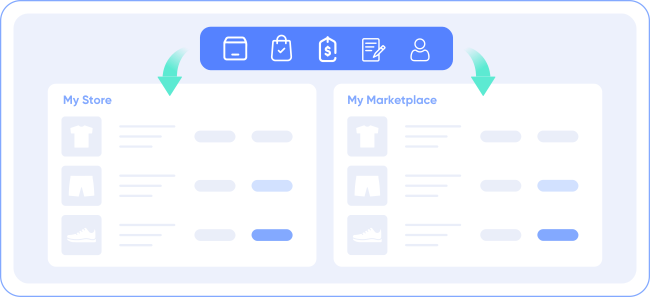
Keeps stock levels in sync with error-free updates and customizable display quantities.
-

Order
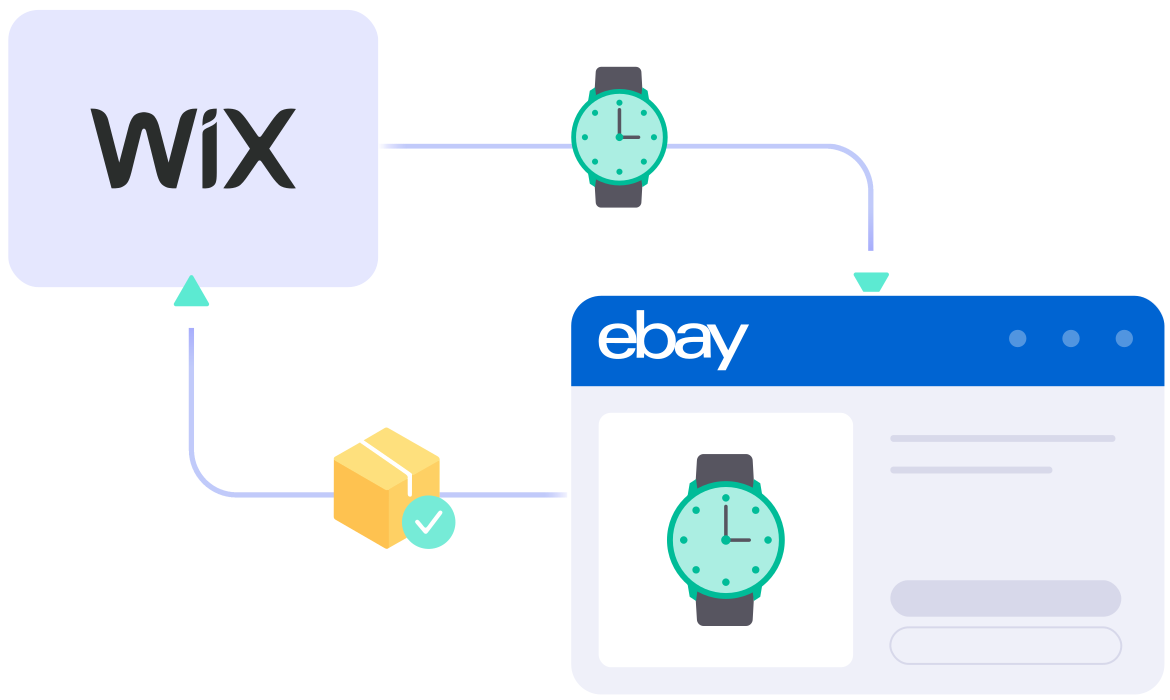
Imports Etsy orders into Wix for seamless fulfillment and timely delivery, all managed from one place.
-

Title
Syncs titles from the Wix store automatically to ensure Etsy listings’ title consistent.
-

Description
Reduces manual work by automatically updating Etsy descriptions when you make changes on Wix.
Follow the Guide on Wix Etsy Integration
-
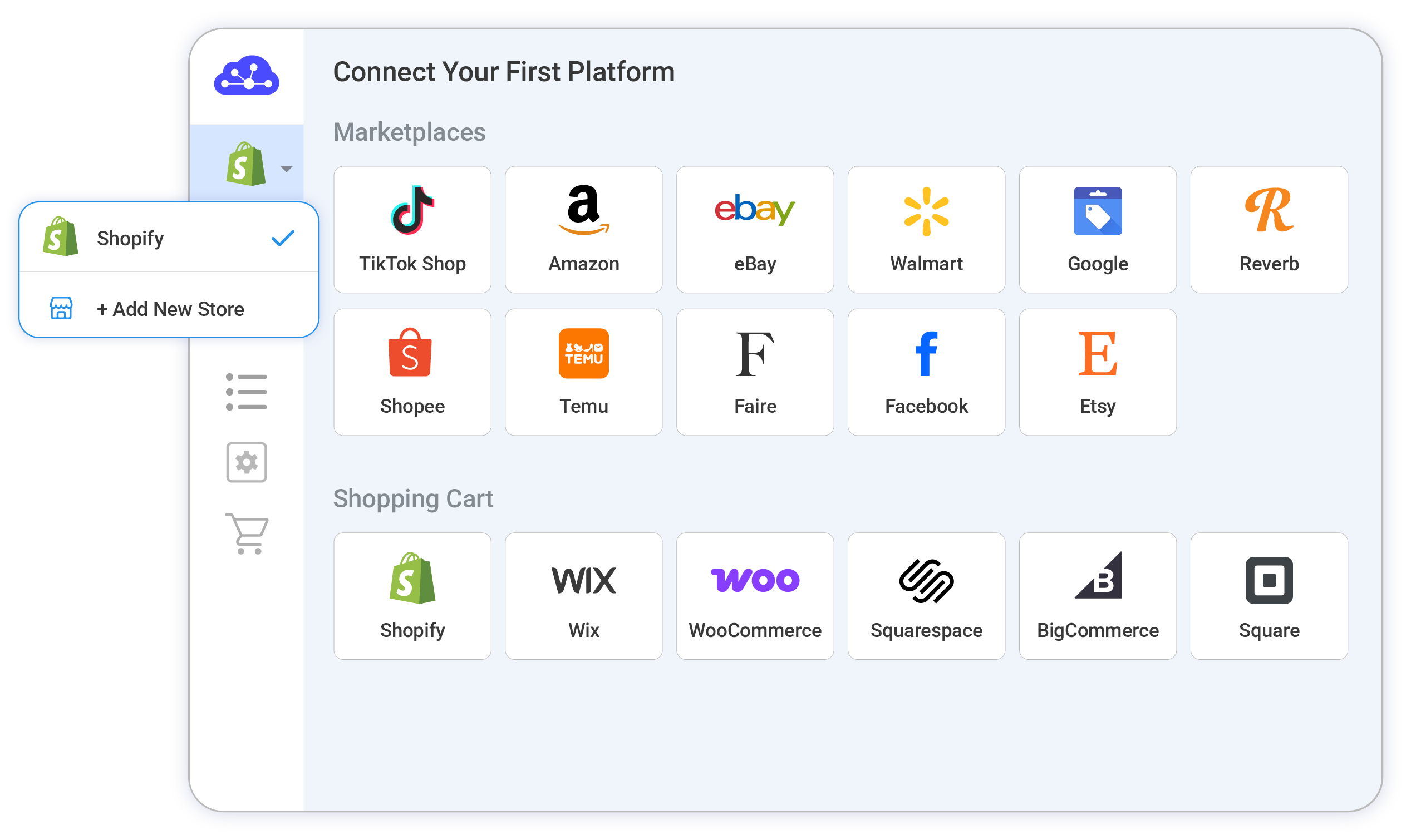
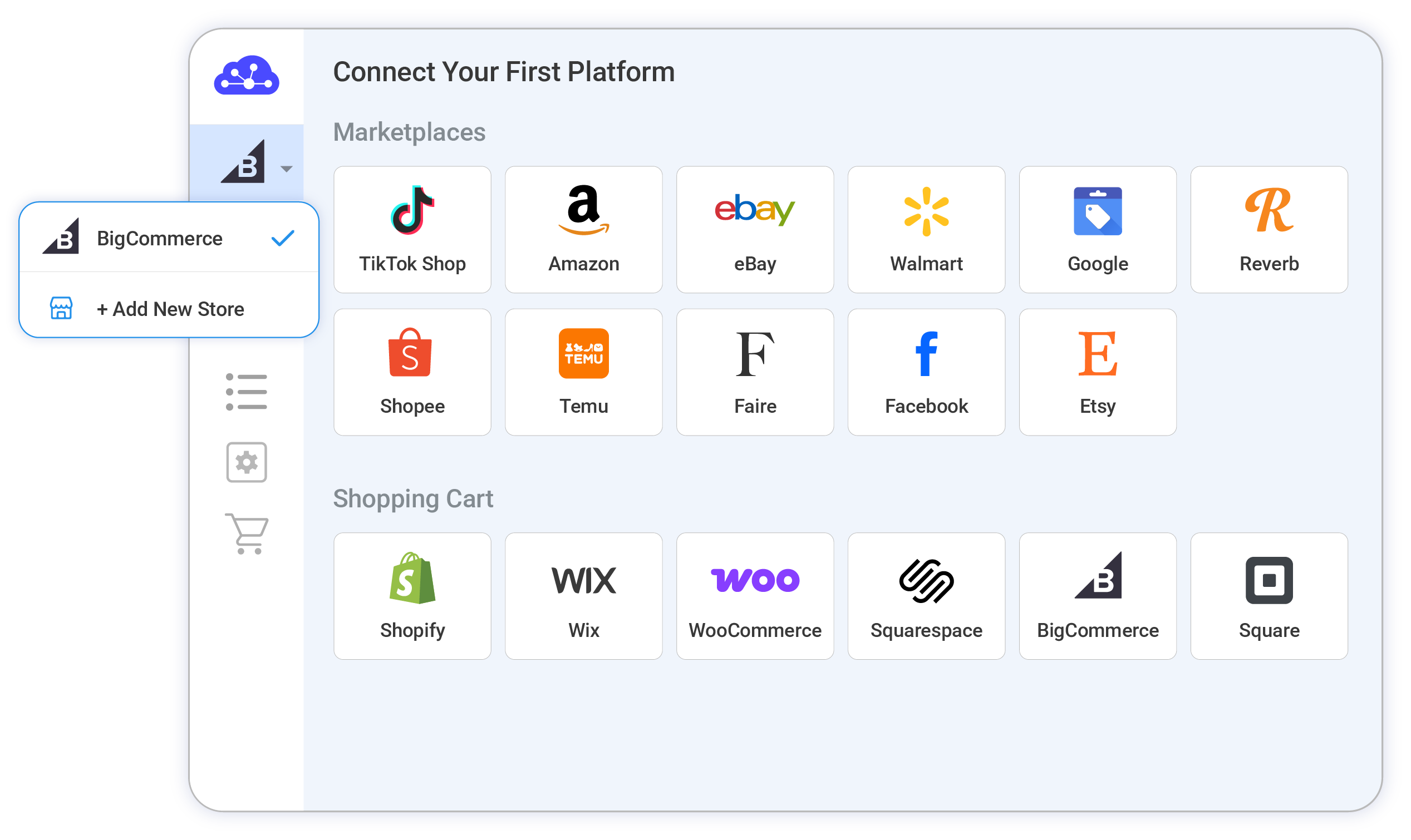
Step 1: Connect Wix with Etsy
Begin by setting up your Wix store via the app menu or by installing our app directly from the Wix App Market. Your Wix store will serve as the foundation for listing products on Etsy.
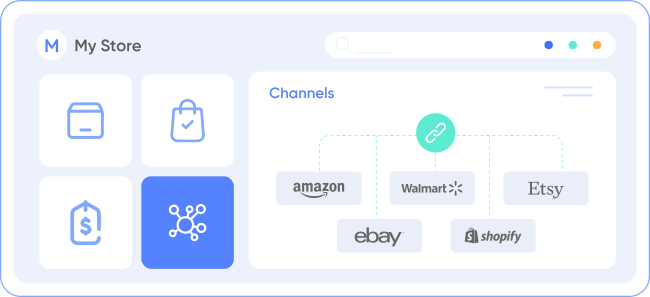
After connecting your Etsy shop, our integration also allows you to link with other platforms like Amazon, eBay, TikTok Shop, and over 20 more.
-
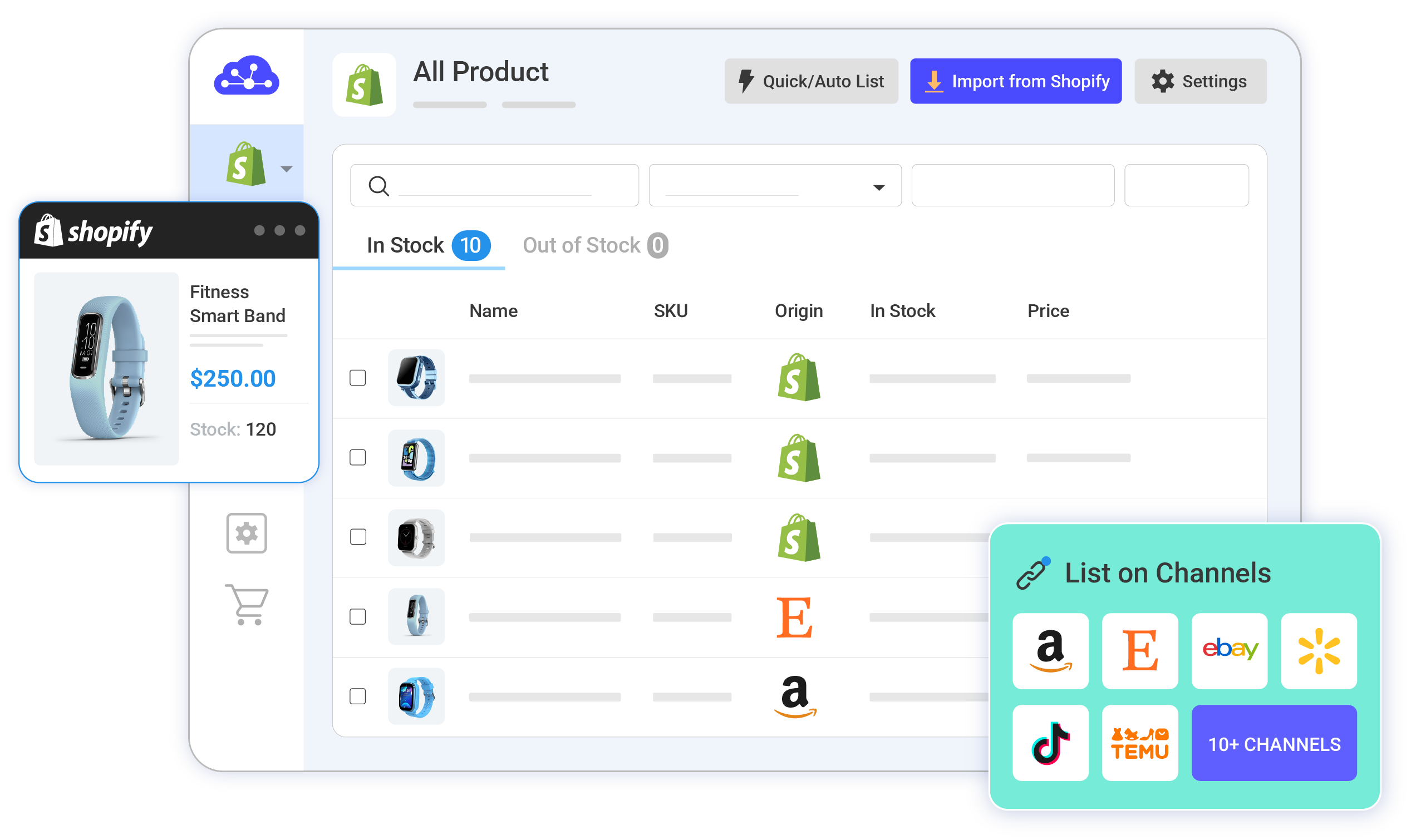
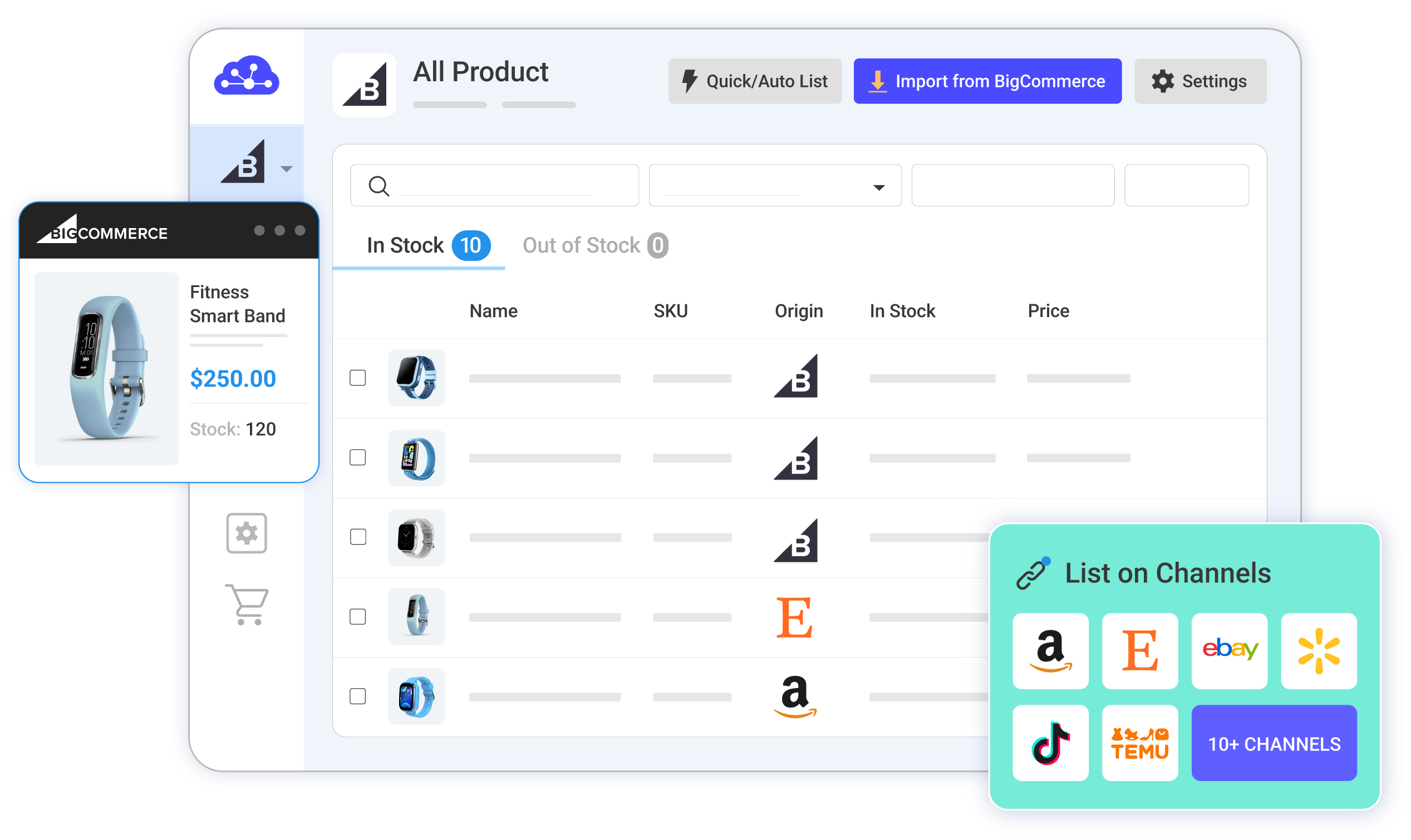
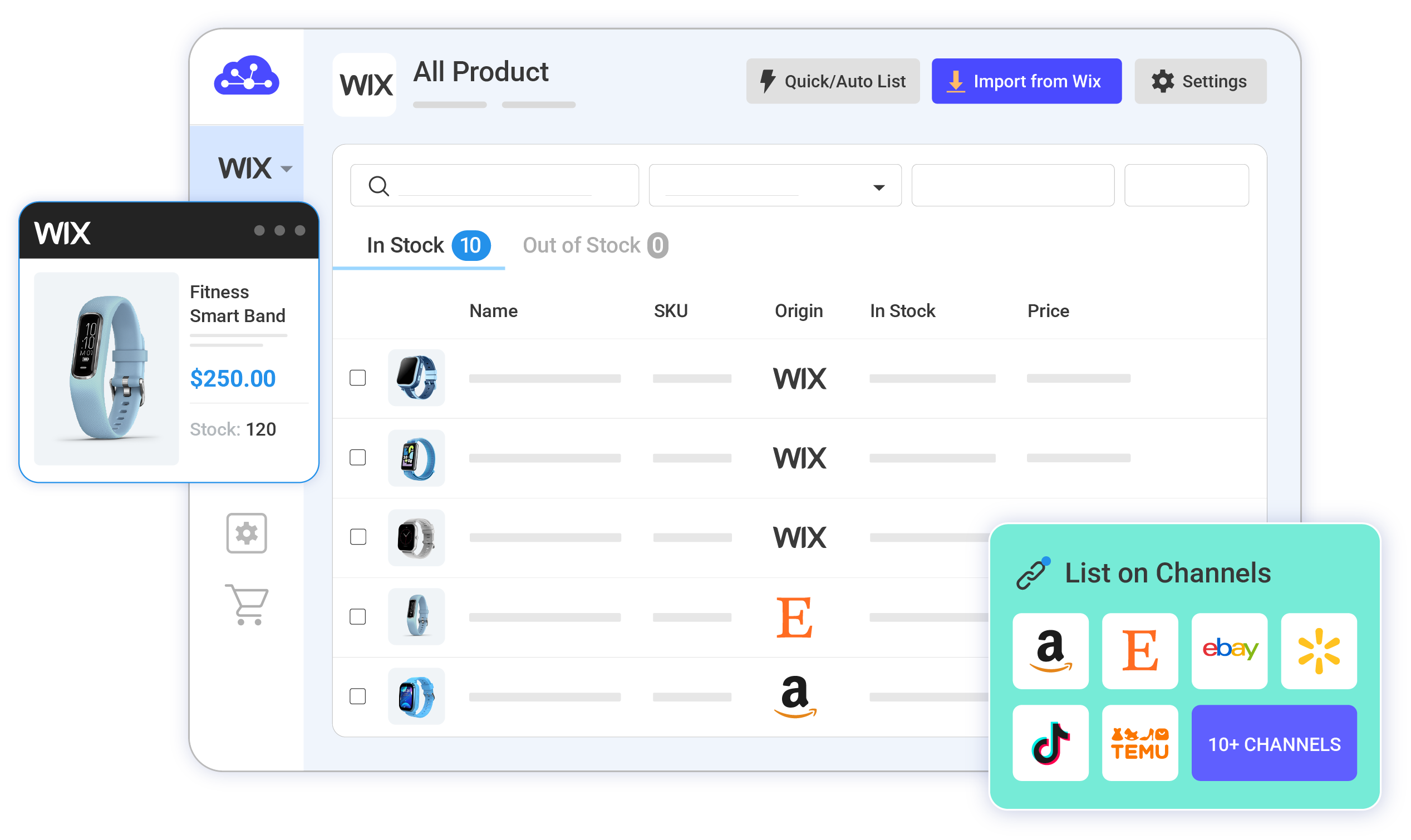
Step 2: Manage product listings on Etsy
You can handle your product listings in three key scenarios:
- Scenario 1: List products from your Wix store on Etsy.
- Scenario 2: Import existing Etsy listings into your Wix store.
- Scenario 3: Connect products listed on both Etsy and Wix.
Products added to Etsy will appear in the Draft tab, where you can review and edit them before they go live, including using our AI tool to generate optimized Etsy descriptions.
-
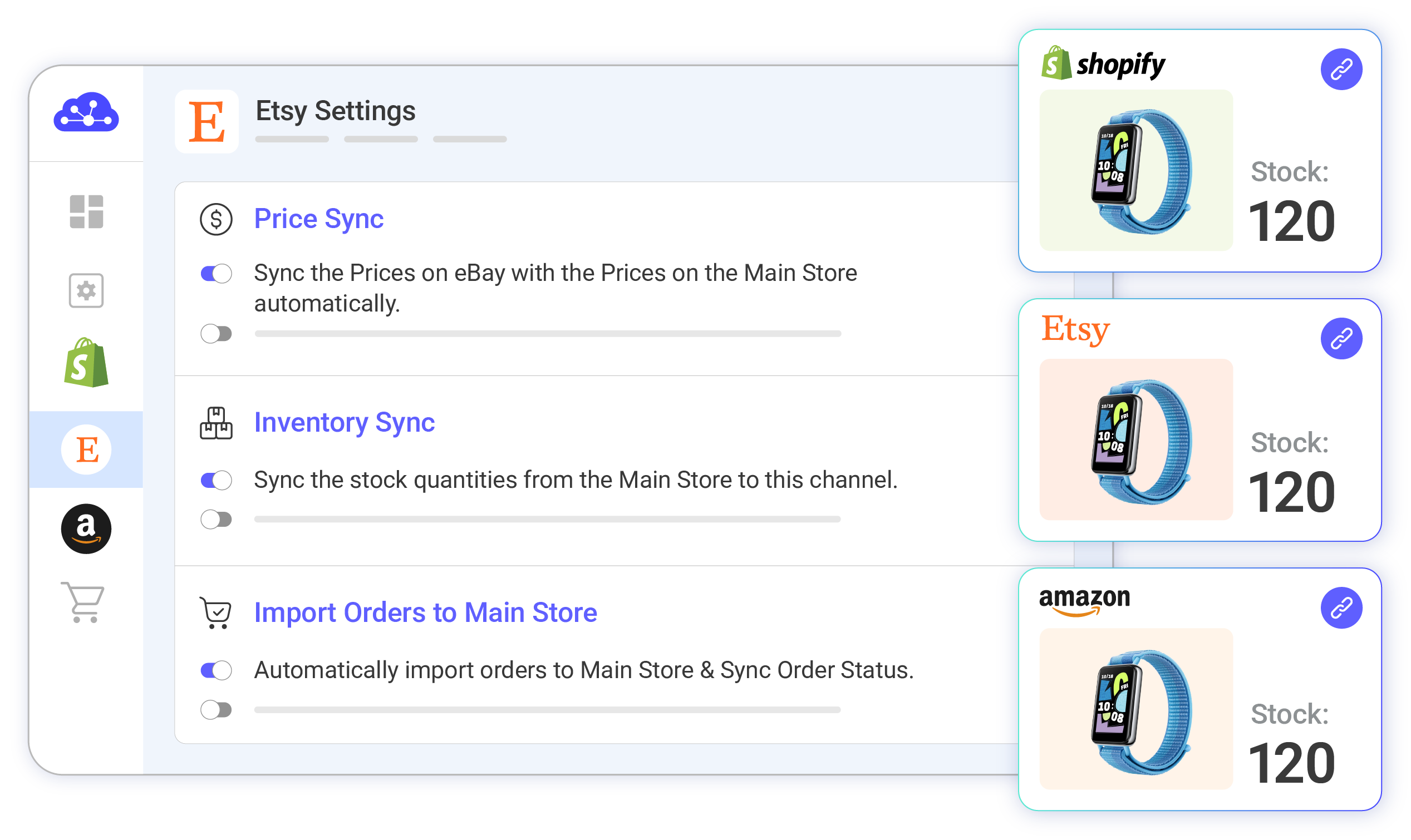
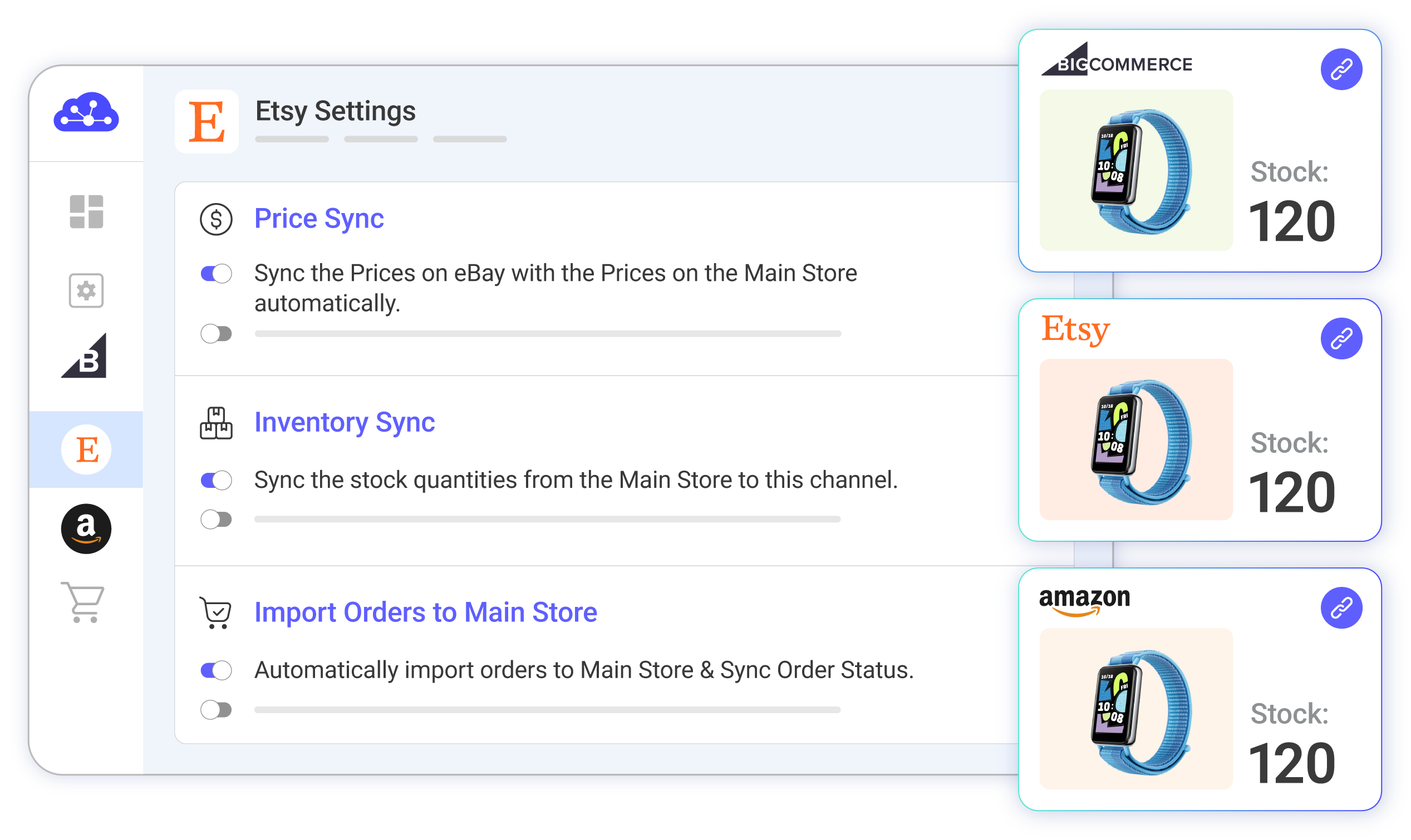
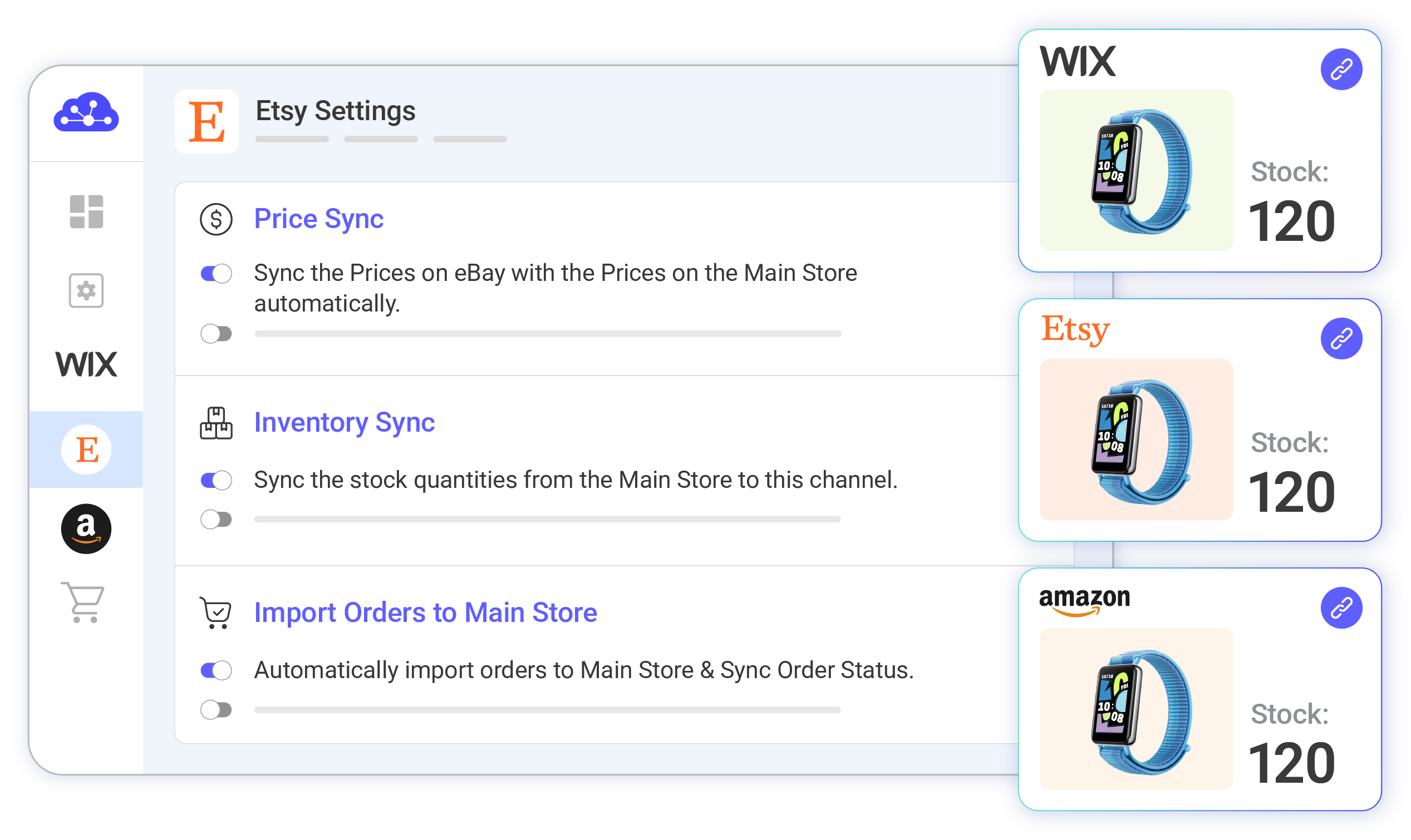
Step 3: Turn on sync between Wix and Etsy
Our Wix Etsy integration ensures seamless, synchronization. Product details—including names, images, inventory, prices, and orders—are updated between your Wix and Etsy channels every 60 minutes.
-
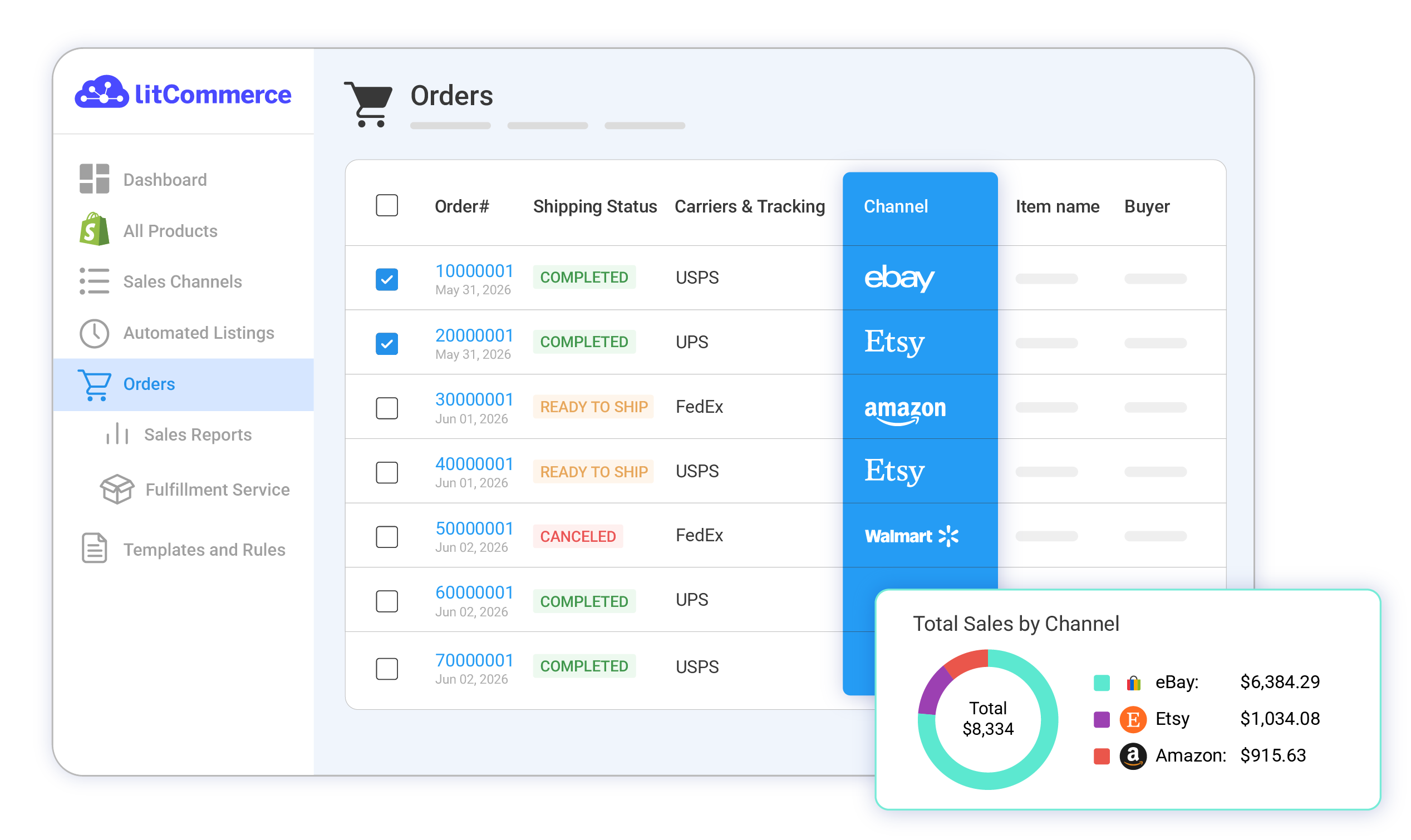
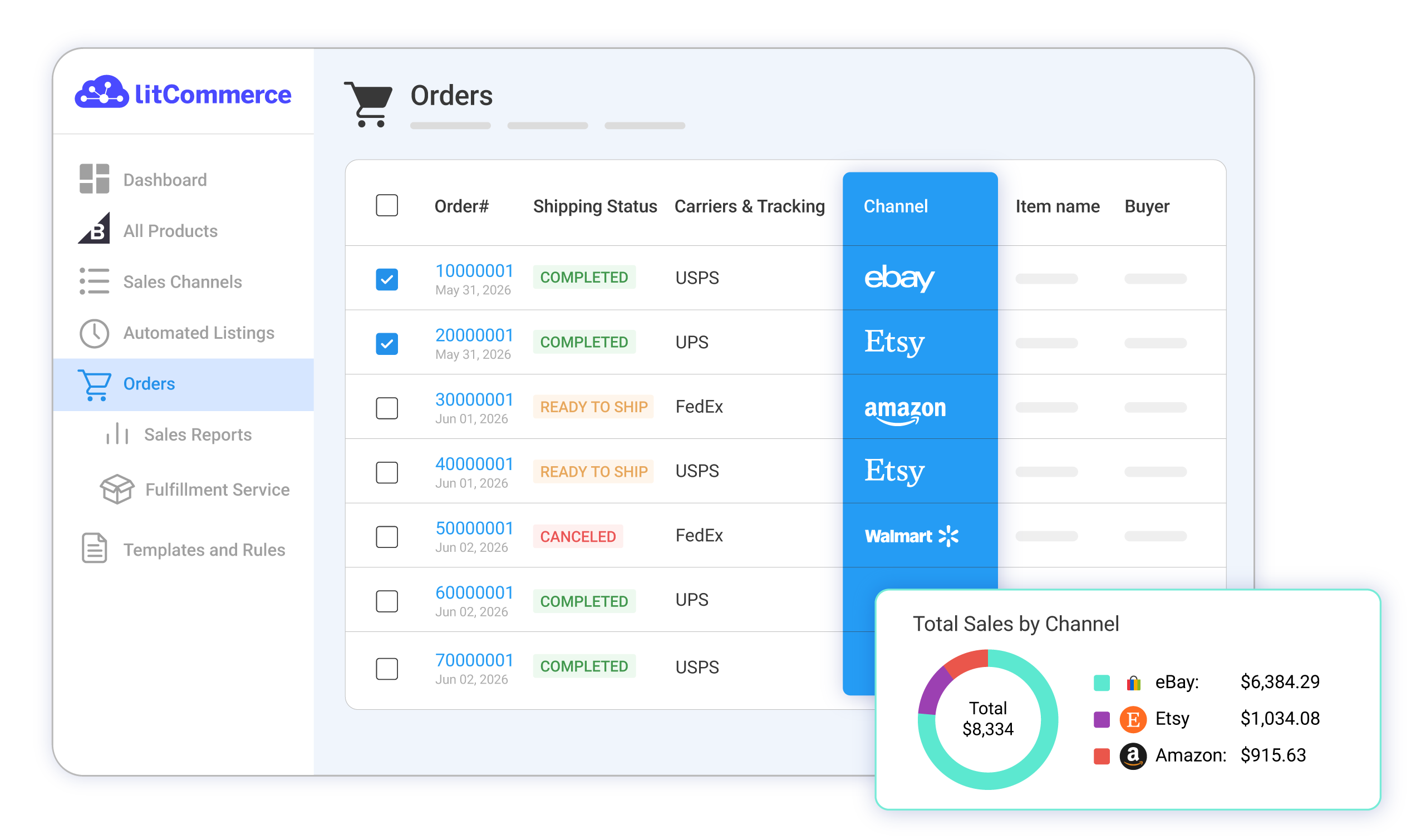
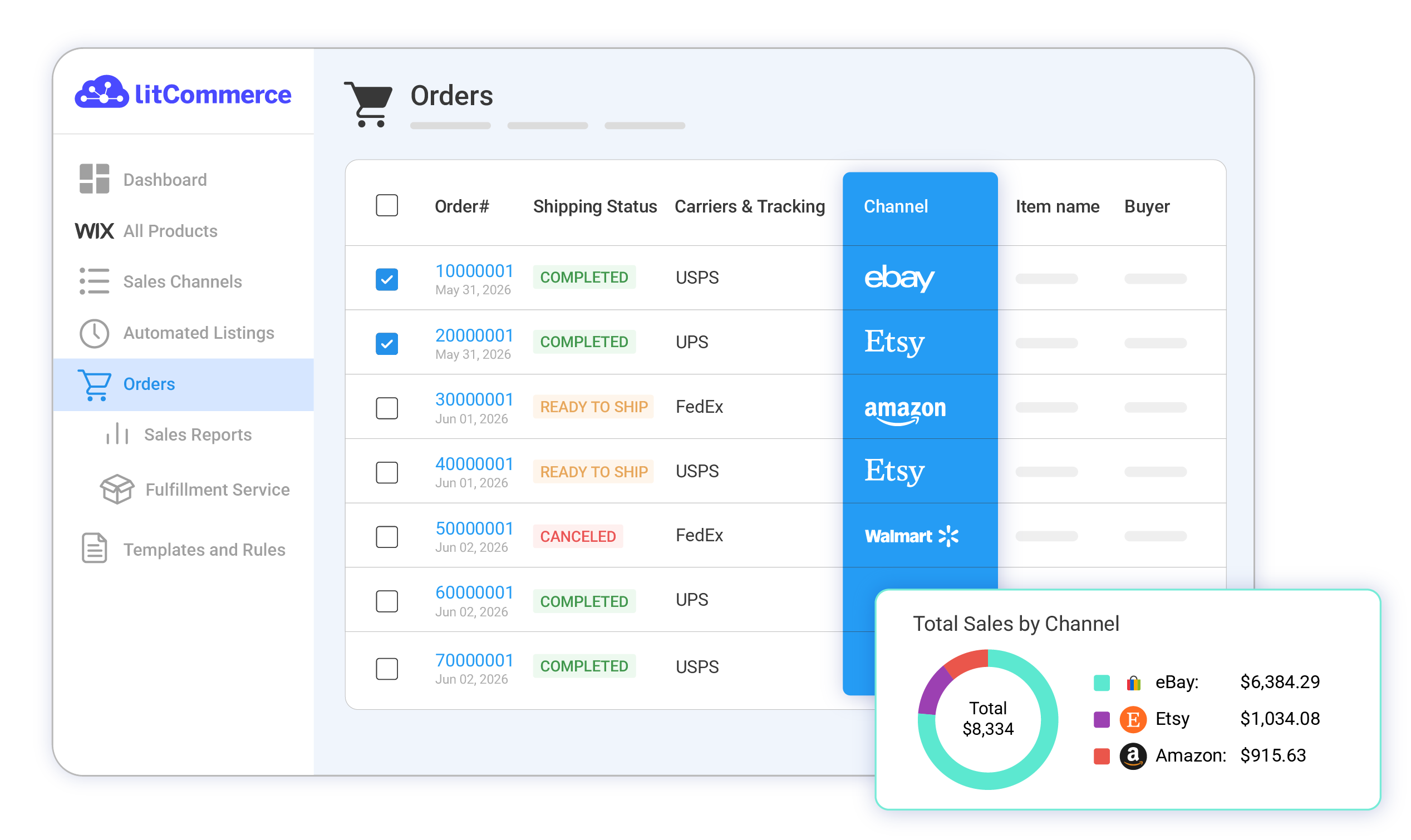
Step 4: Manage your Etsy and Wix orders
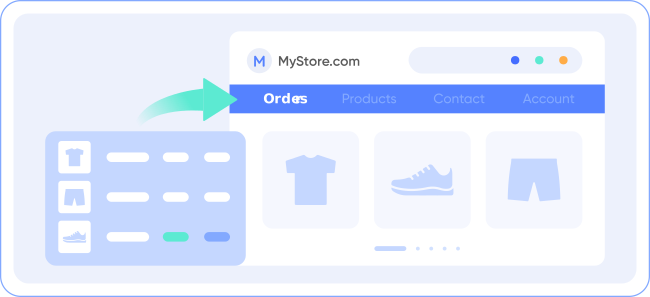
Activate the Order Sync feature to have all Etsy order details automatically sent to your Wix store. Manage and fulfill these orders alongside your Wix orders, all from a unified dashboard.
Our Integration Pricing
(*) Number of Product Listings count towards the total number of listings on all connected sale channels, not on products you have on your mainstore.
Need a Custom Plan? Please contact us.
Popular Questions About Wix Etsy Integration
-
Does Wix integrate with Etsy?
Both Wix vs Etsy allows connecting with each other. You can connect them manually or use LitCommerce – a multichannel selling software to help you to add an Etsy store to the Wix website.
With only 6 basic steps, you can manage both your stores in only one dashboard:
#Step 1. Add LitCommerce app on Wix
#Step 2. Connect Wix to Etsy
#Step 3. List Wix products on Etsy or vice versa
#Step 4. Edit Etsy listings
#Step 5. Enable Wix Etsy sync
#Step 6. Integrate Wix Etsy order flow
Check out this article to read the detailed guide.
-
How many products can I have on Wix?
With Wix, you can sell up to 50,000 different products both physical and digital products. In case you are using the free plan, you can have a maximum of 5 products on your website.
-
How do I transfer my Etsy listing to Wix?
LitCommerce App will help you import Etsy products to Wix automatically.
Before you import Etsy products to Wix, you can edit all product information in bulk with the Quick Grid feature, which is available for paid plans.
After editing, you will have to choose Active listing from the Select Action list to publish it on Wix. You will complete connecting Etsy to Wix as soon as your listings are transferred from the Draft tab to the Active tab.
-
How much does it cost to integrate and sync Etsy with Wix?
The cost for Wix and Etsy Integration is totally FREE. However, you cannot access other powerful features like Synchronization or QuickGrid,… with Free Plan. If you want to access these features, you need to choose a paid plan depending on the number of products you sell. The price ranges from $29/month to $149/month and is paid monthly or yearly.
-
Where can I sell Etsy products on?
Using LitCommerce – a multichannel selling tool, Etsy sellers can level up their business by selling on top eCommerce platforms like Shopify, BigCommerce, WooCommerce, and more!
-
Do you need a license to sell on Wix?
When selling on Wix, you sure need a business license depending on your industry and location. Licensing your company ensures responsibility and transparency, demonstrating to customers, employees, and stakeholders that they can rely on you. For a retail business, you’ll need a sales tax license to collect the required fees on your transactions whether you sell online or off.
Why Our Customer Trust Us
“LitCommerce allows us to set up and install quickly with just a couple of clicks…”
Very minimal configuration. LitCommerce allowed us to import our Etsy listings into LitCommerce and the freedom to modify and sync all those listings to multiple marketplaces, including BigCommerce, Shopify, Amazon, eBay, and Etsy…
Mr. Rodrigo, CEO of Bien Hecho
Choose Wix Etsy Integration to Grow
Supercharge your sales with LitCommerce Wix Etsy integration. Expand, dominate, and conquer multiple channels effortlessly. Maximize your business potential now!










 Shopify Amazon Integration
 Shopify eBay Integration
 Shopify Etsy Integration
 Shopify Facebook Integration
 Shopify Reverb Integration
 Shopify Shopee Integration
 Shopify TikTok Shop Integration
 Shopify GMC Integration
 Shopify Walmart Integration


 BigCommerce Amazon Integration
 BigCommerce eBay Integration
 BigCommerce Etsy Integration
 BigCommerce Facebook Integration
 BigCommerce Reverb Integration
 BigCommerce Shopee Integration
 BigCommerce TikTok Integration
 BigCommerce GMC Integration
 BigCommerce Walmart Integration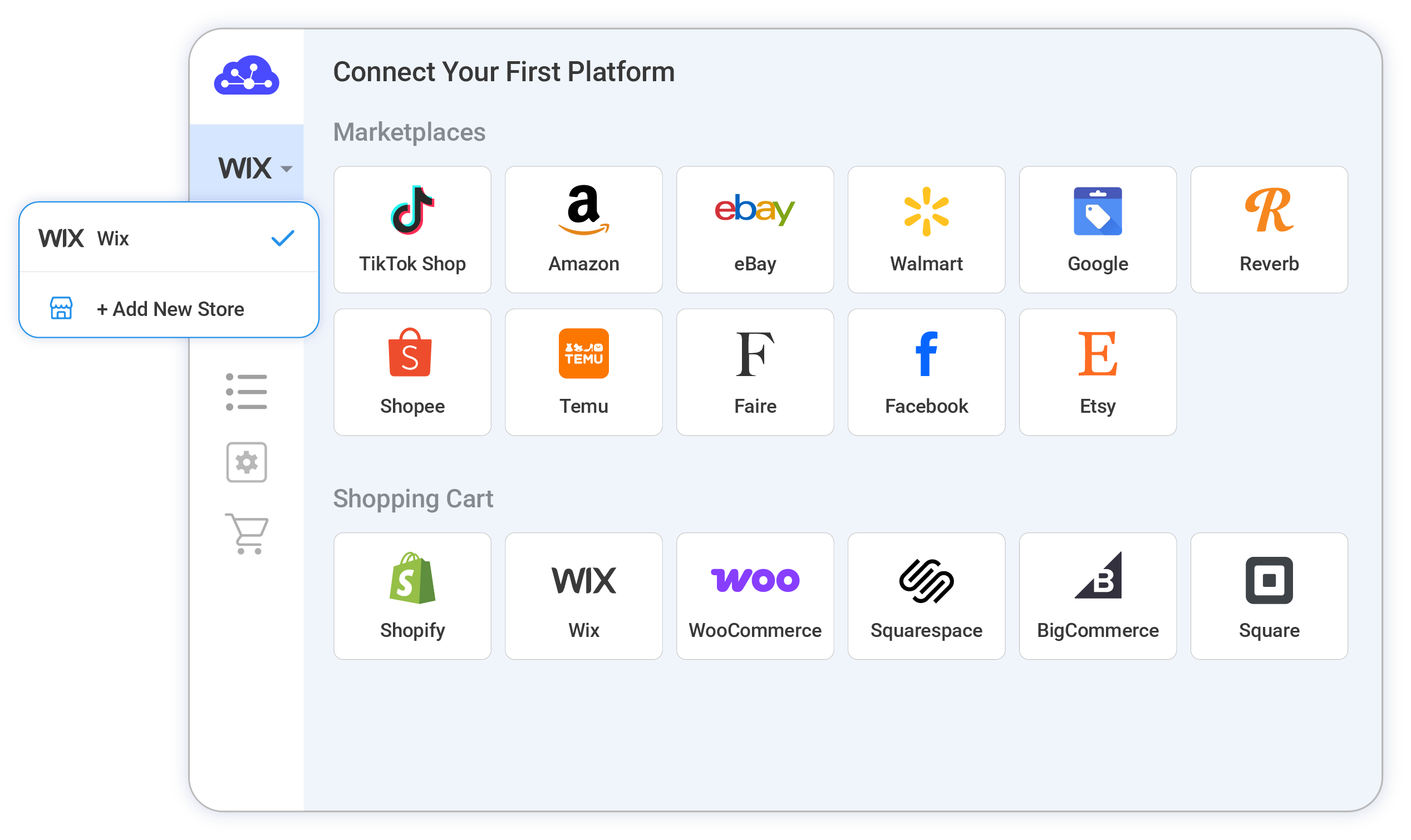
 Wix Amazon Integration
 Wix eBay Integration
 Wix Etsy Integration
 Wix Facebook Integration
 Wix Reverb Integration
 Wix Shopee Integration
 Wix TikTok Shop Integration
 Wix GMC Integration
 Wix Walmart Integration