Author: admin

Square BigCommerce Integration

Square BigCommerce Integration

LitCommerce offers the simplest solution for integrating Square with BigCommerce, enabling you to sell on BigCommerce with your Square store and manage all data from a centralized location. You can now try our Free Plan designed for SMBs, with no payment or time limit requirements.


Square Icon 150x150 03 03
mui-ten
BigCommerce e1624099205722

How to Integrate BigCommerce with Square

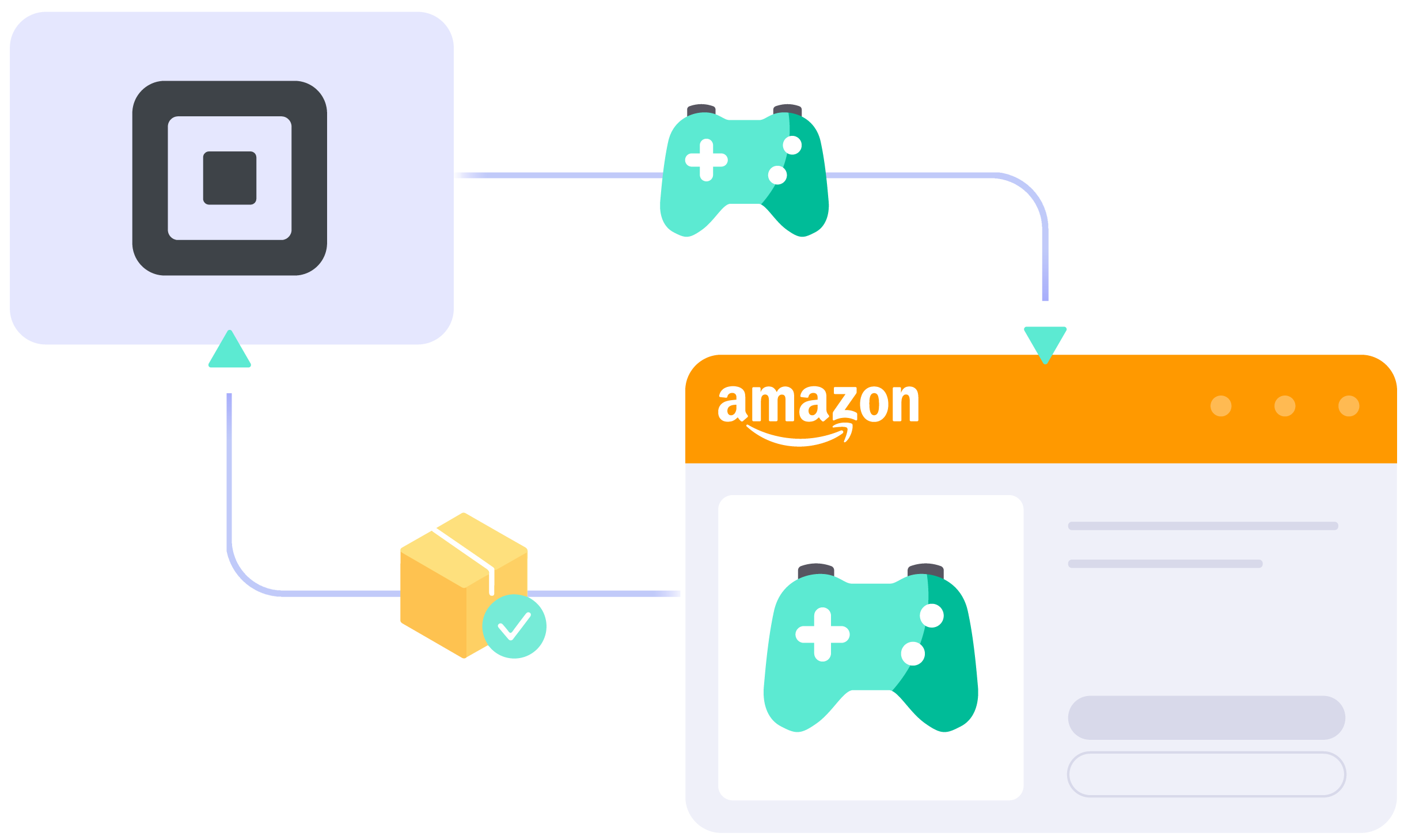
  • Step 1: Connect Square to BigCommerce

    Select Square as your Main Store then choose BigCommerce as the marketplace when you want to sell Square products on BigCommerce.

    After that, you can connect to other marketplaces on your account dashboard.

  • Step 2: List products on BigCommerce

    Select products from Square to list on BigCommerce or vice versa to import BigCommerce listings to Square. Products listed in your sales channel will be stored in the tab Draft.

    You can edit products before publishing them live on Square and BigCommerce.

  • Step 3: Enable sync Square and BigCommerce inventory

    BigCommerce Square inventory management has never been easier with Square BigCommerce integration. The product details such as product name, inventory, price, images, etc., are regularly synced from Square to BigCommerce and vice versa.

  • Step 4: Manage orders

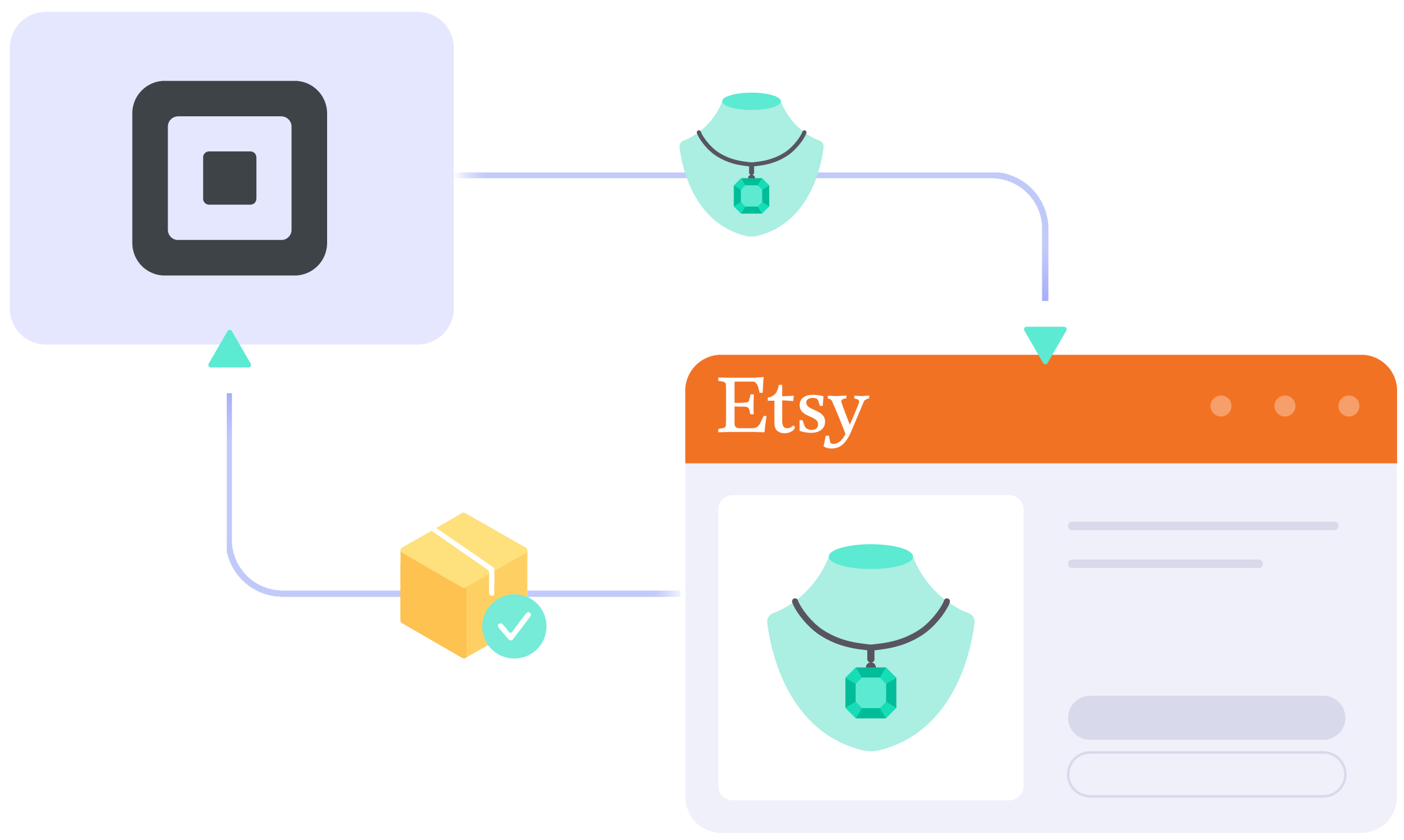
    When you integrate BigCommerce and Square, your Square store will instantly receive all order details from BigCommerce.

    You can review and fulfill them alongside orders from your Square store, conveniently in one place.

Start For Free

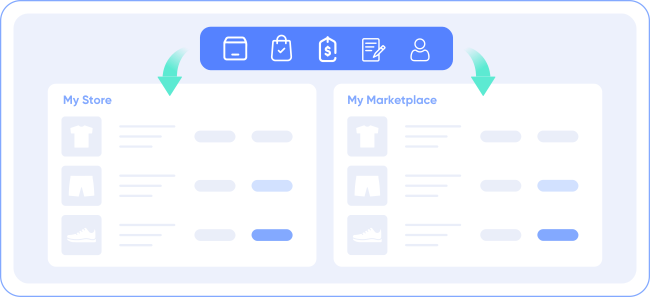
Bring Channels to a Single Dashboard

  • web litc features 03 1

    Live Sync

    The LitCommerce LiveSync establishes a near-instant sync of product listing, orders, pricing and inventory between your Main Store and your sale channels.

  • web litc features 01 1

    Multichannel Connect

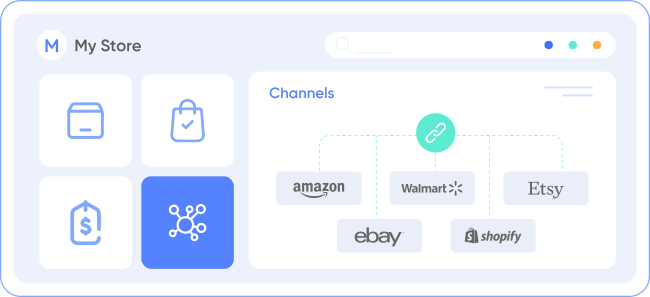
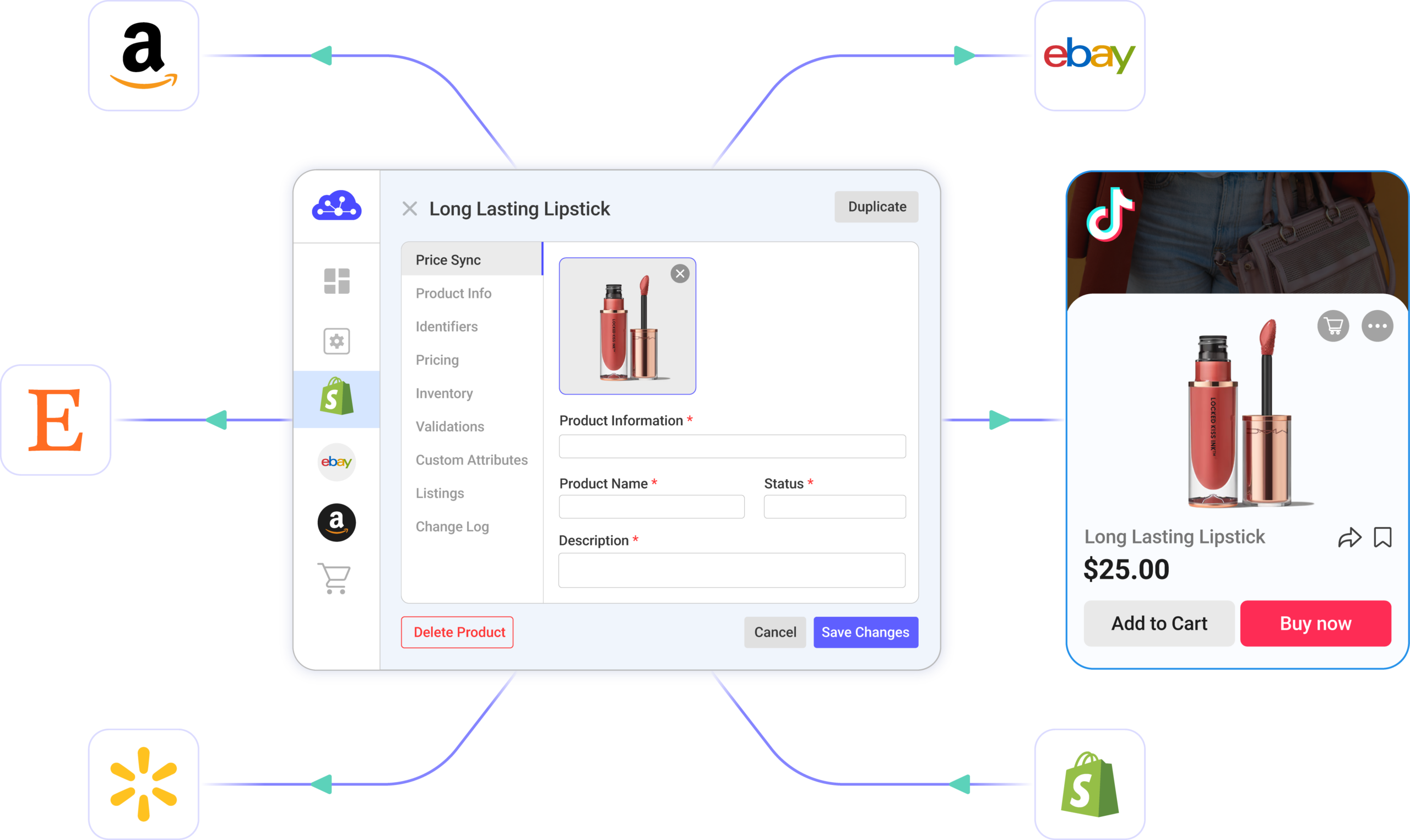
    Effortlessly connect with multiple sales channels and manage inventory, prices, and orders within a single dashboard. No technical skill is required.
  • web litc features 04 1

    Integrated Order Flow

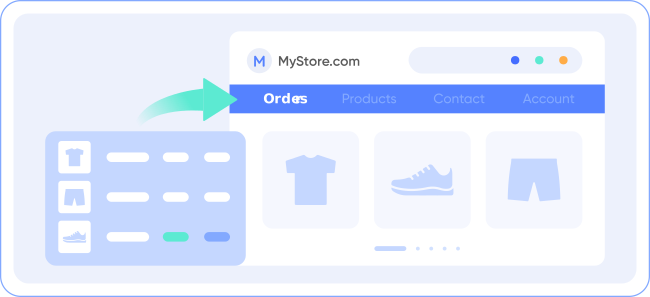
    Import your sales channel orders directly into your eCommerce platform’s orders page. You can manage and process orders effectively in one place.
  • web litc features 02 1

    QuickGrid

    QuickGrid is a spreadsheet-style interface that lets you view, edit and manage all listings on a single screen. You can edit products individually or in filtered groups and create rules to bulk update products. 

Start For Free

See What You Can Integrate with BigCommerce

  • shopify icon 150

    Square Shopify Integration

  • woocommerce

    Square WooCommerce Integration

  • wix 150x150 1

    Square Wix Integration

  • squarespace 150x150 1

    Square Squarespace Integration

Popular Questions About Square BigCommerce Integration

Not seeing your question listed here? Contact us for the quickest answer.
  • Does Square integrate with BigCommerce?

    Both Square vs BigCommerce allow connecting manually or using LitCommerce – a multichannel selling software to help you to add an BigCommerce store to the Square website.

    With LitCommerce, Square and BigCommerce are integrated with only 6 steps:

         #Step 1: Add LitCommerce app on Square
         #Step 2: Connect to BigCommerce
         #Step 3: List Square products on BigCommerce
         #Step 4: Edit BigCommerce listings
         #Step 5: Enable Square BigCommerce synchronization
         #Step 6: Make use of Square BigCommerce integrated order flow

    To read more information about Square BigCommerce integration, please check out this article to read the detailed guide.

  • Why should I use Square?

    Square is a prominent hosted eCommerce platform that provides everything you need to create an online store. The only thing you need to do is sign up. Then, you can start personalizing your eCommerce store and monetizing it right away.

    In its most general sense, Square is made-to-measure for big sellers with a variety of rich built-in features. Also, it would be an ideal place for those who are having an international plan as Square excels with multi-channel selling. And more importantly, this hosted cart gives you the flexibility to customize and scale up your business effortlessly.

  • Who is Square best for?

    Square defines itself to be an all-in-one solution to all sizes of businesses. However, with a focus on various out-of-the-box features, Square is more well-tailored for enterprise-level companies or those who want to scale up their store.

  • How much do I need to pay for LitCommerce to integrate Square with BigCommerce?

    LitCommerce supports 5 Subscription Plans depending on the number of listings and your needs.

    • Free: With under 20 listings without Price/Inventory/Order sync, you do not have to pay.

    With the paid plans, LitCommerce will unlock the Synchronize features.

    • Basic: With under 500 listings, you need to pay $29/month, $299/year.
    • Standard: With under 2,000 listings, you need to pay $49/month, $499/year.
    • Advance: With under 10,000 listings, you need to pay $69/month, $699/year.
    • Enterprise: With under 10,000 listings, you should contact us for more consultation.

    At the end of the year, LitCommerce launches a promotion of 30% off for customers who pay annually. Don’t skip this opportunity and check out now!

  • 20+

    Supported Marketplaces

  • 20K+

    Customers Worldwide

  • 60+

    Countries Served

  • 4.9*

    Rating from Merchants

Why Choose LitCommerce

  • ICON 01 Simplicity

    Born with Simplicity

    LitCommerce streamlines the process of multi-channel selling for every merchant. You can start selling everywhere with simple clicks, a smooth operation and detailed instructions along the way.
  • ICON 02 Affordable

    Made Affordable for All Sizes

    Besides a free plan available, LitCommerce goes with diverse plans at reasonable prices. Our goal is to help every business benefit the most from multi-channel selling.
  • ICON 03 Support

    Dedicated Support

    Our dedicated team of experts is here to guide each and every seller along the way. We pride ourselves on providing personalized support tailored to specific needs, via live chat or email.

  • ICON 04 Center

    Centered Around Customers

    At our core, we put our customers first and continuously strive to meet their evolving needs. We actively listen, update our tool regularly, and enhance our capabilities to ensure your satisfaction.

Success Stories

“We originally started with an Etsy store that had over a hundred items, all unique handmade, artist handmade. And we want to make sure that the following stores and marketplace that we joined – we were able to sync our product inventory as well as pricing and attribute. BigCommerce has a LitCommerce app which allows us to set up and install quickly with just a couple of clicks…”

Mr. Rodrigo, CEO of Bien Hecho

  • Castle Rocks CornwallUnited Kingdom

    Near perfect - excellent customer service

    LitCommerce is close to perfect. It could have some extra tools to help edit content/descriptions etc - what we use on Etsy...

    Review Source

  • AlfredItaly

    Above expectations

    Above expectations, easy to use and most importantly, it works perfectly. I needed to transfer some items from Etsy to Wix...

    Review Source

  • Pix AeonUnited States

    When I had trouble with my Etsy Integration

    Lit commerce has been the only integration that successfully let me list and bulk manage my items on Facebook....

    Review Source

  • MikeUnited States

    Replaced eBay's discontinued app and another Etsy integration app!

    Litecommerce allowed me to replace that and another app I was using for Etsy integration. As a bonus I find it easier to use...

  • GeorgeUnited States

    Great app & customer service

    If you are looking for an eBay/Etsy sync app, this one was very easy to set up and has been working great...

    Review Source

  • Rosie Price HeysSwitzerland

    An App that really works

    The ability to synchronise multiple Shopify sites alongside ETSY and eBay represents a paradigm shift for our company...

    Review Source

  • Amélia JonesUnited States

    This App is a Life Saver!

    I would say that the developers at LitCommerce were quick and efficient. I never had to follow up with LitCommerce...

    Review Source


  • Ioannis VogiatzoglouGreece

    I am extremely impressed with LitCommerce!

    Their platform has made it so easy for me to connect my e-shop with multiple marketplaces like Etsy, eBay, and Amazon. 5 stars all around!

    Review Source

  • Josh PillerUnited States

    I've never thought of leaving a review

    It's now about 2 weeks since my installation. Lit Commerce works! It's maintained my inventory without any issues....

    Review Source

  • David BriggsAustralia

    I love this App

    I love this App! I had been looking for a way to integrate my Shopify store with Etsy, and this is the only app I found that works....

    Review Source

  • fantasyprints

    Amazing tool for Etsy Integration

    We are finding this tool amazing and time-saving. Support is fantastic and virtually instant....

    Review Source

  • dittoismew

    Totally worth it

    Litcommerce has helped me do what was nearly impossible for me to do before: sell products across 3 different locations of Woocommerce, Ebay, and Etsy,..

    Review Source

  • yellowfinknife

    Really good and getting better

    Allows me to manage my inventory and publish listings across multiple selling channels (woo, etsy, ebay)seamlessly all for an incredible price.

    Review Source

  • aquiris

    Customer Service is Excellent

    I think this product has a great potential to be a valuable tool for any e-commerce owner, and already is better than some of the ones I tried so far....

    Review Source


  • jackiell77

    Great Plugin for Multichannel eCommerce

    Does what you need for unified eCommerce across multiple channels like Etsy, Facebook, and more. The support team is simply awesome!

    Review Source

  • Jon SmithAustralia

    Very helpful especially for me who is…

    Very helpful especially for me who is still getting used to the backend of Litcommerce. Using it is great and the support is helping me big time.

    Review Source

  • ChadUnited States

    Very convenient to have all sales and…

    Very convenient to have all sales and pricing to sync on my webpage. Needed customer service once and Hanah was very helpful!

    Review Source

  • SamUnited States

    Setting up Litcommerce to integrate our…

    Setting up Litcommerce to integrate our shop with Etsy. The customer service, particularly Ember, has been great. Recommend!

    Review Source

  • Liz CahillUnited Kingdom

    We have just set up Litcommerce to…

    We have just set up Litcommerce to integrate our shop with Etsy, and it's been a lifesaver. We are freeing up time for us...

    Review Source

  • Invitation ElegantNetherlands

    They made a stunning product with a…

    They made a stunning product with a perfect customer service level. They respond to every question and solve the problems quickly. Perfect product, perfect service!

    Review Source

  • Tan Diep SiVietnam

    A very handy app for inventory syncing

    A very handy app for inventory syncing. Any of my questions were answered promptly and helpfully. Thanks!

    Review Source

  • Andrew DrinkaldUnited Kingdom

    Multi Platform App Ebay Etsy Etc

    I use this app to manage listings and sales across Etsy Ebay and Shopify. The app if fairly straightforward to use and the technical team are top notch the few teething problems...

    Review Source

  • JD GAOUnited States

    great customer service reps!

    Review Source

  • David AdamsUnited States

    Excellent support and service.

    I've been looking for a way to synch my Etsy and Wix stores for over a year when I finally stumbled upon LitCommerce. So far the app seems great...

    Review Source

  • YellowFinKnifeUnited States

    Very Good and Getting Better

    Allows me to manage my inventory and publish listings across multiple selling channels (woo, etsy, ebay) seamlessly all for an incredible price. This is especially important for me...

    Review Source

  • RootlabAustralia

    App that does what it says

    Ember from the support has been exceptionally great and help us set this app as per our need. Finally, it would save us lot of time every week managing inventory across our Wix, Etsy and ebay store....

    Review Source

  • Michiel PilletUnited States

    Best Etsy plugin for WooCommerce

    Best Etsy plugin for WooCommerce. Keeps stock and orders synced. Intuitive interface. Reasonably priced. Very helpful customer service!

    Review Source

  • WilliamThailand

    LitCommerce transfers my products from 2 Etsy stores to my new website

    I used LitCommerce to transfer all my product from my 2 Etsy stores to my new website. I moved over 400 products and photos and no issues.

    Review Source

  • Mike DonenfeldIsrael

    Great experience.

    Great experience. All of my issues solved in no time. Migration process from Etsy to Woocommerce was super easy. The support team was always there for me. Thank you!

    Review Source

  • DenizTurkey

    Good solution for multi-platform e-commerce projects.

    We used litcommerce for our Etsy store . Litcommerce crew moved 800 products with all variants, photos and tags from Etsy to the woocommerce site. We will continue to use the litcommerce app...

    Review Source

  • RRNetherlands

    I reached out to the developers for a…

    I reached out to the developers for a change in an integration with Etsy that seemed to be missing a certain item. They responded quickly and improved the integration for me and seemingly every body else within....

    Review Source

  • Rodrigo Chavez LopezUnited States

    Litcommerce is the omnichannel ecommerce king

    Litcommerce is the choice software for startups looking to get to market at multiple storefronts. Litcommerce is the market leader in omnichannel inventory and listing management. I sell on Etsy and BigCommerce...

    Review Source

  • Unlocked, LLCUnited States

    I didn't realize certain things…

    I didn't realize certain things wouldn't integrate into Etsy, like product partners and shipping addresses, so there was still lots of work I had to do myself after the integration. However, the syncing works really well...


  • Renae HaddadinUnited States

    This is the second company we have used…

    This is the second company we have used to integrate our products with Etsy. The first was difficult…almost adequate. LIT did a much better job. The software was easy to use...


Choose Square BigCommerce Integration to Grow

Supercharge your sales with LitCommerce Square BigCommerce integration. Expand, dominate, and conquer multiple channels effortlessly. Maximize your business potential now!


START FOR FREE

Continue reading

Square Walmart Integration

Square Walmart Integration

Connecting Square with Walmart the way you want with LitCommerce in just a few clicks. Sync inventory, bulk listing, automate the whole management process, and monitor everything in just one place with our Square Walmart integration. Try a free 7-day trial now.

Square Icon 150x150 03 03
mui ten artboard
walmart tronArtboard 32

How to Integrate Walmart with Square

  • Step 1: Connect Square to Walmart

    Select Square as your Main Store then choose Walmart as the marketplace when you want to sell Square products on Walmart.

    After that, you can connect to other marketplaces on your account dashboard.

  • Step 2: List products on Walmart

    Select products from Square to list on Walmart or vice versa to import Walmart listings to Square. Products listed in your sales channel will be stored in the tab Draft.

    You can edit products before publishing them live on Square and Walmart.

  • Step 3: Enable sync Square and Walmart inventory

    Square Walmart inventory management has never been easier with Square Walmart inventory sync. The product details such as product name, inventory, price, images, etc., are regularly synced from Square to Walmart and vice versa.

  • Step 4: Manage orders

    When you link Square to Walmart, your Square store will instantly receive all order details from Walmart.

    You can review and fulfill them alongside orders from your Square store, conveniently in one place.

Our Integration Pricing


(*) Number of Product Listings count towards the total number of listings on all connected sale channels, not on products you have on your mainstore.

Need a Custom Plan? Please contact us.

Bring Channels to a Single Dashboard

  • web litc features 03 1

    Live Sync

    The LitCommerce LiveSync establishes a near-instant sync of product listing, orders, pricing and inventory between your Main Store and your sale channels.

  • web litc features 01 1

    Multichannel Connect

    Effortlessly connect with multiple sales channels and manage inventory, prices, and orders within a single dashboard. No technical skill is required.
  • web litc features 04 1

    Integrated Order Flow

    Import your sales channel orders directly into your eCommerce platform’s orders page. You can manage and process orders effectively in one place.
  • web litc features 02 1

    QuickGrid

    QuickGrid is a spreadsheet-style interface that lets you view, edit and manage all listings on a single screen. You can edit products individually or in filtered groups and create rules to bulk update products. 

Start Free Trial

See What You Can Integrate with Walmart

  • shopify icon 150

    Shopify Walmart
    Integration

  • shopify icon 150

    BigCommerce Walmart
    Integration

  • woocommerce

    WooCommerce Walmart
    Integration

  • wix 150x150 1

    Wix Walmart
    Integration

  • squarespace 150x150 1

    Squarespace Walmart
    Integration

Popular Questions About Square Walmart Integration

Not seeing your question listed here? Contact us for the quickest answer.
  • Can you connect Square to Walmart?

    Definitely YES. Both Square vs Walmart allows connecting with each other. You can connect them manually or using LitCommerce – a multichannel selling software to help you to add an Walmart store to the Square website.

    With LitCommerce, you only need 6 detailed steps to integrate Square with Walmart:

         #Step 1. Add LitCommerce app on Square

         #Step 2. Connect Square to Walmart

         #Step 3. List Square products on Walmart or vice versa

         #Step 4. Edit Walmart listings

         #Step 5. Enable Square Walmart sync

         #Step 6. Integrate Square Walmart order flow

    If you have any specific requirements, feel free to contact our support team for more consultation.

  • How do I sync my Square inventory with Walmart?

    One of LitCommerce’s advanced features is to make it simple to synchronize your inventory between Square and Walmart. On the sidebar menu of your LitCommerce dashboard, select Channel Settings to access Walmart. You can use the Inventory Sync feature there to set the Inventory Rules. LitCommerce will automatically sync Square and Walmart inventory on your behalf.

  • Is selling on Square worth it?

    No matter how big your company is, Square is always a worthy choice to take into account. One of the elements that contribute to user trust and reputation-building is its scalability. The eCommerce platform offers maximum satisfaction even for huge stores with an astonishing number of add-ons and integrated functionalities.

  • How much does it cost to integrate Square with Walmart?

    LitCommerce focuses on providing a plugin that is both affordable and effective. The cost for Square and Walmart Integration is totally FREE.

    However, the Free Trial does not get you access to other potent features like Synchronization or QuickGrid,… In case you want to use these features, you need to pay for a more advanced plan depending on the number of products you sell. The price ranges from $29/month to $149/month and is paid monthly or yearly.

  • 20+

    Supported Marketplaces

  • 20K+

    Customers Worldwide

  • 60+

    Countries Served

  • 4.9*

    Rating from Merchants

Why Choose LitCommerce

  • ICON 01 Simplicity

    Born with Simplicity

    LitCommerce streamlines the process of multi-channel selling for every merchant. You can start selling everywhere with simple clicks, a smooth operation and detailed instructions along the way.
  • ICON 02 Affordable

    Made Affordable for All Sizes

    Besides a free trial available, LitCommerce goes with diverse plans at reasonable prices. Our goal is to help every business benefit the most from multi-channel selling.

  • ICON 03 Support

    Dedicated Support

    Our dedicated team of experts is here to guide each and every seller along the way. We pride ourselves on providing personalized support tailored to specific needs, via live chat or email.
  • ICON 04 Center

    Centered Around Customers

    At our core, we put our customers first and continuously strive to meet their evolving needs. We actively listen, update our tool regularly, and enhance our capabilities to ensure your satisfaction.

Choose Square Walmart Integration to Grow

Supercharge your sales with LitCommerce Square Walmart integration. Expand, dominate, and conquer
multiple channels effortlessly. Maximize your business potential now!

Start Free Trial

Continue reading

Square Google Merchant Integration

Square Google Merchant Integration

With LitCommerce, you can easily sell on Google Merchant with your Square store using Square Google Merchant Integration. List products, sync inventory and manage all Google Merchant orders from one central place. No technical skill required.

Square Icon 150x150 03 03
mui ten artboard
icon onbuy 150

How to Integrate Google Merchant with Square

  • Step 1: Connect Square to Google Merchant

    Select Square as your Main Store then choose Google Merchant as the marketplace when you want to sell Square products on Google Merchant.

    After that, you can connect to other marketplaces on your account dashboard.

  • Step 2: List products on Google Merchant

    Select products from Square to list on Google Merchant or vice versa to import Google Merchant listings to Square. Products listed in your sales channel will be stored in the tab Draft.

    You can edit products before publishing them live on Square and Google Merchant.

  • Step 3: Enable sync Square and Google Merchant inventory

    Square Google Merchant inventory management has never been easier with Square Google Merchant inventory sync. The product details such as product name, inventory, price, images, etc., are regularly synced from Square to Google Merchant and vice versa.

  • Step 4: Manage orders

    When you link Square to Google Merchant, your Square store will instantly receive all order details from Google Merchant.

    You can review and fulfill them alongside orders from your Square store, conveniently in one place.

Our Integration Pricing


(*) Number of Product Listings count towards the total number of listings on all connected sale channels, not on products you have on your mainstore.

Need a Custom Plan? Please contact us.

Bring Channels to a Single Dashboard

  • web litc features 03 1

    Live Sync

    The LitCommerce LiveSync establishes a near-instant sync of product listing, orders, pricing and inventory between your Main Store and your sale channels.

  • web litc features 01 1

    Multichannel Connect

    Effortlessly connect with multiple sales channels and manage inventory, prices, and orders within a single dashboard. No technical skill is required.
  • web litc features 04 1

    Integrated Order Flow

    Import your sales channel orders directly into your eCommerce platform’s orders page. You can manage and process orders effectively in one place.
  • web litc features 02 1

    QuickGrid

    QuickGrid is a spreadsheet-style interface that lets you view, edit and manage all listings on a single screen. You can edit products individually or in filtered groups and create rules to bulk update products. 

Start For Free

See What You Can Integrate with Google Merchant

  • shopify icon 150

    BigCommerce Google Merchant Integration

  • woocommerce

    WooCommerce Google Merchant Integration

  • wix 150x150 1

    Wix Google Merchant
    Integration

  • squarespace 150x150 1

    Squarespace Google Merchant Integration

Popular Questions About Square Google Merchant Integration

Not seeing your question listed here? Contact us for the quickest answer.
  • Can you connect Square to Google Merchant?

    Definitely YES. Both Square and Google Merchant allow connecting. You can connect them manually or using LitCommerce – a multichannel selling software to help add a Google Merchant store to the Square website.

    With LitCommerce, you only need 6 detailed steps to integrate Square with Google Merchant:

         #Step 1. Add LitCommerce app on Square

         #Step 2. Connect Square to Google Merchant

         #Step 3. List Square products on Google Merchant or vice versa

         #Step 4. Edit Google Merchant listings

         #Step 5. Enable Square Google Merchant sync

         #Step 6. Integrate Square Google Merchant order flow

    If you have any specific requirements, feel free to contact our support team for more consultation.

  • How do I sync my Square inventory with Google Merchant?

    One of LitCommerce’s advanced features is to make it simple to synchronize your inventory between Square and Google Merchant. On the sidebar menu of your LitCommerce dashboard, select Channel Settings to access Google Merchant. You can use the Inventory Sync feature there to set the Inventory Rules. LitCommerce will automatically sync Square and Google Merchant inventory on your behalf.

  • Square and Google Merchant: Which one is better?

    Although Google Merchant is less expensive and easier to use, Square has more advantages in terms of domain and URL structure; eCommerce features; design flexibility; Help and Support. If you require an eCommerce platform that will support your business both when you first start selling online and as your sales grow, Square wins out. However, Google Merchant is still a great alternative if you want to sell fast.

    In addition, in case you are considering expanding your business, why not integrate Google Merchant and Square to use both? Don’t worry about Google Merchant Square inventory management, LitCommerce will help you to control both of them in only one dashboard. Check Out or Contact Us for more consultations.

  • Is selling on Square worth it?

    No matter how big your company is, Square is always a worthy choice to take into account. One of the elements that contribute to user trust and reputation-building is its scalability. The eCommerce platform offers maximum satisfaction even for huge stores with an astonishing number of add-ons and integrated functionalities.

  • How much does it cost to integrate Square with Google Merchant?

    LitCommerce focuses on providing a plugin that is both affordable and effective. The cost for Square and Google Merchant Integration is totally FREE.

    However, the Free Plan does not get you access to other potent features like Synchronization or QuickGrid,… In case you want to use these features, you need to pay for a more advanced plan depending on the number of products you sell. The price ranges from $29/month to $149/month and is paid monthly or yearly.

  • 20+

    Supported Marketplaces

  • 20K+

    Customers Worldwide

  • 60+

    Countries Served

  • 4.9*

    Rating from Merchants

Why Choose LitCommerce

  • ICON 01 Simplicity

    Born with Simplicity

    LitCommerce streamlines the process of multi-channel selling for every merchant. You can start selling everywhere with simple clicks, a smooth operation and detailed instructions along the way.
  • ICON 02 Affordable

    Made Affordable for All Sizes

    Besides a free plan available, LitCommerce goes with diverse plans at reasonable prices. Our goal is to help every business benefit the most from multi-channel selling.
  • ICON 03 Support

    Dedicated Support

    Our dedicated team of experts is here to guide each and every seller along the way. We pride ourselves on providing personalized support tailored to specific needs, via live chat or email.

  • ICON 04 Center

    Centered Around Customers

    At our core, we put our customers first and continuously strive to meet their evolving needs. We actively listen, update our tool regularly, and enhance our capabilities to ensure your satisfaction.

Success Stories

“We originally started with an Etsy store that had over a hundred items, all unique handmade, artist handmade. And we want to make sure that the following stores and marketplace that we joined – we were able to sync our product inventory as well as pricing and attribute. BigCommerce has a LitCommerce app which allows us to set up and install quickly with just a couple of clicks…”

Mr. Rodrigo, CEO of Bien Hecho

  • Castle Rocks CornwallUnited Kingdom

    Near perfect - excellent customer service

    LitCommerce is close to perfect. It could have some extra tools to help edit content/descriptions etc - what we use on Etsy...

    Review Source

  • AlfredItaly

    Above expectations

    Above expectations, easy to use and most importantly, it works perfectly. I needed to transfer some items from Etsy to Wix...

    Review Source

  • Pix AeonUnited States

    When I had trouble with my Etsy Integration

    Lit commerce has been the only integration that successfully let me list and bulk manage my items on Facebook....

    Review Source

  • MikeUnited States

    Replaced eBay's discontinued app and another Etsy integration app!

    Litecommerce allowed me to replace that and another app I was using for Etsy integration. As a bonus I find it easier to use...

  • GeorgeUnited States

    Great app & customer service

    If you are looking for an eBay/Etsy sync app, this one was very easy to set up and has been working great...

    Review Source

  • Rosie Price HeysSwitzerland

    An App that really works

    The ability to synchronise multiple Shopify sites alongside ETSY and eBay represents a paradigm shift for our company...

    Review Source

  • Amélia JonesUnited States

    This App is a Life Saver!

    I would say that the developers at LitCommerce were quick and efficient. I never had to follow up with LitCommerce...

    Review Source


  • Ioannis VogiatzoglouGreece

    I am extremely impressed with LitCommerce!

    Their platform has made it so easy for me to connect my e-shop with multiple marketplaces like Etsy, eBay, and Amazon. 5 stars all around!

    Review Source

  • Josh PillerUnited States

    I've never thought of leaving a review

    It's now about 2 weeks since my installation. Lit Commerce works! It's maintained my inventory without any issues....

    Review Source

  • David BriggsAustralia

    I love this App

    I love this App! I had been looking for a way to integrate my Shopify store with Etsy, and this is the only app I found that works....

    Review Source

  • fantasyprints

    Amazing tool for Etsy Integration

    We are finding this tool amazing and time-saving. Support is fantastic and virtually instant....

    Review Source

  • dittoismew

    Totally worth it

    Litcommerce has helped me do what was nearly impossible for me to do before: sell products across 3 different locations of Woocommerce, Ebay, and Etsy,..

    Review Source

  • yellowfinknife

    Really good and getting better

    Allows me to manage my inventory and publish listings across multiple selling channels (woo, etsy, ebay)seamlessly all for an incredible price.

    Review Source

  • aquiris

    Customer Service is Excellent

    I think this product has a great potential to be a valuable tool for any e-commerce owner, and already is better than some of the ones I tried so far....

    Review Source


  • jackiell77

    Great Plugin for Multichannel eCommerce

    Does what you need for unified eCommerce across multiple channels like Etsy, Facebook, and more. The support team is simply awesome!

    Review Source

  • Jon SmithAustralia

    Very helpful especially for me who is…

    Very helpful especially for me who is still getting used to the backend of Litcommerce. Using it is great and the support is helping me big time.

    Review Source

  • ChadUnited States

    Very convenient to have all sales and…

    Very convenient to have all sales and pricing to sync on my webpage. Needed customer service once and Hanah was very helpful!

    Review Source

  • SamUnited States

    Setting up Litcommerce to integrate our…

    Setting up Litcommerce to integrate our shop with Etsy. The customer service, particularly Ember, has been great. Recommend!

    Review Source

  • Liz CahillUnited Kingdom

    We have just set up Litcommerce to…

    We have just set up Litcommerce to integrate our shop with Etsy, and it's been a lifesaver. We are freeing up time for us...

    Review Source

  • Invitation ElegantNetherlands

    They made a stunning product with a…

    They made a stunning product with a perfect customer service level. They respond to every question and solve the problems quickly. Perfect product, perfect service!

    Review Source

  • Tan Diep SiVietnam

    A very handy app for inventory syncing

    A very handy app for inventory syncing. Any of my questions were answered promptly and helpfully. Thanks!

    Review Source

  • Andrew DrinkaldUnited Kingdom

    Multi Platform App Ebay Etsy Etc

    I use this app to manage listings and sales across Etsy Ebay and Shopify. The app if fairly straightforward to use and the technical team are top notch the few teething problems...

    Review Source

  • JD GAOUnited States

    great customer service reps!

    Review Source

  • David AdamsUnited States

    Excellent support and service.

    I've been looking for a way to synch my Etsy and Wix stores for over a year when I finally stumbled upon LitCommerce. So far the app seems great...

    Review Source

  • YellowFinKnifeUnited States

    Very Good and Getting Better

    Allows me to manage my inventory and publish listings across multiple selling channels (woo, etsy, ebay) seamlessly all for an incredible price. This is especially important for me...

    Review Source

  • RootlabAustralia

    App that does what it says

    Ember from the support has been exceptionally great and help us set this app as per our need. Finally, it would save us lot of time every week managing inventory across our Wix, Etsy and ebay store....

    Review Source

  • Michiel PilletUnited States

    Best Etsy plugin for WooCommerce

    Best Etsy plugin for WooCommerce. Keeps stock and orders synced. Intuitive interface. Reasonably priced. Very helpful customer service!

    Review Source

  • WilliamThailand

    LitCommerce transfers my products from 2 Etsy stores to my new website

    I used LitCommerce to transfer all my product from my 2 Etsy stores to my new website. I moved over 400 products and photos and no issues.

    Review Source

  • Mike DonenfeldIsrael

    Great experience.

    Great experience. All of my issues solved in no time. Migration process from Etsy to Woocommerce was super easy. The support team was always there for me. Thank you!

    Review Source

  • DenizTurkey

    Good solution for multi-platform e-commerce projects.

    We used litcommerce for our Etsy store . Litcommerce crew moved 800 products with all variants, photos and tags from Etsy to the woocommerce site. We will continue to use the litcommerce app...

    Review Source

  • RRNetherlands

    I reached out to the developers for a…

    I reached out to the developers for a change in an integration with Etsy that seemed to be missing a certain item. They responded quickly and improved the integration for me and seemingly every body else within....

    Review Source

  • Rodrigo Chavez LopezUnited States

    Litcommerce is the omnichannel ecommerce king

    Litcommerce is the choice software for startups looking to get to market at multiple storefronts. Litcommerce is the market leader in omnichannel inventory and listing management. I sell on Etsy and BigCommerce...

    Review Source

  • Unlocked, LLCUnited States

    I didn't realize certain things…

    I didn't realize certain things wouldn't integrate into Etsy, like product partners and shipping addresses, so there was still lots of work I had to do myself after the integration. However, the syncing works really well...


  • Renae HaddadinUnited States

    This is the second company we have used…

    This is the second company we have used to integrate our products with Etsy. The first was difficult…almost adequate. LIT did a much better job. The software was easy to use...


Choose Square Google Merchant Integration to Grow

Supercharge your sales with LitCommerce Square Google Merchant integration. Expand, dominate, and conquer
multiple channels effortlessly. Maximize your business potential now!
START FOR FREE

Continue reading

Square Facebook Integration

Square Facebook Integration

With LitCommerce, you can easily sell on Facebook with your Square store using Square Facebook Integration. List products, sync inventory and manage all Facebook orders from one central place. No technical skill required.

Square Icon 150x150 03 03
mui ten artboard
icon onbuy 150

How to Integrate Facebook with Square

  • Step 1: Connect Square to Facebook

    Select Square as your Main Store then choose Facebook as the marketplace when you want to sell Square products on Facebook.

    After that, you can connect to other marketplaces on your account dashboard.

  • Step 2: List products on Facebook

    Select products from Square to list on Facebook or vice versa to import Facebook listings to Square. Products listed in your sales channel will be stored in the tab Draft.

    You can edit products before publishing them live on Square and Facebook.

  • Step 3: Enable sync Square and Facebook inventory

    Square Facebook inventory management has never been easier with Square Facebook inventory sync. The product details such as product name, inventory, price, images, etc., are regularly synced from Square to Facebook and vice versa.

  • Step 4: Manage orders

    When you link Square to Facebook, your Square store will instantly receive all order details from Facebook.

    You can review and fulfill them alongside orders from your Square store, conveniently in one place.

Bring Channels to a Single Dashboard

  • web litc features 03 1

    Live Sync

    The LitCommerce LiveSync establishes a near-instant sync of product listing, orders, pricing and inventory between your Main Store and your sale channels.

  • web litc features 01 1

    Multichannel Connect

    Effortlessly connect with multiple sales channels and manage inventory, prices, and orders within a single dashboard. No technical skill is required.
  • web litc features 04 1

    Integrated Order Flow

    Import your sales channel orders directly into your eCommerce platform’s orders page. You can manage and process orders effectively in one place.
  • web litc features 02 1

    QuickGrid

    QuickGrid is a spreadsheet-style interface that lets you view, edit and manage all listings on a single screen. You can edit products individually or in filtered groups and create rules to bulk update products. 

Start For Free

See What You Can Integrate with Facebook

  • shopify icon 150

    BigCommerce Facebook Integration

  • woocommerce

    WooCommerce Facebook Integration

  • wix 150x150 1

    Wix Facebook
    Integration

  • squarespace 150x150 1

    Squarespace Facebook
    Integration

Popular Questions About Square Facebook Integration

Not seeing your question listed here? Contact us for the quickest answer.
  • Can you connect Square to Facebook?

    Definitely YES. Both Square and Facebook allow connecting. You can connect them manually or using LitCommerce – a multichannel selling software to help add a Facebook store to the Square website.

    With LitCommerce, you only need 6 detailed steps to integrate Square with Facebook:

         #Step 1. Add LitCommerce app on Square

         #Step 2. Connect Square to Facebook

         #Step 3. List Square products on Facebook or vice versa

         #Step 4. Edit Facebook listings

         #Step 5. Enable Square Facebook sync

         #Step 6. Integrate Square Facebook order flow

    If you have any specific requirements, feel free to contact our support team for more consultation.

  • How do I sync my Square inventory with Facebook?

    One of LitCommerce’s advanced features is to make it simple to synchronize your inventory between Square and Facebook. On the sidebar menu of your LitCommerce dashboard, select Channel Settings to access Facebook. You can use the Inventory Sync feature there to set the Inventory Rules. LitCommerce will automatically sync Square and Facebook inventory on your behalf.

  • Square and Facebook: Which one is better?

    Although Facebook is less expensive and easier to use, Square has more advantages in terms of domain and URL structure; eCommerce features; design flexibility; Help and Support. If you require an eCommerce platform that will support your business both when you first start selling online and as your sales grow, Square wins out. However, Facebook is still a great alternative if you want to sell fast.

    In addition, in case you are considering expanding your business, why not integrate Facebook and Square to use both? Don’t worry about Facebook Square inventory management, LitCommerce will help you to control both of them in only one dashboard. Check Out or Contact Us for more consultations.

  • Is selling on Square worth it?

    No matter how big your company is, Square is always a worthy choice to take into account. One of the elements that contribute to user trust and reputation-building is its scalability. The eCommerce platform offers maximum satisfaction even for huge stores with an astonishing number of add-ons and integrated functionalities.

  • How much does it cost to integrate Square with Facebook?

    LitCommerce focuses on providing a plugin that is both affordable and effective. The cost for Square and Facebook Integration is totally FREE.

    However, the Free Plan does not get you access to other potent features like Synchronization or QuickGrid,… In case you want to use these features, you need to pay for a more advanced plan depending on the number of products you sell. The price ranges from $29/month to $149/month and is paid monthly or yearly.

  • 20+

    Supported Marketplaces

  • 20K+

    Customers Worldwide

  • 60+

    Countries Served

  • 4.9*

    Rating from Merchants

Why Choose LitCommerce

  • ICON 01 Simplicity

    Born with Simplicity

    LitCommerce streamlines the process of multi-channel selling for every merchant. You can start selling everywhere with simple clicks, a smooth operation and detailed instructions along the way.
  • ICON 02 Affordable

    Made Affordable for All Sizes

    Besides a free plan available, LitCommerce goes with diverse plans at reasonable prices. Our goal is to help every business benefit the most from multi-channel selling.
  • ICON 03 Support

    Dedicated Support

    Our dedicated team of experts is here to guide each and every seller along the way. We pride ourselves on providing personalized support tailored to specific needs, via live chat or email.

  • ICON 04 Center

    Centered Around Customers

    At our core, we put our customers first and continuously strive to meet their evolving needs. We actively listen, update our tool regularly, and enhance our capabilities to ensure your satisfaction.

Success Stories

“We originally started with an Etsy store that had over a hundred items, all unique handmade, artist handmade. And we want to make sure that the following stores and marketplace that we joined – we were able to sync our product inventory as well as pricing and attribute. BigCommerce has a LitCommerce app which allows us to set up and install quickly with just a couple of clicks…”

Mr. Rodrigo, CEO of Bien Hecho

  • Castle Rocks CornwallUnited Kingdom

    Near perfect - excellent customer service

    LitCommerce is close to perfect. It could have some extra tools to help edit content/descriptions etc - what we use on Etsy...

    Review Source

  • AlfredItaly

    Above expectations

    Above expectations, easy to use and most importantly, it works perfectly. I needed to transfer some items from Etsy to Wix...

    Review Source

  • Pix AeonUnited States

    When I had trouble with my Etsy Integration

    Lit commerce has been the only integration that successfully let me list and bulk manage my items on Facebook....

    Review Source

  • MikeUnited States

    Replaced eBay's discontinued app and another Etsy integration app!

    Litecommerce allowed me to replace that and another app I was using for Etsy integration. As a bonus I find it easier to use...

  • GeorgeUnited States

    Great app & customer service

    If you are looking for an eBay/Etsy sync app, this one was very easy to set up and has been working great...

    Review Source

  • Rosie Price HeysSwitzerland

    An App that really works

    The ability to synchronise multiple Shopify sites alongside ETSY and eBay represents a paradigm shift for our company...

    Review Source

  • Amélia JonesUnited States

    This App is a Life Saver!

    I would say that the developers at LitCommerce were quick and efficient. I never had to follow up with LitCommerce...

    Review Source


  • Ioannis VogiatzoglouGreece

    I am extremely impressed with LitCommerce!

    Their platform has made it so easy for me to connect my e-shop with multiple marketplaces like Etsy, eBay, and Amazon. 5 stars all around!

    Review Source

  • Josh PillerUnited States

    I've never thought of leaving a review

    It's now about 2 weeks since my installation. Lit Commerce works! It's maintained my inventory without any issues....

    Review Source

  • David BriggsAustralia

    I love this App

    I love this App! I had been looking for a way to integrate my Shopify store with Etsy, and this is the only app I found that works....

    Review Source

  • fantasyprints

    Amazing tool for Etsy Integration

    We are finding this tool amazing and time-saving. Support is fantastic and virtually instant....

    Review Source

  • dittoismew

    Totally worth it

    Litcommerce has helped me do what was nearly impossible for me to do before: sell products across 3 different locations of Woocommerce, Ebay, and Etsy,..

    Review Source

  • yellowfinknife

    Really good and getting better

    Allows me to manage my inventory and publish listings across multiple selling channels (woo, etsy, ebay)seamlessly all for an incredible price.

    Review Source

  • aquiris

    Customer Service is Excellent

    I think this product has a great potential to be a valuable tool for any e-commerce owner, and already is better than some of the ones I tried so far....

    Review Source


  • jackiell77

    Great Plugin for Multichannel eCommerce

    Does what you need for unified eCommerce across multiple channels like Etsy, Facebook, and more. The support team is simply awesome!

    Review Source

  • Jon SmithAustralia

    Very helpful especially for me who is…

    Very helpful especially for me who is still getting used to the backend of Litcommerce. Using it is great and the support is helping me big time.

    Review Source

  • ChadUnited States

    Very convenient to have all sales and…

    Very convenient to have all sales and pricing to sync on my webpage. Needed customer service once and Hanah was very helpful!

    Review Source

  • SamUnited States

    Setting up Litcommerce to integrate our…

    Setting up Litcommerce to integrate our shop with Etsy. The customer service, particularly Ember, has been great. Recommend!

    Review Source

  • Liz CahillUnited Kingdom

    We have just set up Litcommerce to…

    We have just set up Litcommerce to integrate our shop with Etsy, and it's been a lifesaver. We are freeing up time for us...

    Review Source

  • Invitation ElegantNetherlands

    They made a stunning product with a…

    They made a stunning product with a perfect customer service level. They respond to every question and solve the problems quickly. Perfect product, perfect service!

    Review Source

  • Tan Diep SiVietnam

    A very handy app for inventory syncing

    A very handy app for inventory syncing. Any of my questions were answered promptly and helpfully. Thanks!

    Review Source

  • Andrew DrinkaldUnited Kingdom

    Multi Platform App Ebay Etsy Etc

    I use this app to manage listings and sales across Etsy Ebay and Shopify. The app if fairly straightforward to use and the technical team are top notch the few teething problems...

    Review Source

  • JD GAOUnited States

    great customer service reps!

    Review Source

  • David AdamsUnited States

    Excellent support and service.

    I've been looking for a way to synch my Etsy and Wix stores for over a year when I finally stumbled upon LitCommerce. So far the app seems great...

    Review Source

  • YellowFinKnifeUnited States

    Very Good and Getting Better

    Allows me to manage my inventory and publish listings across multiple selling channels (woo, etsy, ebay) seamlessly all for an incredible price. This is especially important for me...

    Review Source

  • RootlabAustralia

    App that does what it says

    Ember from the support has been exceptionally great and help us set this app as per our need. Finally, it would save us lot of time every week managing inventory across our Wix, Etsy and ebay store....

    Review Source

  • Michiel PilletUnited States

    Best Etsy plugin for WooCommerce

    Best Etsy plugin for WooCommerce. Keeps stock and orders synced. Intuitive interface. Reasonably priced. Very helpful customer service!

    Review Source

  • WilliamThailand

    LitCommerce transfers my products from 2 Etsy stores to my new website

    I used LitCommerce to transfer all my product from my 2 Etsy stores to my new website. I moved over 400 products and photos and no issues.

    Review Source

  • Mike DonenfeldIsrael

    Great experience.

    Great experience. All of my issues solved in no time. Migration process from Etsy to Woocommerce was super easy. The support team was always there for me. Thank you!

    Review Source

  • DenizTurkey

    Good solution for multi-platform e-commerce projects.

    We used litcommerce for our Etsy store . Litcommerce crew moved 800 products with all variants, photos and tags from Etsy to the woocommerce site. We will continue to use the litcommerce app...

    Review Source

  • RRNetherlands

    I reached out to the developers for a…

    I reached out to the developers for a change in an integration with Etsy that seemed to be missing a certain item. They responded quickly and improved the integration for me and seemingly every body else within....

    Review Source

  • Rodrigo Chavez LopezUnited States

    Litcommerce is the omnichannel ecommerce king

    Litcommerce is the choice software for startups looking to get to market at multiple storefronts. Litcommerce is the market leader in omnichannel inventory and listing management. I sell on Etsy and BigCommerce...

    Review Source

  • Unlocked, LLCUnited States

    I didn't realize certain things…

    I didn't realize certain things wouldn't integrate into Etsy, like product partners and shipping addresses, so there was still lots of work I had to do myself after the integration. However, the syncing works really well...


  • Renae HaddadinUnited States

    This is the second company we have used…

    This is the second company we have used to integrate our products with Etsy. The first was difficult…almost adequate. LIT did a much better job. The software was easy to use...


Choose Square Facebook Integration to Grow

Supercharge your sales with LitCommerce Square Facebook integration. Expand, dominate, and conquer
multiple channels effortlessly. Maximize your business potential now!

START FOR FREE

Continue reading

Square eBay Integration

Square eBay Integration

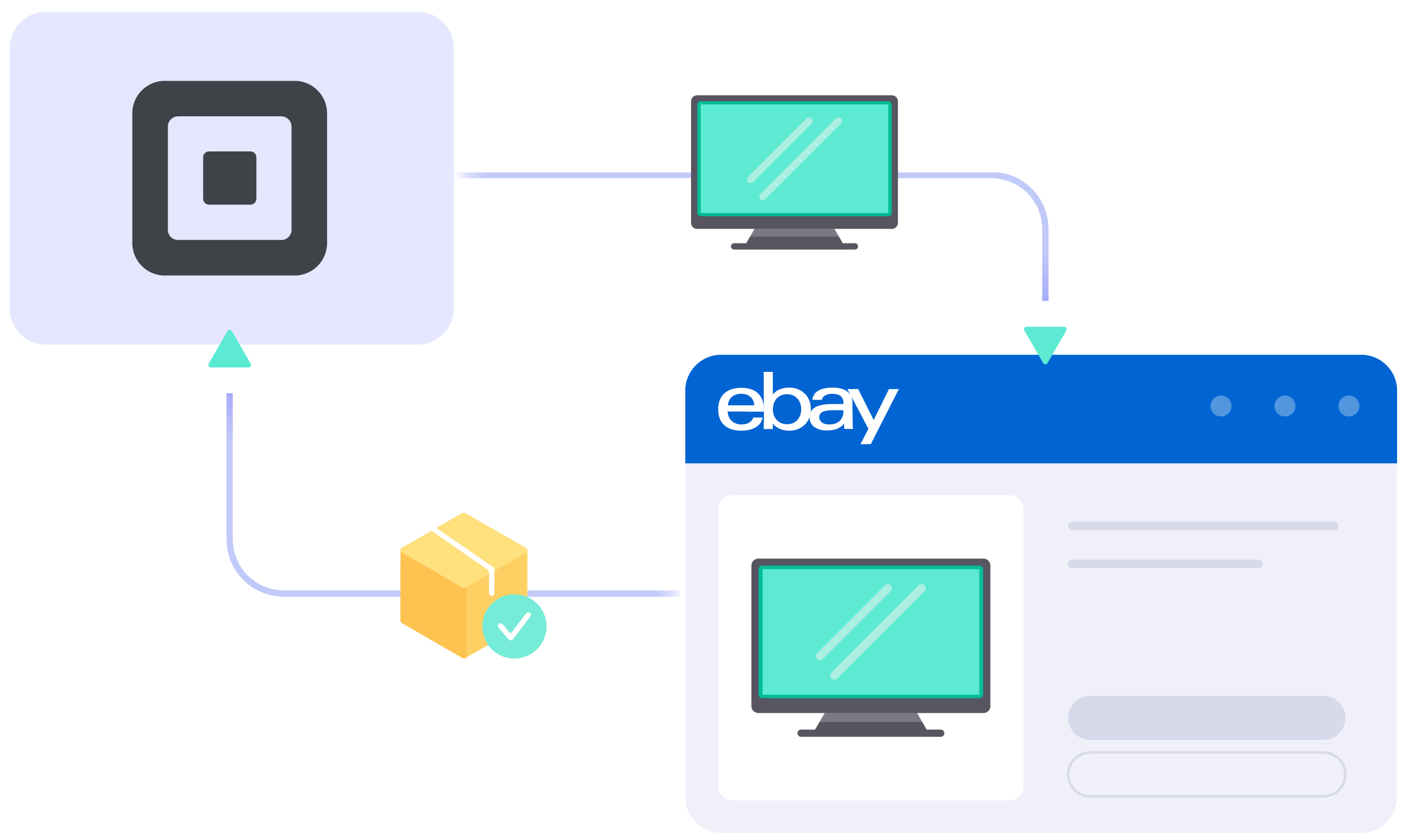
LitCommerce connects Square to eBay so your catalog, orders, and stock stay in sync between your checkout counter and your eBay store, with AI-generated eBay descriptions to help you list faster.

START FREE TRIAL

Square eBay integration

Which Data Is Included
In the Square eBay Sync?

  • icon-integration

    Price

    Keeps eBay prices matched to your Square catalog, with fixed or percentage pricing rules available when eBay prices need to differ for fees.

  • google-merchant-listing-tool

    Order

    Pulls every eBay order into your Square dashboard automatically, so you can review, fulfill, and track shipments from the same place you manage Square sales.

  • icon-time

    Inventory

    Keeps stock quantities aligned between Square and eBay on a 15-minute sync cycle, with minimum, maximum, and out-of-stock rules to help prevent overselling.

  • 1 04 4 3

    Title

    Updates the eBay listing title automatically whenever you edit a product name in Square, so both platforms always show the same, current title.

  • 1 04 4 4

    Description

    Syncs product descriptions from Square to eBay automatically, so you never have to copy and paste the same text changes across two listings.

How to Perform Square eBay Integration

  • Step 1: Link Your Shopify Store to eBay Account

    Set up your Square store through the app menu or install our app directly from the app store. Your Square store will act as the source for listing products on eBay.

    From the same dashboard, you can later connect additional channels as your business grows.

  • Step 2: List and import products on eBay

    Select Square products to list on eBay, or import existing eBay listings back into Square. New listings are stored in the Draft tab, where you can review and edit them, including using our AI tool to generate optimized eBay descriptions, before publishing.
  • Step 3: Enable Square eBay sync

    Turn on sync for price, inventory, and orders in Channel Settings. LitCommerce updates product name, price, inventory, and images between Square and eBay every 15 minutes.
  • Step 4: Manage orders

    Once Order Sync is on, eBay orders appear in your Square dashboard automatically, on the same 15-minute cycle as your other synced data. Review and fulfill them alongside your regular Square orders in one place.

START FREE TRIAL

Our Integration Pricing


(*) Number of Product Listings count towards the total number of listings on all connected sale channels, not on products you have on your mainstore.

Need a Custom Plan? Please contact us.

Popular Questions About Square eBay Integration

Not seeing your question listed here? Contact us for the quickest answer.
  • How does Square integrate with eBay through LitCommerce?

    Yes. LitCommerce connects Square to eBay by setting Square as your Main Store and eBay as a connected marketplace channel. Once connected, you can list Square products on eBay, import existing eBay listings into Square, and keep data synced between the two.

    LitCommerce also supports 10+ marketplaces and channels beyond eBay, including Etsy, Amazon, and TikTok Shop, from the same account.

  • Can I sync my Square inventory with eBay to avoid overselling?

    Yes. LitCommerce syncs inventory between Square and eBay every 15 minutes, and Square itself keeps in-person and online sales under one unified stock count. You can also set minimum, maximum, and out-of-stock rules to add an extra layer of protection against overselling.

  • How do I fulfill Square orders that come from eBay?

    Once Order Sync is on, LitCommerce imports eBay orders into your Square dashboard automatically. You can review, fulfill, and track eBay orders alongside your regular Square orders in one place instead of checking eBay separately.

  • Do my existing Square listings transfer to eBay automatically, or do I need to redo them?

    You do not need to rebuild listings from scratch. Send existing Square products to eBay as draft listings, then fill in eBay-specific fields such as category, item specifics, and shipping details before publishing. Quick/Auto List lets you apply the same template across multiple products at once.

  • Does connecting eBay to Square cost anything extra?

    Connecting Square and eBay through LitCommerce starts with a 7-day free trial, full features included. After the trial, pricing is pay-as-you-go based on total listings and connected channels, starting at $29/month for 1,000 listings across up to 3 channels, with unlimited order sync included on every plan.

  • Can I connect Square to eBay and manage other sales channels at the same time?

    Yes. Beyond eBay, LitCommerce supports 10+ marketplaces and channels from the same Square account, including Etsy, Amazon, and TikTok Shop.

    If you also sell through other storefronts, similar setups are available through Shopify eBay Integration, WooCommerce eBay Integration, Wix eBay Integration, and Squarespace eBay Integration.

Ready to sell on Square and eBay from one dashboard?

Set Square as your Main Store, connect eBay in a few clicks, and start syncing prices, inventory, and orders every 15 minutes. Try LitCommerce free for 7 days, no card required to start.

START FREE TRIAL

Continue reading

Square Etsy Integration

Square Etsy Integration

LitCommerce connects your Square catalog to Etsy, so a product you already built in Square doesn’t need to be rebuilt for Etsy’s category rules. Pricing, stock, and orders sync automatically between your Square POS and Etsy shop, with AI support for writing Etsy-ready titles and descriptions.

START FREE TRIAL

Square Etsy integration

Which Data is Included
In the Square Etsy Sync?

  • icon-integration

    Price

    Square price changes push to Etsy automatically, with optional markup or discount rules so your Etsy prices can differ from your in-store Square pricing.
  • google-merchant-listing-tool

    Order

    Every Etsy order lands in your Square dashboard within 60 minutes, ready to fulfill alongside your in-store and online Square sales.
  • icon-time

    Inventory

    Stock counts sync between Square and Etsy every 60 minutes, with rules to hold back a percentage of stock and stop overselling limited items.
  • 1 04 4 3

    Title

    Product titles you edit in Square update on the matching Etsy listing, so buyers browsing Etsy always see the same name as your Square catalog.
  • 1 04 4 4

    Description

    Write a product description once in Square and it carries over to Etsy, so you’re not rewriting the same copy every time something changes.

How to Integrate Square with Etsy

  • Step 1: Connect Square to Etsy

    Set Square as your Main Store, then add Etsy as a connected marketplace from your LitCommerce dashboard or the Square App Marketplace. Once connected, you can also add channels like eBay, Amazon, or TikTok Shop from the same account.
  • Step 2: List and Import Products Between Square and Etsy

    Choose Square products to list on Etsy, or import existing Etsy listings into Square. New listings land in the Draft tab, where you can fill in Etsy-specific fields and use the AI tool to generate optimized titles and descriptions before publishing.
  • Step 3: Enable Automated Square Etsy Sync

    LitCommerce checks price, inventory, and listing details between Square and Etsy every 60 minutes, so both catalogs stay aligned without manual updates.
  • Step 4: Manage Centralized Etsy Order Flow

    Turn on order sync and every Etsy order appears in your Square dashboard, ready to review and fulfill next to your in-store and online sales.

START FREE TRIAL

Our Integration Pricing


(*) Number of Product Listings count towards the total number of listings on all connected sale channels, not on products you have on your mainstore.

Need a Custom Plan? Please contact us.

Popular Questions About Square Etsy Integration

Not seeing your question listed here? Contact us for the quickest answer.
  • I sell in person through Square POS. Will an item still show as available on Etsy right after it sells in my store?

    For up to 60 minutes, yes, that’s how often LitCommerce checks Square and Etsy for price and inventory changes. To lower the risk of overselling on Etsy after an in-store sale, set an inventory buffer in Channel Settings so only part of your Square stock is ever shown as available on Etsy.

  • Can I list handmade or vintage items from Square on Etsy without re-entering everything?

    Square products come into LitCommerce with your existing price, title, description, and images. Etsy still requires its own fields, such as category, materials, and Personalization options, that Square doesn’t track, so you’ll complete those once in the Draft tab before publishing. After that, LitCommerce keeps both listings synced.

  • Does this work with Square Online, Square POS, or both?

    Square becomes your Main Store in LitCommerce regardless of how you use it. Products, inventory, and orders are pulled from your connected Square account, whether they come from Square Online, Square POS, or both.

  • What happens to my existing Etsy shop and its reviews when I connect it?

    Connecting doesn’t change your Etsy shop itself. LitCommerce links product, inventory, and order data between Square and Etsy; your shop history, reviews, and Etsy account settings stay exactly as they are.

  • How much does it cost to connect Square and Etsy with LitCommerce?

    LitCommerce runs on a 7-day free trial with full feature access; there’s no permanent free plan for Marketplace Integration. After the trial, pricing is pay-as-you-go by listing count and number of connected channels, starting at $29/month for 1,000 listings across 3 channels, with unlimited order sync on every plan.

  • Can I manage more than Square and Etsy from the same account?

    Yes. Once Square and Etsy are connected, you can add more channels, including eBay, Amazon, TikTok Shop, and Walmart, from the same LitCommerce account and manage all of them from one dashboard.

Keep Square and Etsy Selling in Step

Supercharge your sales with LitCommerce Shopify eBay integration. Expand, dominate, and expand across eBay and 10+ channels, platforms, and marketplaces with confidence. Maximize your business potential now!

START FREE TRIAL

Continue reading

Square Amazon Integration

Square Amazon Integration

Square doesn’t connect to Amazon on its own, so sellers who want to list there end up updating stock and prices twice. LitCommerce sets Square as your Main Store and keeps your Amazon listings, inventory, and orders in sync from one dashboard.

START FREE TRIAL

Square Amazon Integration

Which Data is Included
In the Square Amazon Sync?

  • icon-integration

    Price

    Applies your Square prices to Amazon automatically, with the option to add a fixed markup or percentage rule to cover referral fees and stay competitive.

  • google-merchant-listing-tool

    Order

    Keeps stock levels aligned between Square and Amazon to help prevent overselling. FBA listings are the exception: Amazon manages that stock count directly.

  • icon-time

    Inventory

    Imports new Amazon orders into your Square order page with product title, SKU, and price, so you can review and fulfill everything from one place.

How to Integrate Square with Amazon

Adding Amazon means reaching one of the largest marketplaces without having to rebuild the POS setup you already use. With LitCommerce, connecting Square to Amazon takes just four steps.

  • Step 1: Connect Square to Amazon

    Square becomes your Main Store, the central catalog LitCommerce uses for publishing products, running sync, and managing connected channels. Connect it through the Square App Marketplace or directly from the LitCommerce dashboard. Then select Amazon, enter your Amazon shop name, and sign in to grant LitCommerce access. Once authorized, Amazon is added as a connected marketplace and Square stays your source of truth.

  • Step 2: List and import products on Amazon

    • You want to list Square products on Amazon: Go to All Products, select the Square items to list, then Select Action → Add to Channel Drafts, and check the box next to your Amazon shop. Review each draft and complete the Amazon-specific fields, including category and product attributes, before publishing. 
    • You want to import Amazon products to Square: On the Amazon channel tab, click Import from Amazon, filter which products to bring in, and let LitCommerce auto-link matching items. Select the imported listings, then Select Action → Create on Square.
    • You want to link products that exist on both: A blue dot means a listing is already linked; a red dot means it isn’t. Hover over the red dot, choose Link to a Product, and select the matching item in your catalog. Linking avoids duplicate listings and prepares the pair for sync.
  • Step 3: Enable Square Amazon sync

    Open your Amazon channel, go to Channel Settings, and configure three sync options:

    • Price sync: updates connected Amazon listings when the price changes in Square, with an optional fixed or percentage rule to adjust for referral fees or promotions.
    • Inventory sync: keeps stock aligned between Square and merchant-fulfilled Amazon listings. If you also sell in person, whatever quantity Square shows after a register sale is what gets pushed to Amazon. FBA listings are the exception: Amazon manages that stock count, so LitCommerce does not sync inventory for them.
    • Order sync: imports Amazon orders into Square with product title, SKU, and price. Customer and shipping details aren’t included, due to limitations in the Amazon API.

    LitCommerce checks all three every 15 minutes. Save Settings once configured.

  • Step 4: Manage orders

    Amazon orders import into your Square order page with product-level details, so you can review and fulfill Square and Amazon orders from one dashboard.

START FREE TRIAL

Our Integration Pricing


(*) Number of Product Listings count towards the total number of listings on all connected sale channels, not on products you have on your mainstore.

Need a Custom Plan? Please contact us.

Popular Questions About Square Amazon Integration

Not seeing your question listed here? Contact us for the quickest answer.
  • Does Square connect to Amazon on its own, or do I need a separate tool?

    No. Square has no built-in connection to Amazon. LitCommerce connects the two: Square becomes your Main Store, Amazon is added as a connected channel, and listings, sync, and orders are managed from one dashboard.

  • I sell in person through Square POS. Will an in-store sale update my Amazon stock before I oversell?

    LitCommerce reads your current Square inventory, which already reflects register and online sales, and pushes updates to Amazon every 15 minutes. For FBA listings, Amazon manages the stock count directly, so LitCommerce does not sync inventory for those.

  • Amazon asks for UPC, GTIN, and category attributes that aren’t in my Square catalog. How do I handle that?

    Amazon requires more structured product data than Square by default. When you list a Square product on Amazon, it opens as a draft so you can fill in the missing fields before publishing. Amazon doesn’t support Quick Publish, so this review step happens for every listing.

  • I use Amazon FBA for some products. Does LitCommerce still keep those in sync with Square?

    Price can still sync for FBA listings. Inventory is the exception: FBA stock lives in Amazon’s fulfillment centers, so Amazon remains the source of truth and LitCommerce doesn’t overwrite it from Square.

  • If I fulfill an Amazon order directly in Square, will the tracking show up on Amazon?

    No. Order status updates sync one way, from Amazon into Square. If you fulfill inside Square instead, LitCommerce can’t push that fulfillment or tracking data back to Amazon, due to Amazon’s API restrictions.

  • How much does it cost to connect Square with Amazon through LitCommerce?

    Marketplace Integration is pay-as-you-go, based on total listings across all connected channels. Plans start at $29/month for 1,000 listings across 3 channels, with a 7-day free trial on every plan and unlimited order sync included at every tier.

Ready to list your Square catalog on Amazon?

Supercharge your sales with LitCommerce Shopify eBay integration. Expand, dominate, and expand across eBay and 10+ channels, platforms, and marketplaces with confidence. Maximize your business potential now!

START FREE TRIAL

Continue reading

TikTok Shop Listing Tool

TikTok Shop Integration

Connect your store to TikTok Shop and automatically sync listings, inventory, pricing, and orders in one centralized dashboard. Simplify operations and manage your multichannel sales with ease.

TikTok Shop
Service Partner

Challenges of Selling on TikTok Shop

Selling on TikTok Shop opens up new growth opportunities, but managing listings, inventory, and orders across channels can quickly become overwhelming without the right tools.

  • Manual Listing Management

    Managing products manually across your store and TikTok Shop is time-consuming and error-prone. Product updates, pricing changes, and new listings can quickly become difficult to track.

  • Inventory Sync Issues

    Without real-time inventory sync, overselling and stock mismatches can happen across channels. This creates poor customer experiences and unnecessary operational headaches.

  • Order Management Complexity

    Handling TikTok Shop orders separately from your main store slows down fulfillment and increases the risk of missed or delayed orders.

TikTok Shop Integration – Features That Simplify Selling

LitCommerce helps merchants automate core selling workflows, from product listing and inventory sync to centralized order management.

  • icon-integration

    Seamless Marketplace Integration

    One-click connect with multiple sales channels at once. No technical skills or re-platforming are required. You can manage all channels within the LitCommerce app.

  • litC web icon TikTok 03

    Inventory and Price Sync

    Sync of product listings, orders, pricing and inventory between your eCommerce platform store and sales channels. No more overselling or stock-out errors.

  • litC web icon TikTok 04

    Unified Order fulfillment

    Import your sales channel orders into your eCommerce platform or use LitCommerce as your central hub. Cut down the workflow, save time and just focus on business growth.

  • icon-time

    Quick Publish Listing

    Bulk import, create, and edit listings using an intuitive interface. Apply smart listing rules to expedite data entry, and utilize Quick Publish to launch products more quickly.

  • icon-time

    Scheduled Auto Publishing

    Enable automated publishing by scheduling listings to go live automatically, helping you launch products on time and reduce manual effort.

  • litC web icon TikTok 06

    Time-saving Product Category Auto Suggest

    Unlocking product visibility on TikTok involves an effective strategy. With LitCommerce, we analyze your product details and suggest the best category, streamlining your listing process.

  • litC web icon TikTok 05

    Popular Regions Supported

    Selling on TikTok across diverse regions poses challenges. LitCommerce supports sellers in the US, UK, Asia, and beyond, simplifying global reach with advanced features and support.

Why Should You Sell on TikTok Shop?

  • icon-2.1

    Immersive LIVE Shopping Experience

    LIVE shopping enables direct communication and connection with consumers through immersive and highly engaging content.

  • icon-2.2

    Viral Potential

    TikTok’s algorithm promotes content that resonates with users, giving sellers the chance to create viral campaigns that can rapidly increase brand awareness.

  • icon-2.3

    Gen Z and Millennial Audience

    TikTok’s user base primarily consists of younger demographics, making it an ideal platform for sellers targeting Gen Z and Millennial consumers.

  • icon-2.4

    Diverse eCommerce Seller Tools

    Seamlessly connect your TikTok Shop with a variety of eCommerce features, enabling users to make purchases directly within the app and enhance the shopping experience.

  • icon-2.5

    Mobile-Centric Platform

    TikTok Shop allows you to connect with users on their smartphones, ensuring maximum reach and engagement among potential buyers worldwide.

How to Integrate with TikTok Shop

  • Step 1: Connect your store to TikTok Shop

    Pick your Main Store first, then link TikTok Shop to it. Your Main Store is where products come from and where everything syncs back to. There are three ways to get started:

    • Use an online store: Run a store with Shopify, Wix, WooCommerce, BigCommerce, or Squarespace? Set it as your Main Store and list straight to TikTok Shop.
    • Sell marketplace-to-marketplace: No website? Make LitCommerce your Main Store, connect a marketplace like Amazon, Etsy, or eBay, and sell on TikTok Shop from there.
    • Upload a file: Bring in a product file and send those items to TikTok Shop – no store required.

    Through LitCommerce, you can connect your TikTok Shop store with 15+ leading platforms and marketplaces, such as Amazon, eBay, TikTok Shop, Walmart, Shopify, WooCommerce, and many more.

    Check out our available integrations right here.

  • Step 2: List products on TikTok Shop

    There are three ways to list and import on TikTok Shop, depending on where your products already live:

    • Case 1: You have products on your eCommerce platform, marketplace, or a file and you want to list them on TikTok Shop.
    • Case 2: You have products on TikTok Shop and want to import product listings to your eCommerce platform or marketplaces.
    • Case 3: Products exist on both TikTok Shop and somewhere else, you want to link them together.

    Products listed in the TikTok Shop will be stored in the tab Draft. You can edit products before publishing them live on TikTok Shop.

  • Step 3: Enable TikTok Shop sync

    Turn on sync and your listings update close to real time. The products details such as product name, images, inventory, price, orders, etc., are synced between your TikTok Shop and other stores every 15 minutes.

  • Step 4: Manage TikTok Shop order flow

    When you enable Order Sync, all TikTok order details flow into your Main Store automatically. Where you handle them depends on your setup:

    • Online store as Main Store (Shopify, WooCommerce, etc.): Orders show up on your store’s order page, ready to track and ship from there.
    • LitCommerce as Main Store: Handle TikTok Shop orders inside LitCommerce, next to your other marketplace orders — all in a single view.

    Note: You can fulfill TikTok orders on your eCommerce store once you choose the “Shipped by Seller” fulfillment method.

START FREE TRIAL

Show More

See how our sellers thrive on TikTok Shop

  • 50M+

    Active Listings

  • 80K+

    Customers Worldwide

  • 10+

    Channel Integrations

  • 4.9*

    Rating from Merchants

FAQs – About LitCommerce TikTok Shop Integration

  • What is TikTok Shop Integration?

    TikTok Shop Integration is a tool for listing your products from eCommerce platform to your TikTok Shop using LitCommerce. LitCommerce supports listing products in bulk, syncing and managing your product listings, orders, and inventory.

  • Who is TikTok Shop Integration best for?

    TikTok Shop Integration is perfect for small business owners, influencers, and brands who want to connect with TikTok’s energetic and creative community. It’s especially great for anyone looking to boost their sales by turning TikTok’s entertaining content into a powerful selling tool.

  • What are the benefits of TikTok Shop Integration?

    TikTok Shop has emerged as a powerful tool for eCommerce businesses, integrating social media engagement with online shopping. Here are the key benefits of using a TikTok Shop Integration:

    • Seamless shopping experience: The TikTok Shop Integration makes shopping easy by letting users discover and buy products directly within the app. This integrated approach keeps customers engaged and encourages impulse purchases, boosting sales.
    • Increased engagement opportunities: TikTok’s interactive content formats, like shoppable videos and live streams, enhance customer engagement. Partnering with influencers can further amplify your product’s reach and drive higher sales.
    • Data-driven insights: The tool provides analytics on views, clicks, and conversions, helping you optimize your marketing strategies based on real data.
    • Cost-effective marketing: TikTok Shop offers a budget-friendly alternative to traditional advertising. By focusing on organic content and direct sales through the platform, you can reduce costs and improve profit margins.
  • Which platforms does LitCommerce support to list products on TikTok?

    Identified as a TikTok listing tool, LitCommerce supports you in listing products on TikTok from +15 leading eCommerce platforms and marketplaces.
    Here are some of them:

    – Shopify TikTok Shop Integration
    – WooCommerce TikTok Shop Integration
    – BigCommerce TikTok Shop Integration
    – Wix TikTok Shop Integration
    – Squarespace TikTok Shop Integration

    – Amazon TikTok Shop Integration
    – eBay TikTok Shop Integration

    Beyond these, LitCommerce also supports channels like Etsy, Walmart, and more.

  • Which marketplaces can TikTok Shop integrate with through LitCommerce?

    Through LitCommerce, TikTok Shop can connect with 10+ leading marketplaces, including Amazon, Etsy, eBay, Walmart, Temu, Reverb, and Faire. You can list products from any of these marketplaces onto TikTok Shop or the other way around. With nearly real-time inventory, price, and order sync, you can avoid overselling and manage every channel from one dashboard.

  • How do I list products on TikTok Shop?

    The process of listing products on TikTok Shop with LitCommerce takes 4 simple steps:

    • Step 1: Connect your main store to TikTok Shop
    • Step 2: List products on the TikTok Shop
    • Step 3: Enable TikTok Shop sync
    • Step 4: Manage TikTok Shop order flow

    Notes: When listing products on TikTok Shop, check if you need to list products on TikTok Shop, list products from TikTok Shop to your store, or link the same products on two channels together.

  • What should you prepare before integrating with TikTok Shop?

    • Prepare your web store (Shopify, Wix, WooCommerce, Squarespace, etc.).
    • Create a TikTok for Business account and explore the TikTok Business Center.
    • Align payment methods and currencies between TikTok Shop and your web store.
    • Familiarize yourself with and comply with TikTok Community Guidelines.
    • Choose “Shipped by Seller” shipping method
    • Set up Warehouse and Delivery option
  • How much does LitCommerce charge TikTok Shop Integration?

    LitCommerce provides a free trial 7-day along with other paid plans. We use a ‘pay-as-you-go’ pricing model based on the number of integrated channels and how many listings you have.

    Please check our pricing page and calculate how much you will pay for the TikTok Shop Listing Tool.

  • Can LitCommerce import my TikTok Shop orders into my eCommerce platform?

    Yes, once you enable Order Sync, LitCommerce will import all order details (product and buyer info) into your eCommerce platform order page. You can manage and fulfill all your orders in one dashboard.

    However, please note that we only import orders once you choose the “Shipped by Seller” fulfillment method.

See Why Sellers Choose LitCommerce

Discover why sellers choose LitCommerce to simplify selling across TikTok Shop and other marketplaces.

“LitCommerce allows us to set up and install quickly with just a couple of clicks…”

Very minimal configuration. LitCommerce allowed us to import our Etsy listings into LitCommerce and the freedom to modify and sync all those listings to multiple marketplaces, including BigCommerce, Shopify, Amazon, eBay, and Etsy…

Mr. Rodrigo, CEO of Bien Hecho

  • Courtdale CrossingsUnited States

    Litcommerce is GREAT!

    Excellent platform to use for my new business and it just so happens to come with amazing customer service! A+++++++

    Review Source

  • AnthonyUnited Kingdom

    LitCommerce is a very powerful tool

    LitCommerce is a very powerful tool. There are a lot of moving parts, but support is extremely helpful. As I was working on some drafts I was contacted by Evelyn and she was extremely helpful in making sure I was using all the tools that LitCommerce offers. She showed me how I could apply certain templates to all my drafts at once instead of one by one. Saving me a bunch of time! Highly recommend LitCommerce!

    Review Source

  • Lovely ThinkingsPortugal

    Friendly and helpful

    Friendly, quick and helpful customer service. Wide enough range of connection options to meet my needs.

    Review Source

  • Adam RogersUnited States

    I am really impressed with the level of support.

    Both times I had several questions and a small issue and both times two different people responded instantly....

    Review Source

  • Castle Rocks CornwallUnited Kingdom

    Near perfect - excellent customer service

    LitCommerce is close to perfect. It could have some extra tools to help edit content/descriptions etc - what we use on Etsy...

    Review Source

  • Flippin GoodiesUnited States

    I have tried a few apps for cross listing

    And the team at LitCommerce are by far the best out there. They have already added a few functions to the app that we need in order to use it...

    Review Source

  • Botan SaydaUnited Kingdom

    Solves all my problems on one platform

    Solves all my problems on one platform, easy to use and incredible support team which are responsive almost instantly and very helpful...

    Review Source

  • LubnaSyria

    Great customer service team

    Great customer service team, fast and helpful

    Review Source


See More Reviews

Go LitCommerce Multi-Channel Today!

Take the very first step to effectively expand your online business with
our multichannel selling solution.

Start Free Trial

Continue reading

Shopee Listing Tool

Empower Your Business in South East Asia with Advanced Shopee Listing Tool

Streamline your operations more smoothly with LitCommerce – Shopee listing tool and ensure your products stand out in the South East Asian market. Try 7-Day Free Trial and expand your footprint across the region.

START FREE TRIAL

What You Can Get from Our Shopee Listing Tool?

  • shopee-listing-tool

    Seamless Marketplace Integration

    One-click connect with multiple sales channels at once. No technical skills or re-platforming are required. You can manage all channels within the LitCommerce app.

  • shopee-listing-tool

    Time-saving Listing Management

    Bulk import, create and edit listings with an easy-to-use interface. By setting rules to your listings, the data-filling process will be much faster and more effective.

  • shopee-listing-tool

    Free Advanced Listing Editor

    Edit listings on Shopee is easier and faster than ever with LitCommerce QuickGrid – an advanced and intuitive listing editor, auto-assigning listing attributes and settings.

  • shopee-listing-tool

    Near-instant Sync

    Sync of product listings, orders, pricings and inventory between your eCommerce platform store and sales channels. No more overselling or stock-out errors.

  • shopee-listing-tool

    Unified Order Fulfillment

    Import your sales channel orders directly into your eCommerce platform’s order page. Cut down the workflow, save time and just focus on business growth.

What Makes Shopee a Potential Marketplace?

  • shopee-listing-tool

    South East Asian Market Focus

    Shopee is a haven for anyone selling items in South East Asia and Taiwan, offering extensive localization and regional support for its sellers.

  • shopee-listing-tool

    Interactive Shopping Experience

    Experience Shopee Live, Shopee Video Shopping, and many more features that could encourage you interact with potential customers and eventually make sales happen.

  • icon-listing-tool

    Cross-border Trade Opportunities

    Selling your items across South East Asia made easy with Shopee cross-border logistic, order fulfillment, and localized support

  • icon-listing-tool

    Mobile-first Platform

    With up to 91% of shoppers purchase on their phone and still rising, selling on Shopee, a mobile-first platform, can help leverage this trend and ultimately enhance sales potential.

How to List Products on Shopee

  • Step 1: Connect your store to Shopee

    Set up your Main Store first, then connect your Shopee store. This is the source for listing and syncing products to Shopee. You have three ways to set it up:

    • Connect an online store: Use your online store (Shopify, Wix, WooCommerce, BigCommerce, Squarespace, and more) as your Main Store and list your products from there to Shopee.
    • Sell marketplace-to-marketplace: No webstore? Connect LitCommerce as your Main Store, then link your marketplace (Amazon, Etsy, eBay…) to list directly on Shopee.
    • Start from a file: Import a product catalog file and push those products to Shopee – no store needed.

    LitCommerce supports connecting your Shopee store to 15+ top-tier channels, including Amazon, Etsy, eBay, Walmart, TikTok Shop, Shopify, WooCommerce, and more.

    Check out our available integrations right here.

  • Step 2: List products on Shopee

    List your items easily using the Shopee bulk listing tool – LitCommerce. We support three major listing cases:

    • Case 1: You have products on an online store, a marketplace, or a file, and you want to list them on Shopee.
    • Case 2: You have products on Shopee, and you want to import those listings into your online store or another marketplace.
    • Case 3: You have products on both Shopee and another place (store or marketplace), and you want to link them together to keep them in sync.

    Products listed on Shopee are stored in the Draft tab first, so you can review and edit them before publishing live.

  • Step 3: Enable Shopee sync

    Our Shopee listing tool offers nearly real-time sync. Once set, your product details – name, images, inventory, price, and more – stay synced between your current and Shopee every 15 minutes. Your product data stays accurate across every connected channel and you avoid overselling.

  • Step 4: Manage orders from eBay store

    When you enable Order Sync, all Shopee order details flow into your Main Store automatically – how you manage them depends on your setup:

    • eCommerce platform as Main Store (Shopify, WooCommerce, etc.): Shopee orders land right in your store’s order page, so you can track and fulfill all your orders in your eCommerce platform.
    • LitCommerce or as Main Store: Manage Shopee orders inside LitCommerce, alongside your other marketplace orders – conveniently all in one place.

START FREE TRIAL

See how our sellers thrive on Shopee

  • 2M+

    Active Listings

  • 20K+

    Customers Worldwide

  • 23+

    Channel Integrations

  • 4.9*

    Rating from Merchants

FAQs – About LitCommerce Shopee Listing Tool

  • What is Shopee Listing Tool?

    Shopee Listing Tool is software that simplifies creating and managing product listings on Shopee. It helps sellers save time and streamline their workflow by automating tasks like bulk listing, inventory syncing, and order management.

    LitCommerce supports listing on Shopee from 15+ eCommerce platforms and marketplaces. WooCommerce Shopee Integration and Wix Shopee Integration rank among the most sought-after options.

  • Can LitCommerce import my Shopee orders into my eCommerce platform?

    Yes. Once you enable Order Sync, LitCommerce imports all your Shopee order details into your Main Store automatically – whether that’s an eCommerce platform or LitCommerce. This allows you to manage all your orders in one dashboard conveniently.

  • What does LitCommerce use as the source of truth for sync of data?

    LitCommerce uses your eCommerce platform’s inventory as the source of truth for data sync. This means that any changes you make to your inventory, such as adding or removing products, updating prices, or changing quantities, will be automatically synced to your sales channels and vice versa.

  • Which channels can I connect to Shopee using LitCommerce?

    LitCommerce lets you list on Shopee from 15+ of the most popular eCommerce platforms and marketplaces. Here are some of them:

    • Shopify Shopee Integration
    • WooCommerce Shopee Integration
    • BigCommerce Shopee Integration
    • Wix Shopee Integration
    • TikTok Shop Shopee Integration
    • eBay Shopee Integration

    Beyond these, LitCommerce also supports channels like Amazon, Etsy, Walmart, and more.

  • How do I get started with LitCommerce’s Shopee listing tool?

    To get started with LitCommerce’s Shopee listing tool, you can sign up for a free trial. Once you have signed up, you can connect your Shopee store and start listing products.

  • What are the advantages of using LitCommerce over other softwares?

    There are many benefits to using LitCommerce’s Shopee listing tool over other Shopee listing softwares, including:

    • Ease of use: LitCommerce Shopee listing tool is easy to use, even for beginners.
    • Wide range of features: LitCommerce offers a wide range of features, including listing creation, inventory management, order syncing, reporting, and support.
    • Affordable pricing: LitCommerce is available at an affordable price.
  • How do I optimize my listing on Shopee?

    According to the house guidelines, here are some tips for Shopee listing optimization:

    • Create complete and accurate listings
    • Write concise and appealing titles, but do not exceed 80 characters
    • Write accurate product descriptions with all details and usage guidelines
    • Have high-quality photos
    • Add keywords to your titles and descriptions

    In addition to following such guidelines, don’t forget to use eBay seller tools and grab every support you can because this is a fiercely competitive marketplace.

Why Our Customer Trust Us

“LitCommerce allows us to set up and install quickly with just a couple of clicks…”

Very minimal configuration. LitCommerce allowed us to import our Etsy listings into LitCommerce and the freedom to modify and sync all those listings to multiple marketplaces, including BigCommerce, Shopify, Amazon, eBay, and Etsy…

Mr. Rodrigo, CEO of Bien Hecho

  • Courtdale CrossingsUnited States

    Litcommerce is GREAT!

    Excellent platform to use for my new business and it just so happens to come with amazing customer service! A+++++++

    Review Source

  • AnthonyUnited Kingdom

    LitCommerce is a very powerful tool

    LitCommerce is a very powerful tool. There are a lot of moving parts, but support is extremely helpful. As I was working on some drafts I was contacted by Evelyn and she was extremely helpful in making sure I was using all the tools that LitCommerce offers. She showed me how I could apply certain templates to all my drafts at once instead of one by one. Saving me a bunch of time! Highly recommend LitCommerce!

    Review Source

  • Lovely ThinkingsPortugal

    Friendly and helpful

    Friendly, quick and helpful customer service. Wide enough range of connection options to meet my needs.

    Review Source

  • Adam RogersUnited States

    I am really impressed with the level of support.

    Both times I had several questions and a small issue and both times two different people responded instantly....

    Review Source

  • Castle Rocks CornwallUnited Kingdom

    Near perfect - excellent customer service

    LitCommerce is close to perfect. It could have some extra tools to help edit content/descriptions etc - what we use on Etsy...

    Review Source

  • Flippin GoodiesUnited States

    I have tried a few apps for cross listing

    And the team at LitCommerce are by far the best out there. They have already added a few functions to the app that we need in order to use it...

    Review Source

  • Botan SaydaUnited Kingdom

    Solves all my problems on one platform

    Solves all my problems on one platform, easy to use and incredible support team which are responsive almost instantly and very helpful...

    Review Source

  • LubnaSyria

    Great customer service team

    Great customer service team, fast and helpful

    Review Source


See More Reviews

Go LitCommerce Multi-Channel Today!

Take the very first step to effectively expand your online business with
our multichannel selling solution.

START FREE TRIAL

Continue reading